Opening Act
Talent competition app for musicians
Overview
The app and my role
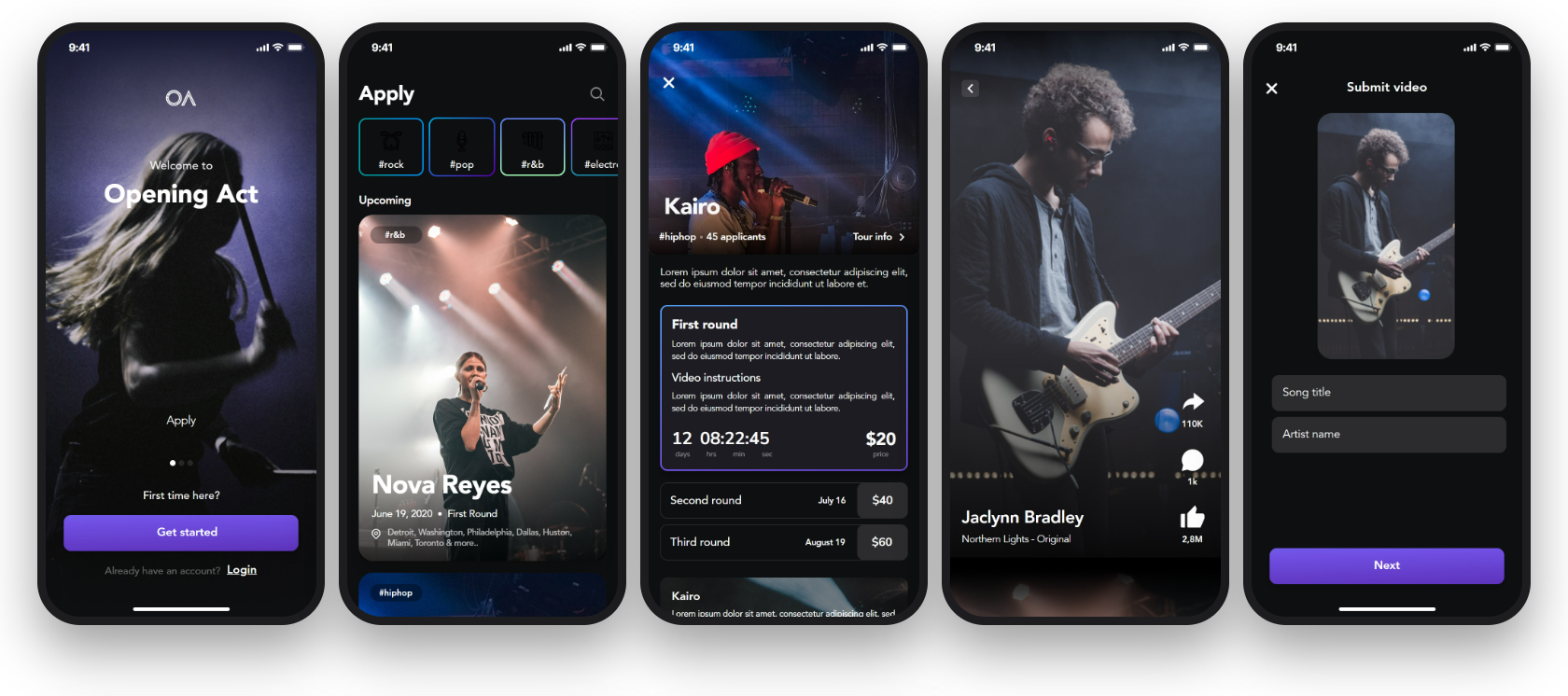
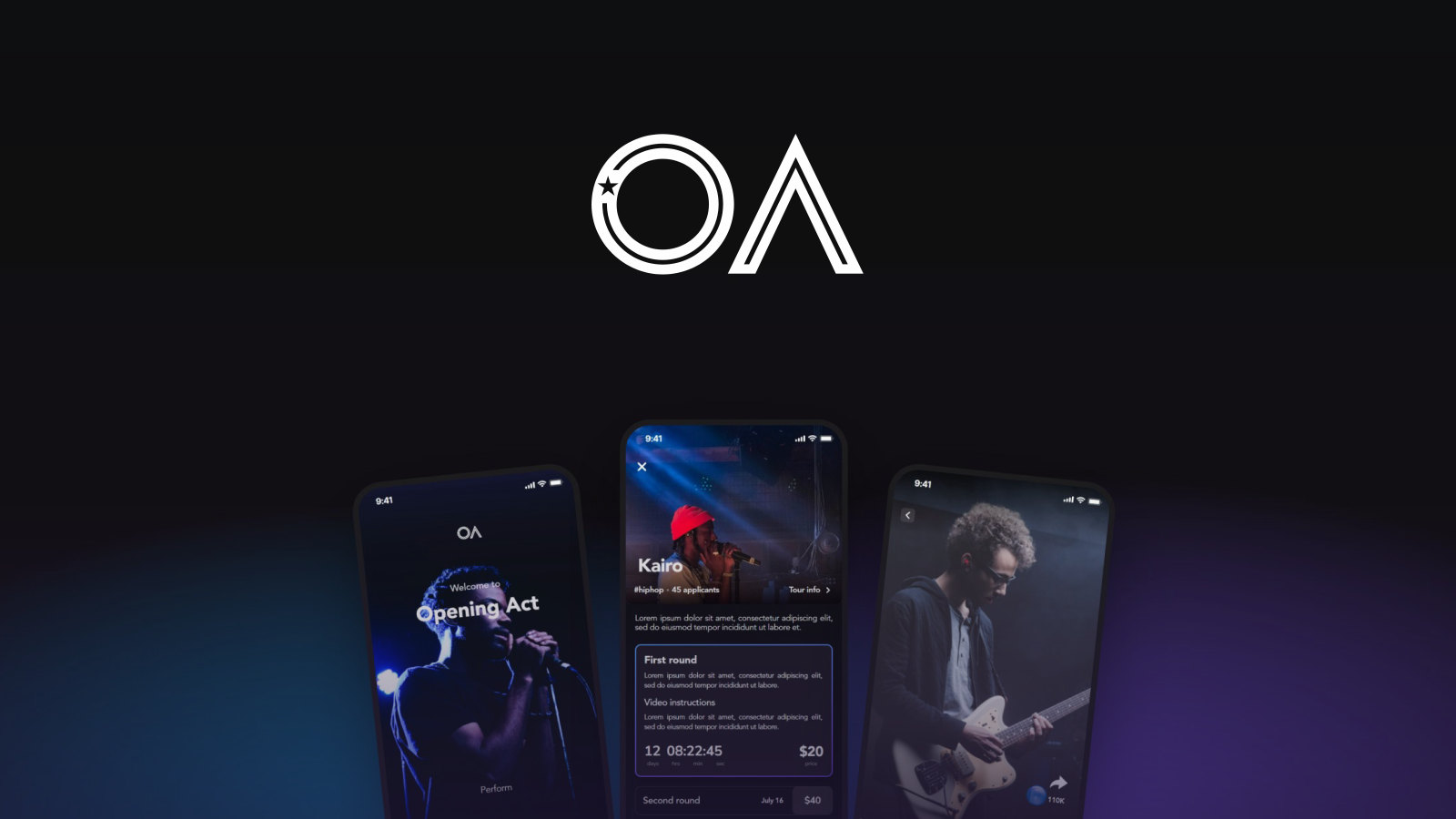
Opening Act gives up-and-coming musicians a shot at the stage: they apply to open for a touring artist, upload a performance video and pay a small entry fee per round, while fans vote the best acts through to the Top 20. As lead external collaborator for Coreware Labs, I oversaw the project and helped the team deliver it, from the first flows to the payment.
the app
per tour
tabs
sign in
My Responsibilities
Lead external collaborator
Coreware Labs designed and built the app; I led the project from outside the team.
Set the course with the Coreware Labs team, from the first flows to the final round.
Reviewed every flow, from onboarding to payment, for clarity and consistency.
Helped shape the path from finding a tour to recording, paying and voting.
Kept the scope on what artists and fans needed first: apply, vote and perform.
Kept the OA mark, the gradient and the stage-dark interface consistent across the app.
Worked with designers and developers to carry the screens from design into the build.
Brand identity
Logo, color and type
An O with a star cut into its ring and an A drawn as a stage spotlight, in white on a cyan to violet gradient. The app runs on near-black, so photos of artists carry the color, with violet for every action and the gradient kept for the icon and the splash screen.
On the gradient
On Night
On Stage Violet
Color palette
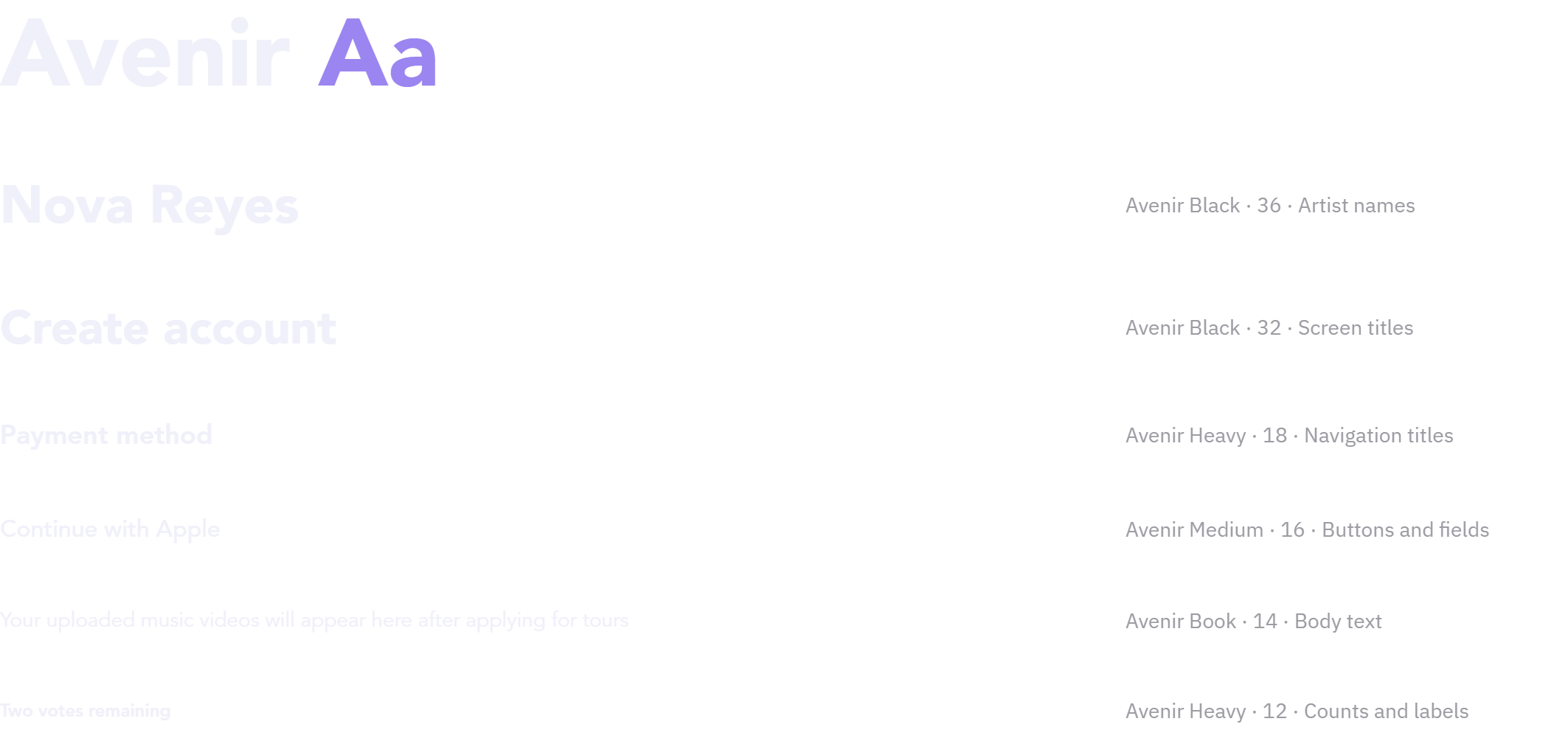
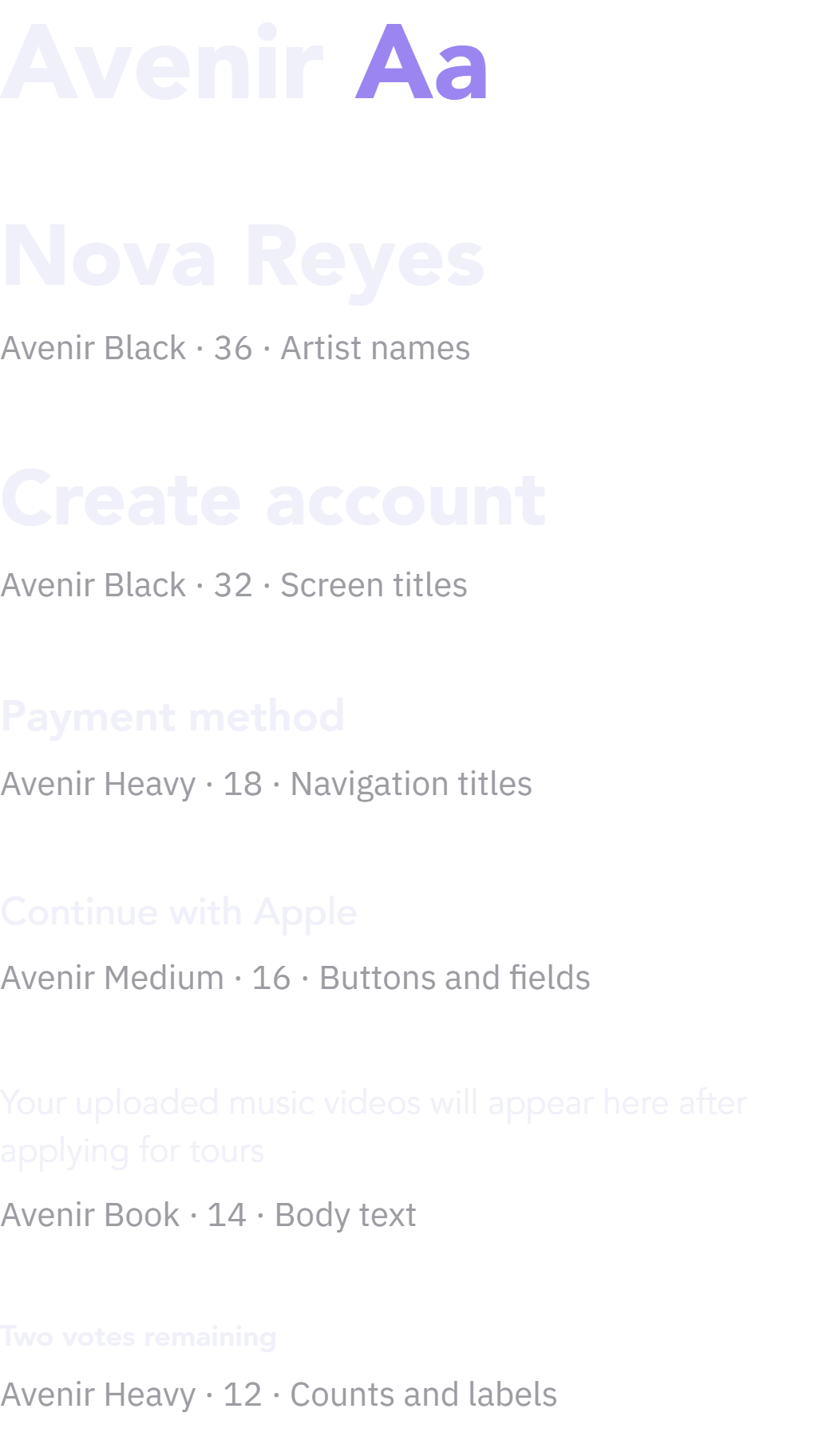
Typography
UI components
Buttons



Sign in




Fields: default, focus, filled



Payment
Vote, comment, share, record





Navigation and settings



Onboarding and sign in
From the splash screen to the first tour
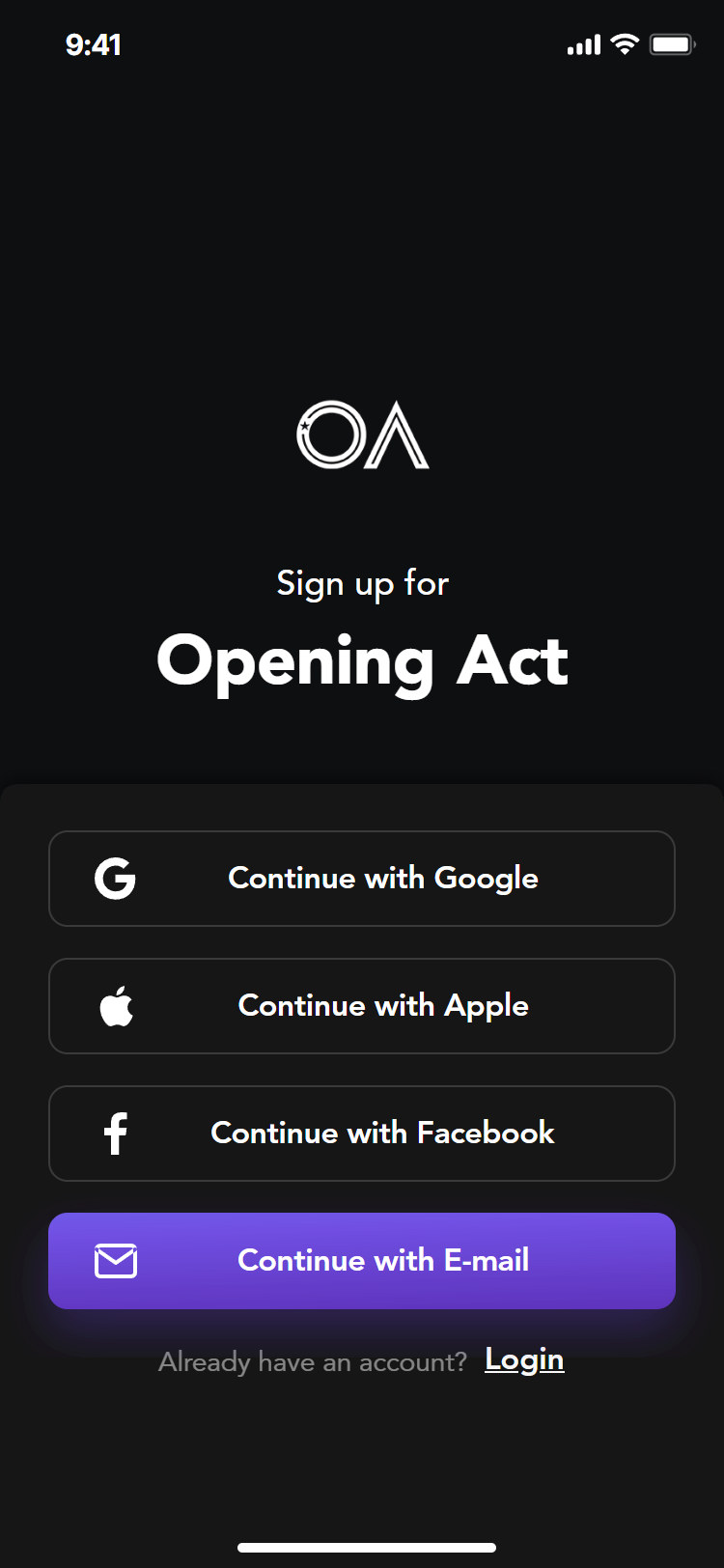
Three welcome screens set the promise in one word each, Apply, Vote and Perform, over concert photos. Signing in takes one tap with Google, Apple or Facebook, or an e-mail and password, and a new account asks only for a name and a phone number.
Welcome

Splash
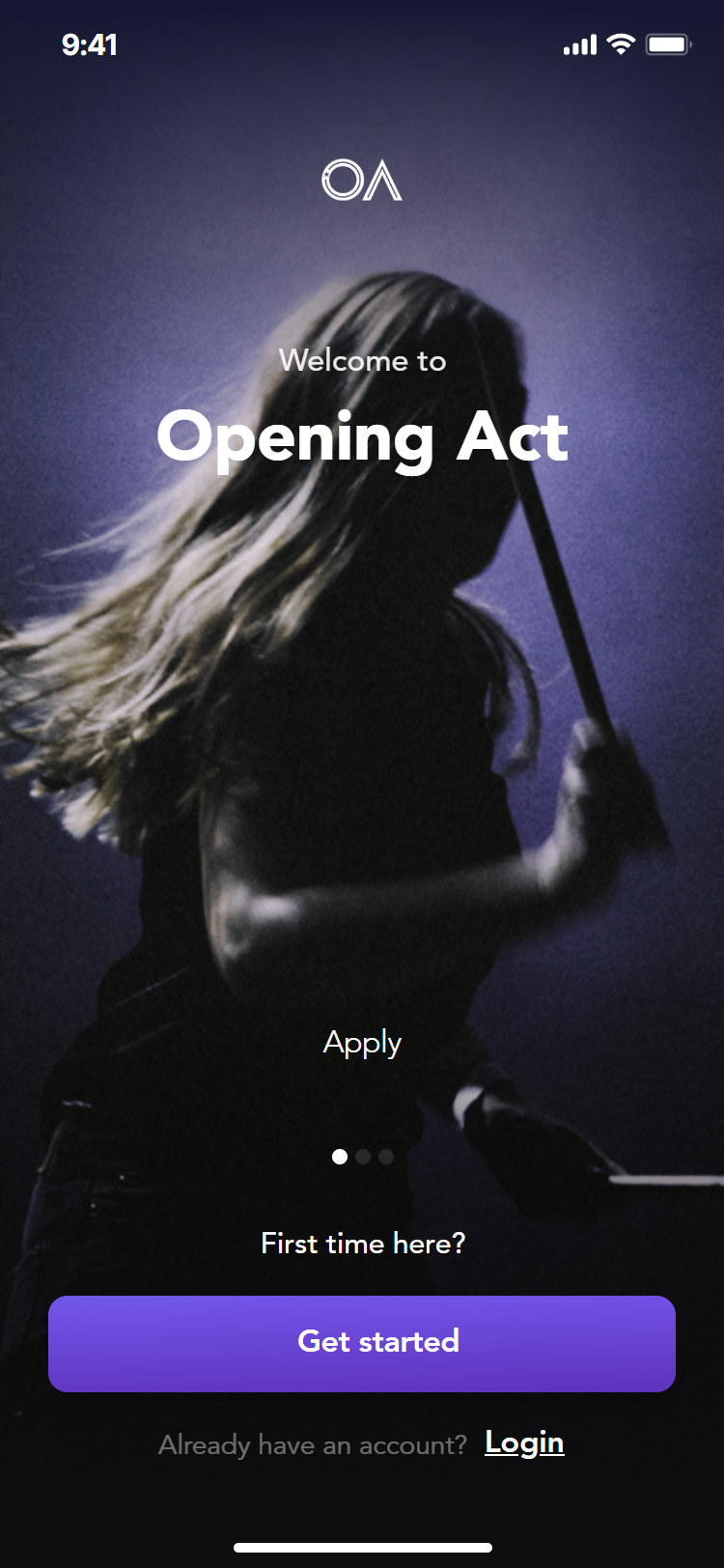
Apply
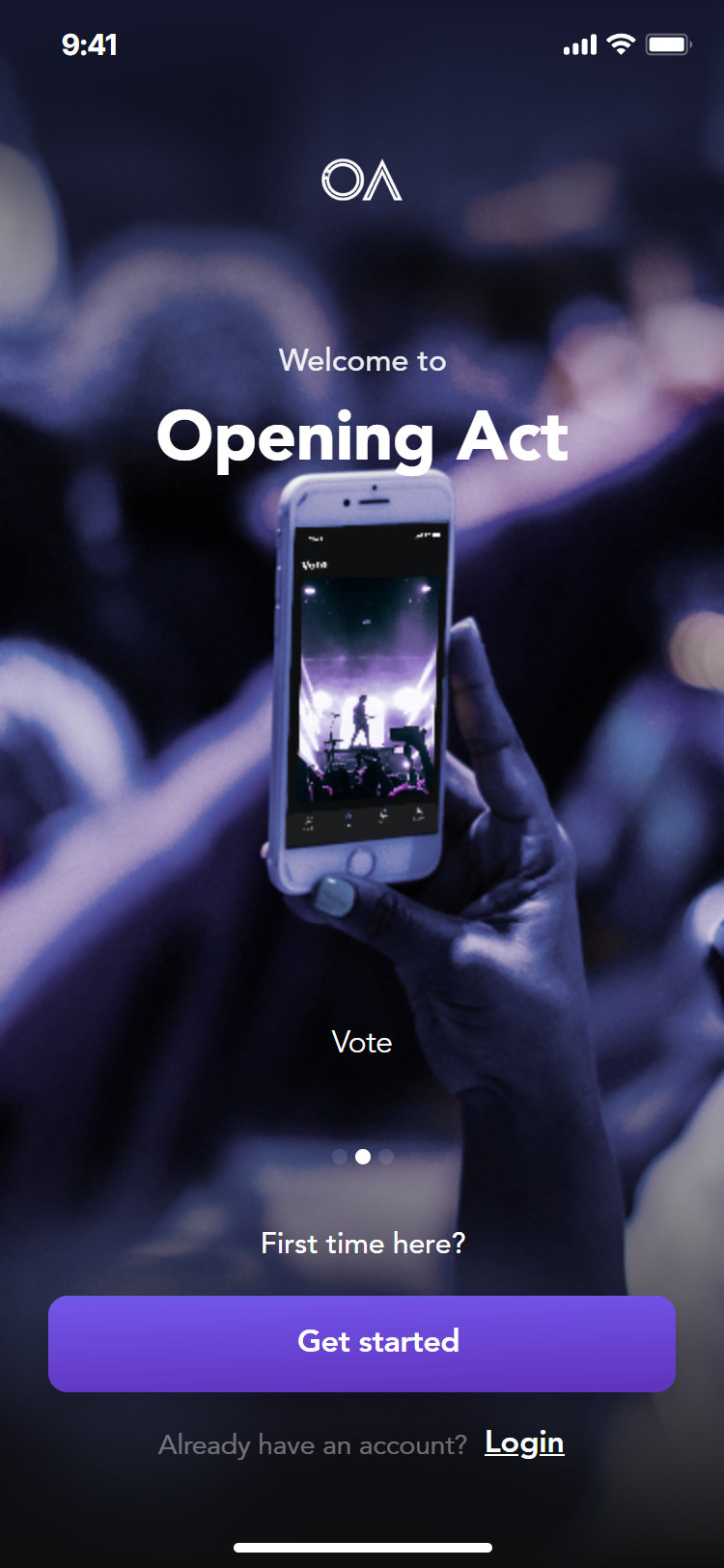
Vote
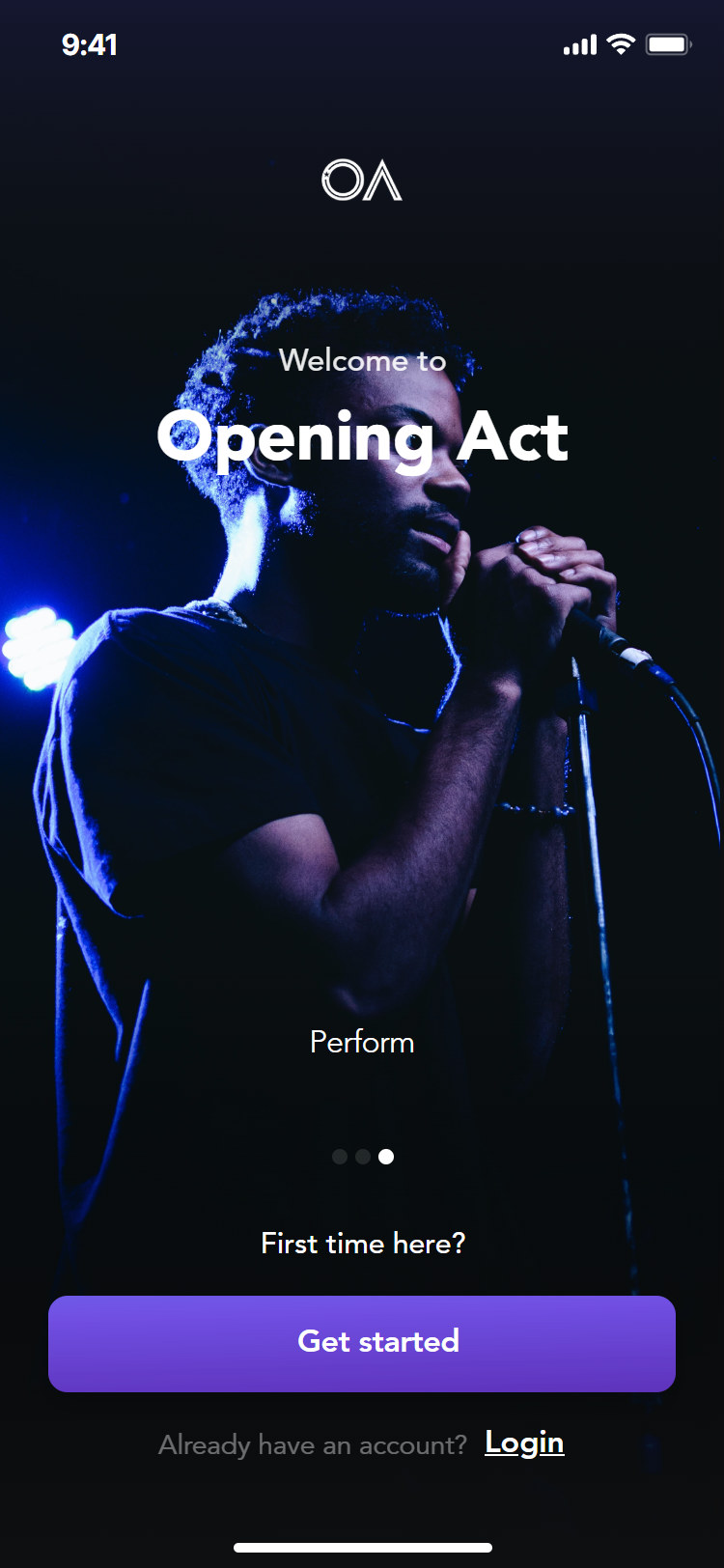
Perform
Sign in
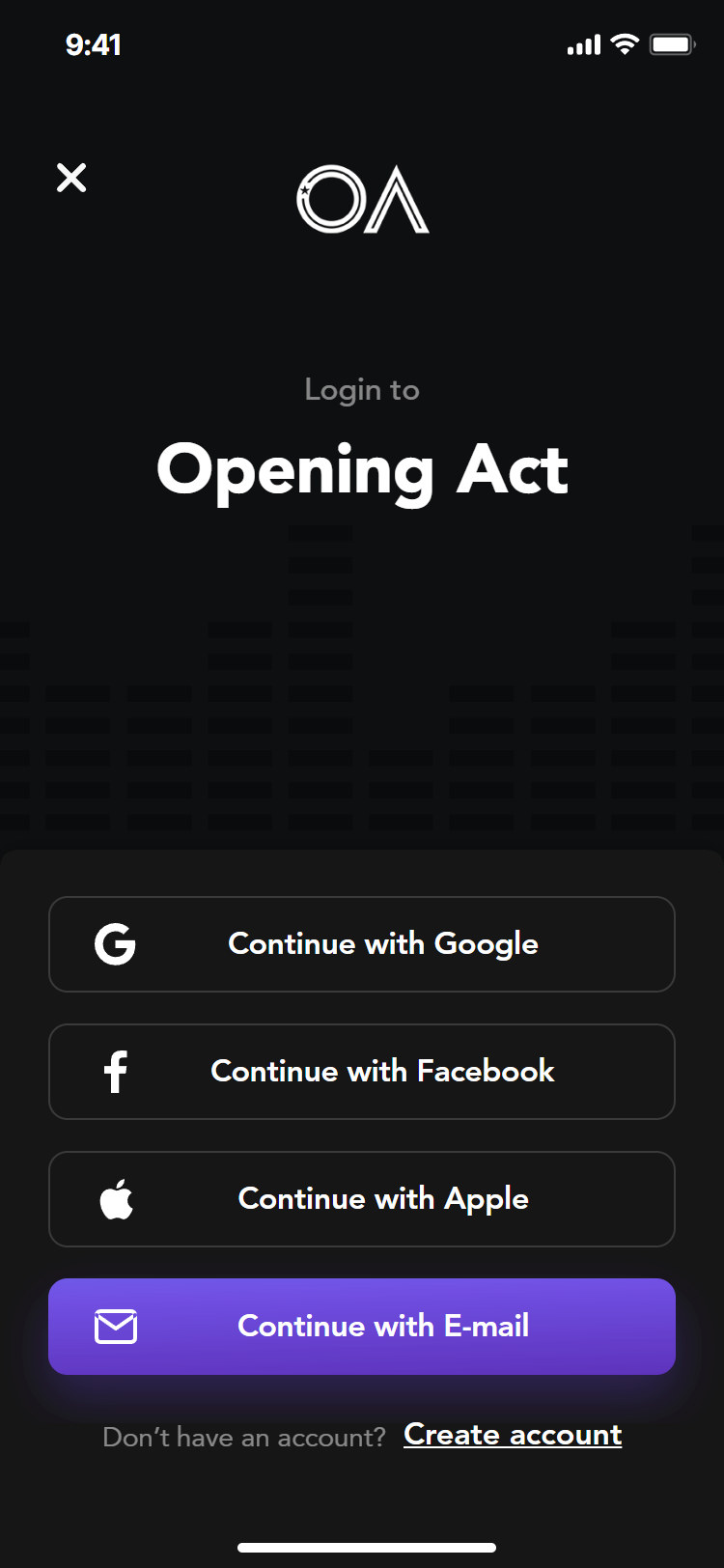
Sign in
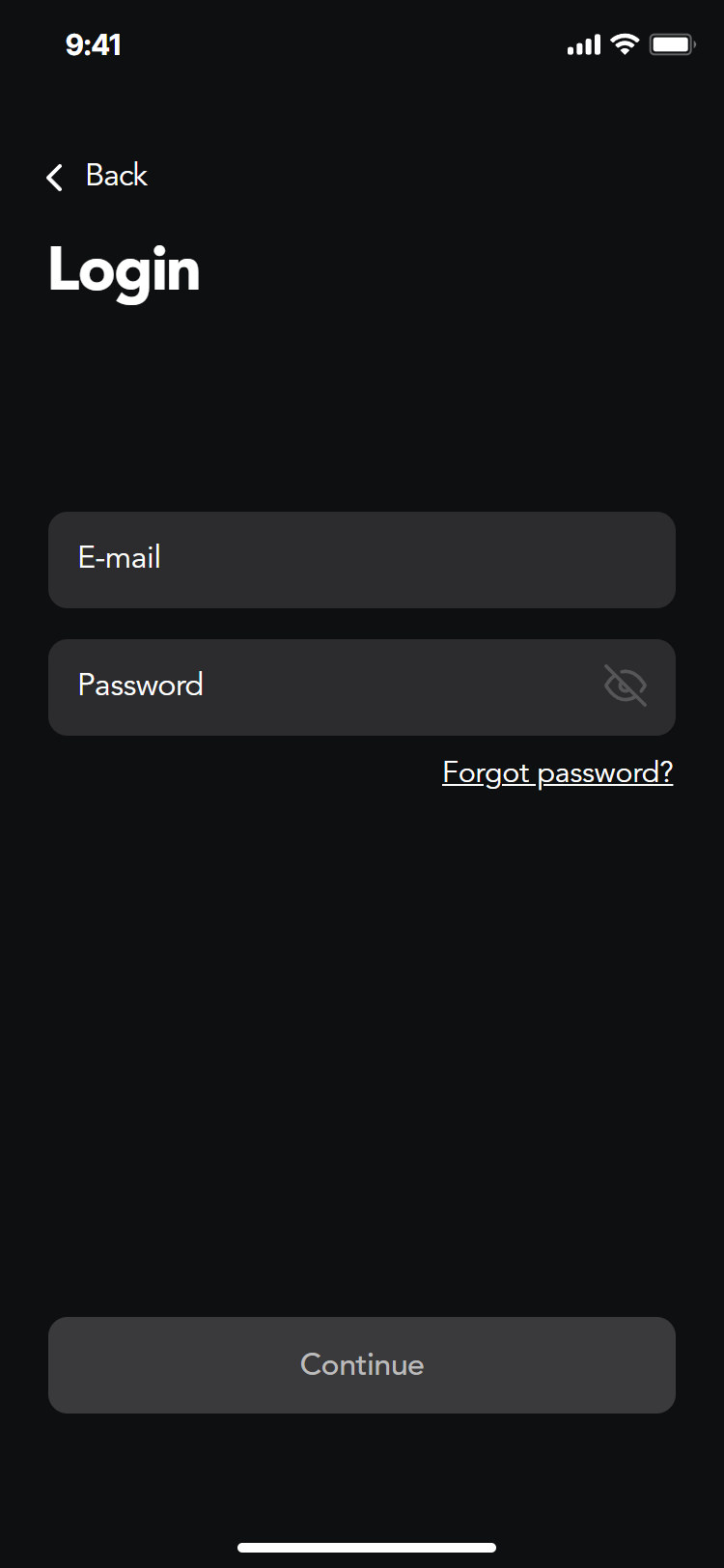
Log in with e-mail
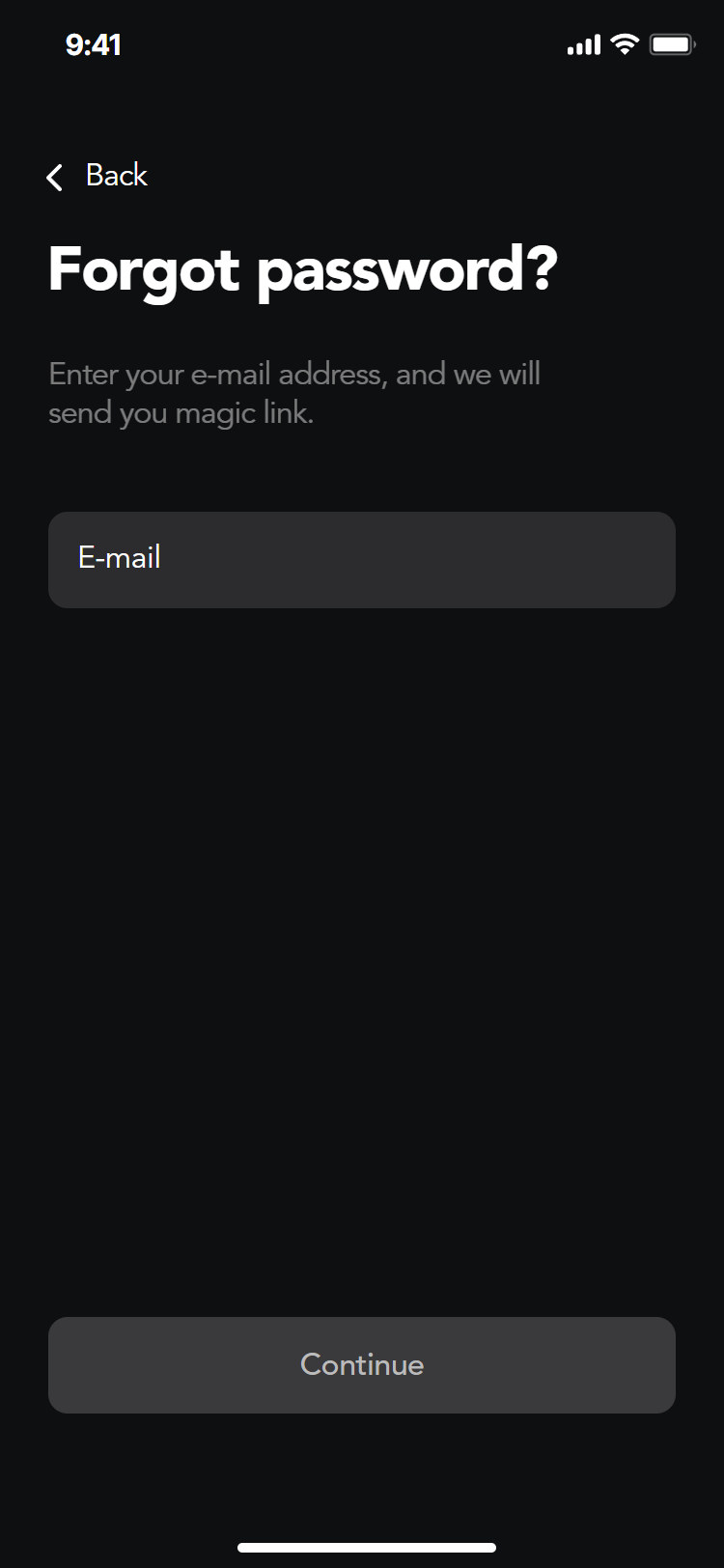
Forgot password
Create account
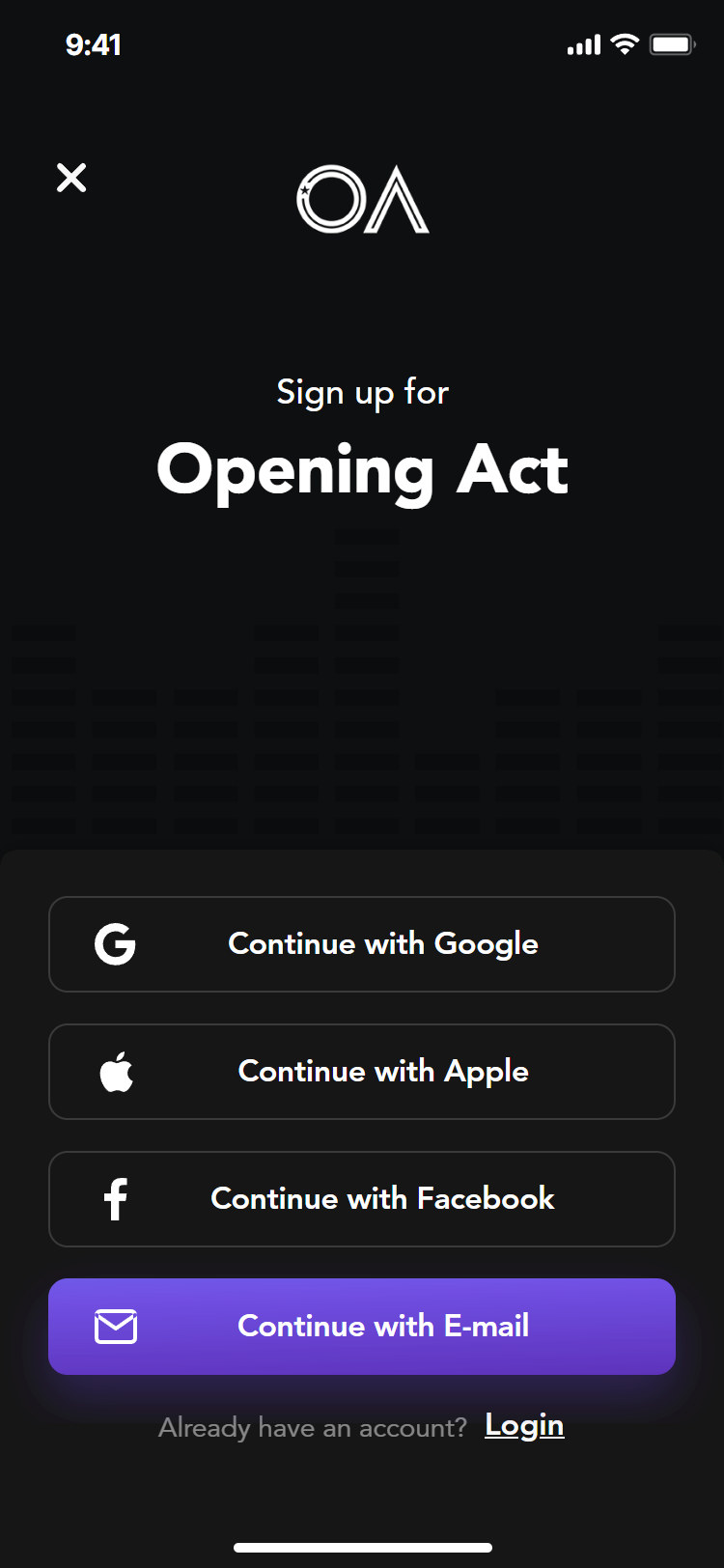
Sign up
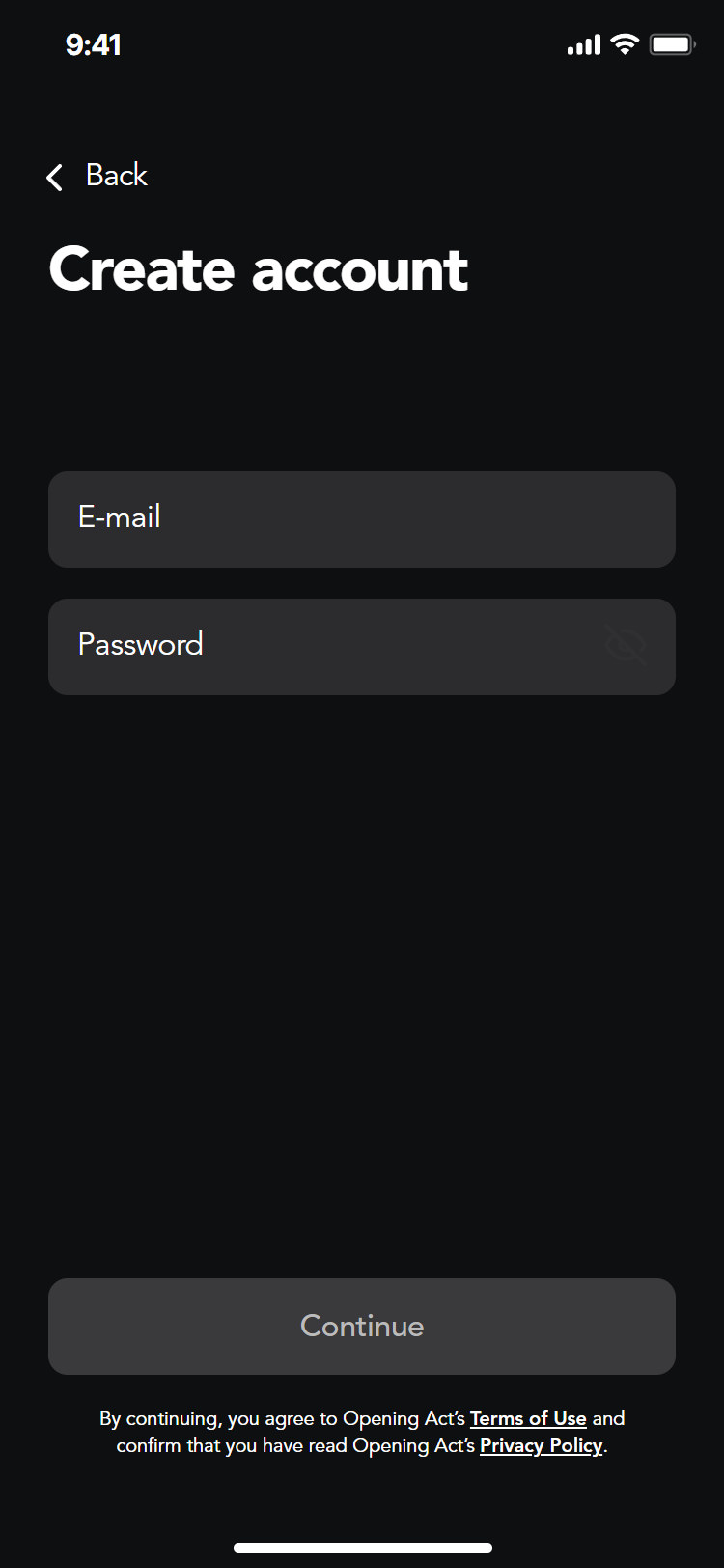
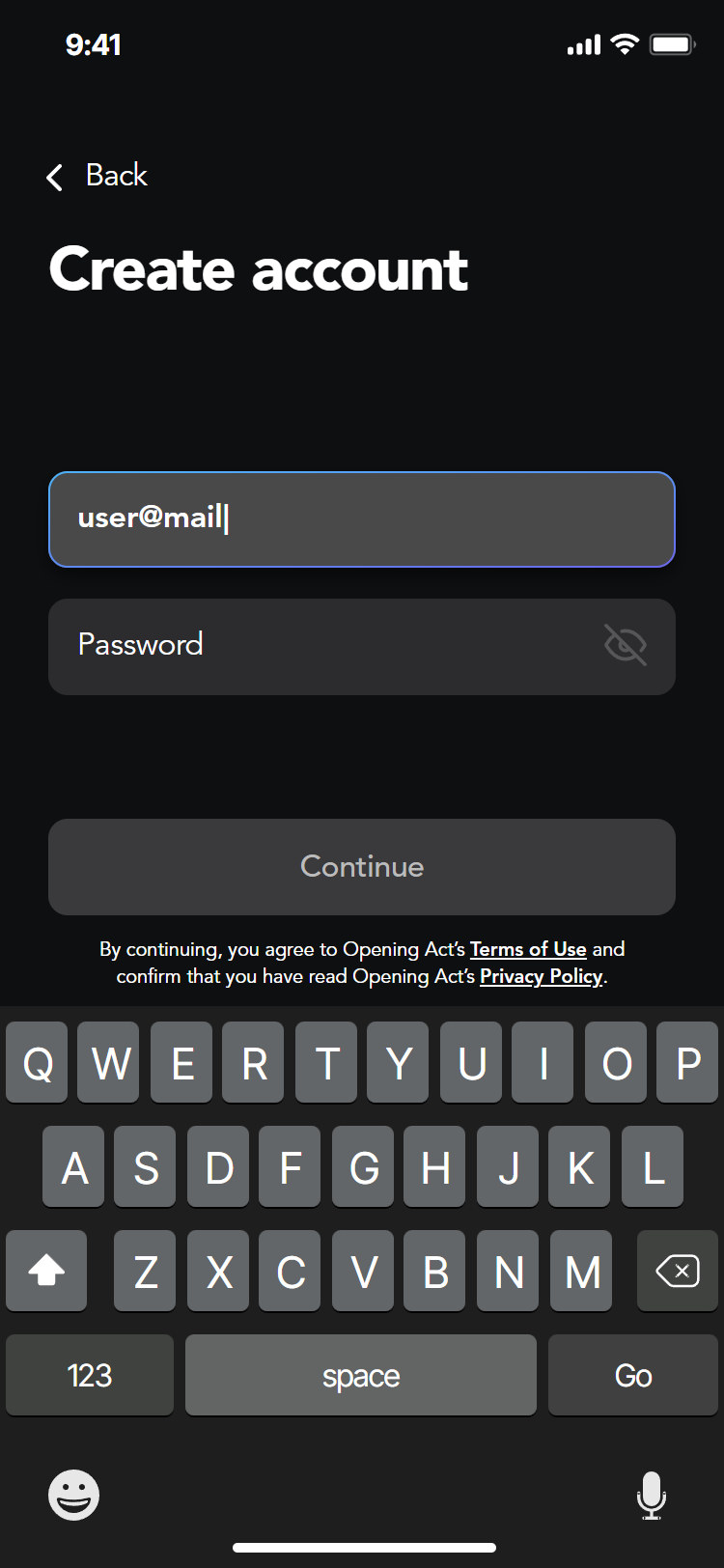
Typing
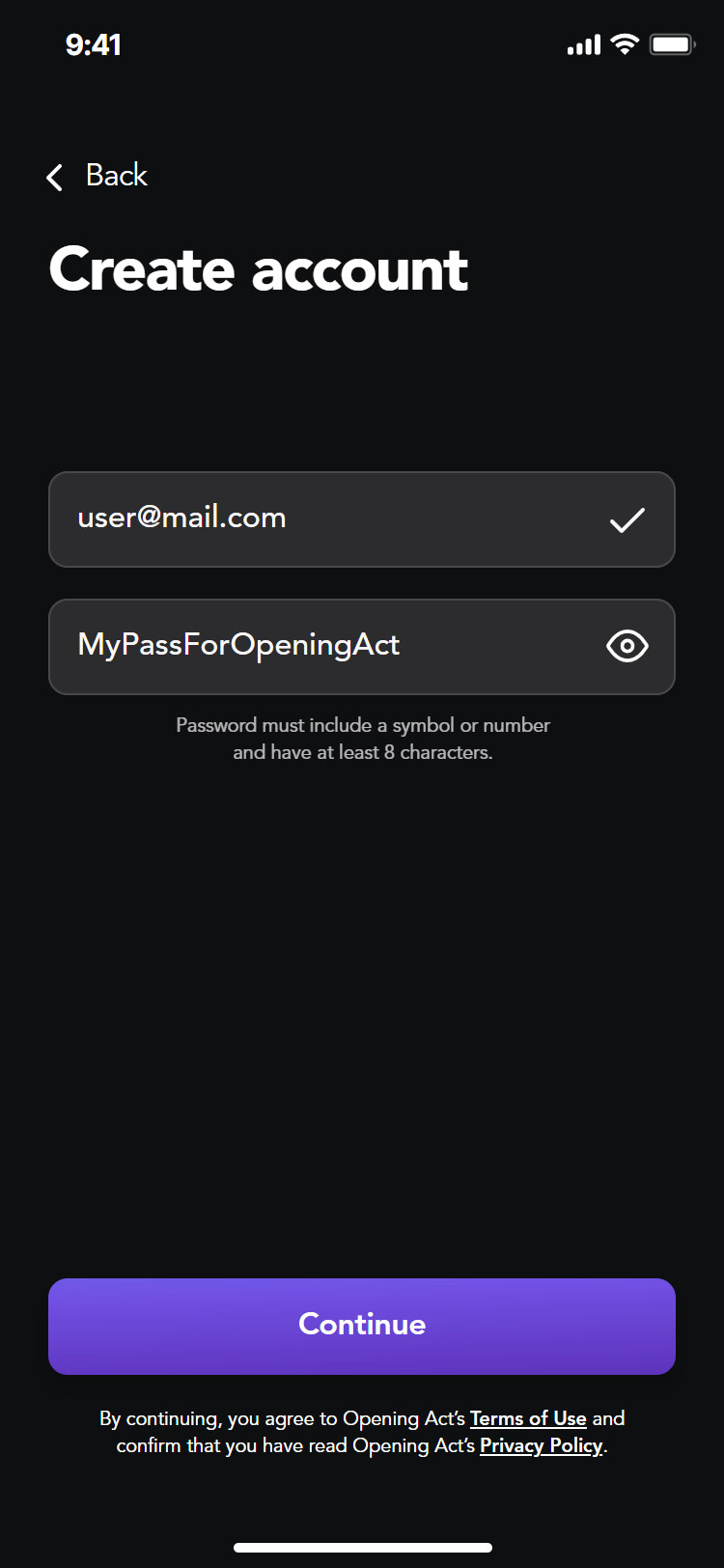
Password
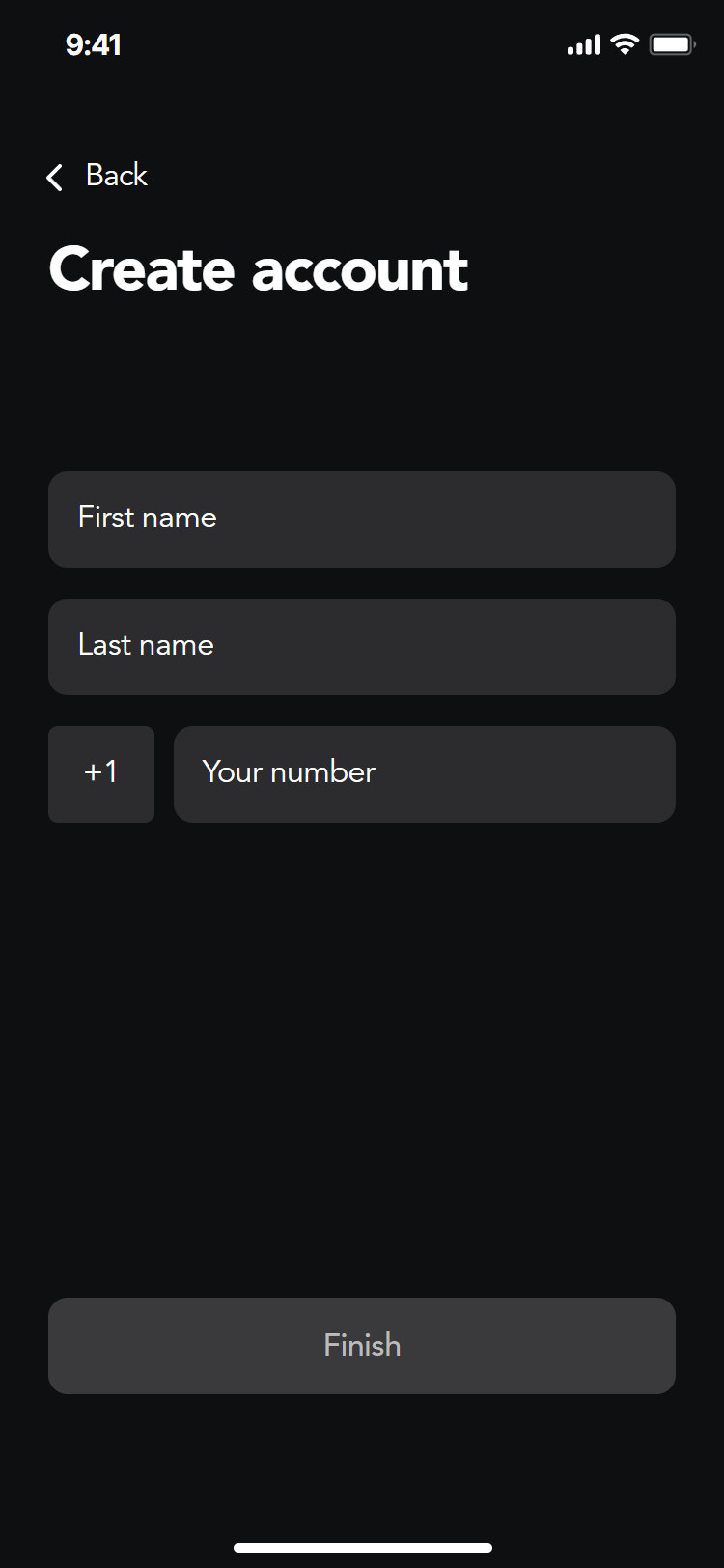
Name and phone
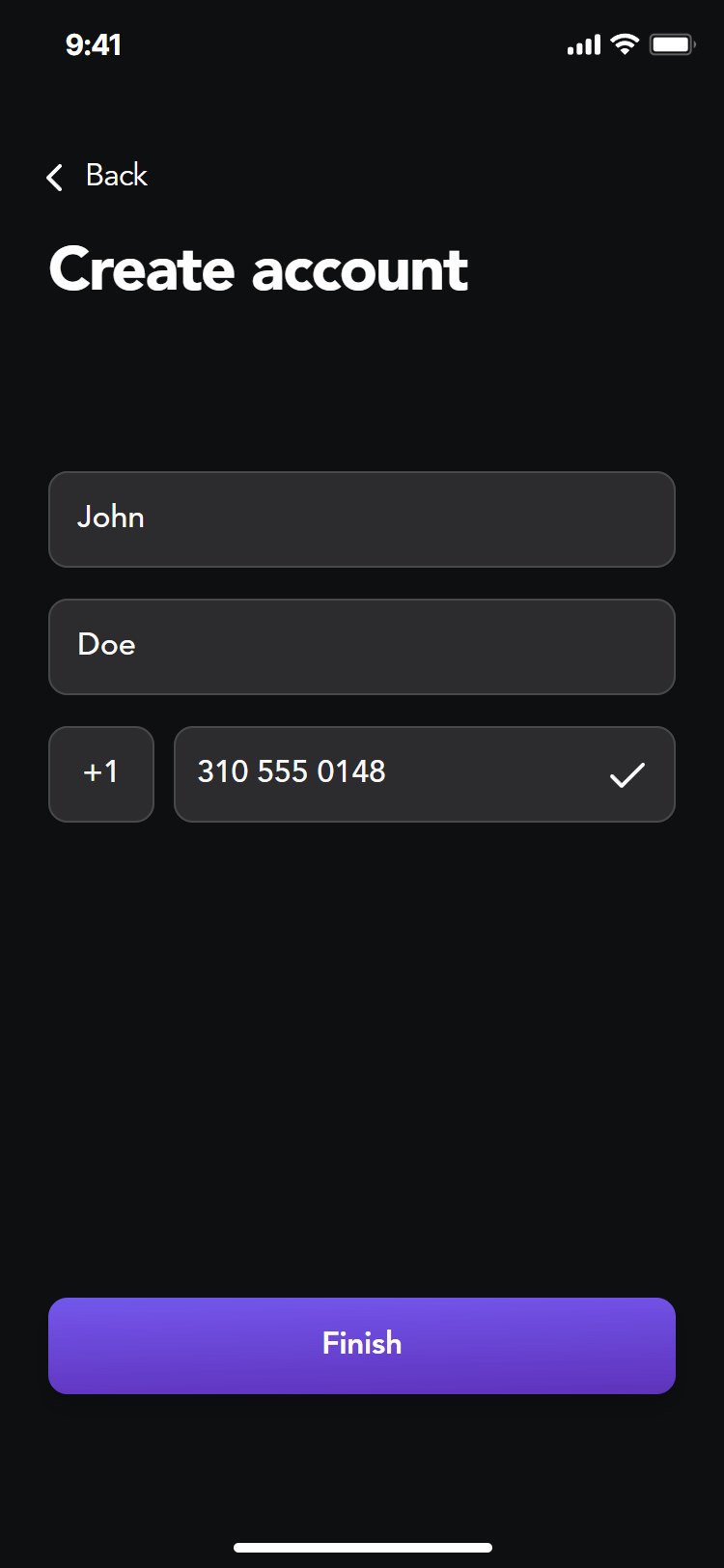
Finished
Apply
Find a tour, read the rounds
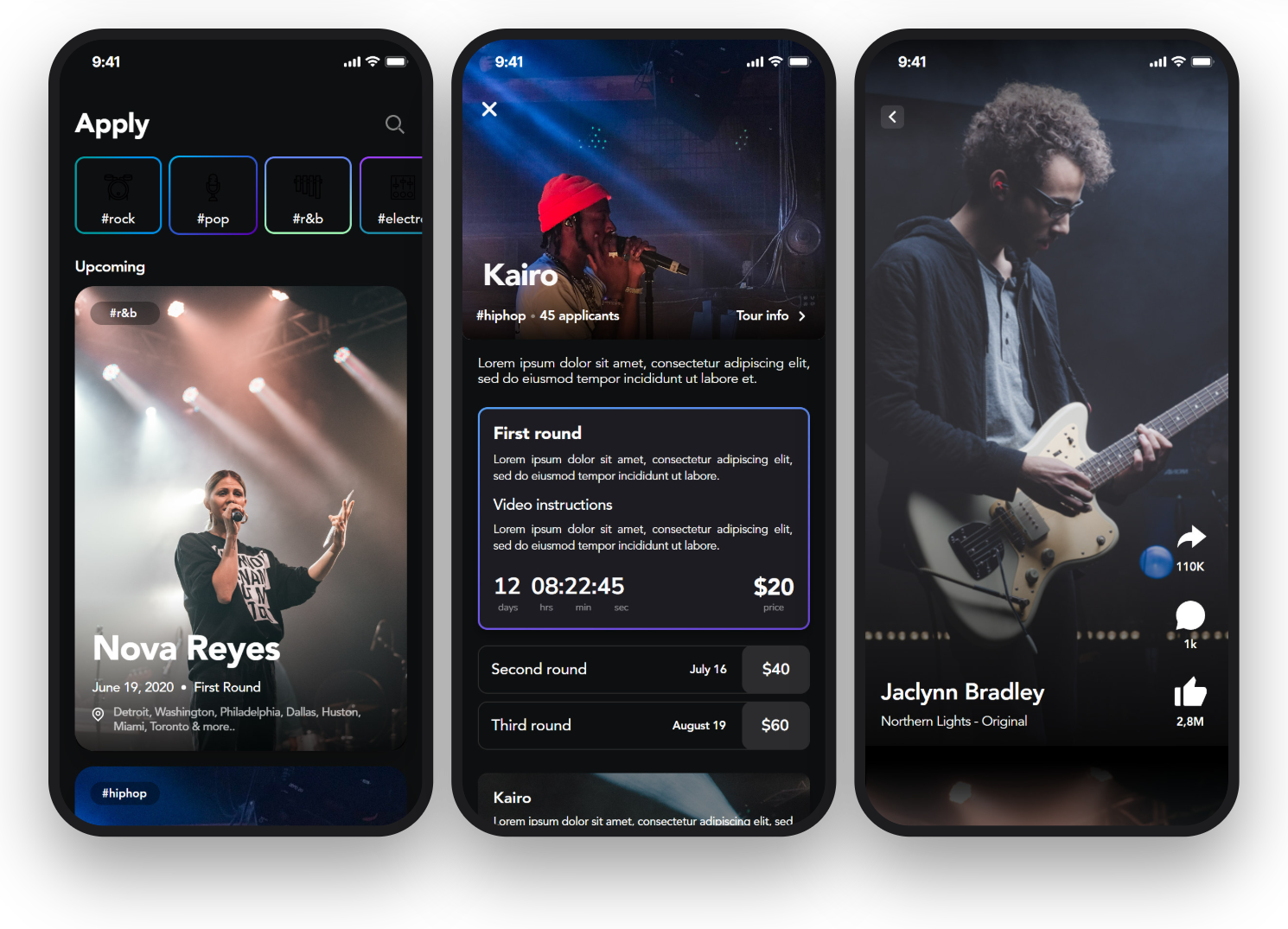
Home lists upcoming tours as large cards by genre. A tour page shows the artist, the current round with its entry fee and a live countdown, the later rounds and their dates, and the cities on a map. Closed tours and the Top 20 stay readable after the deadline.
Discover
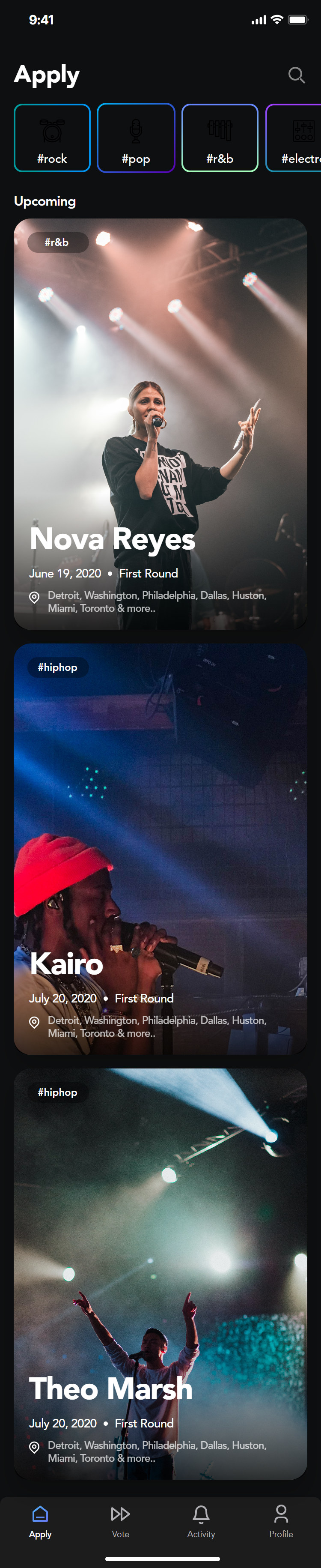
Home
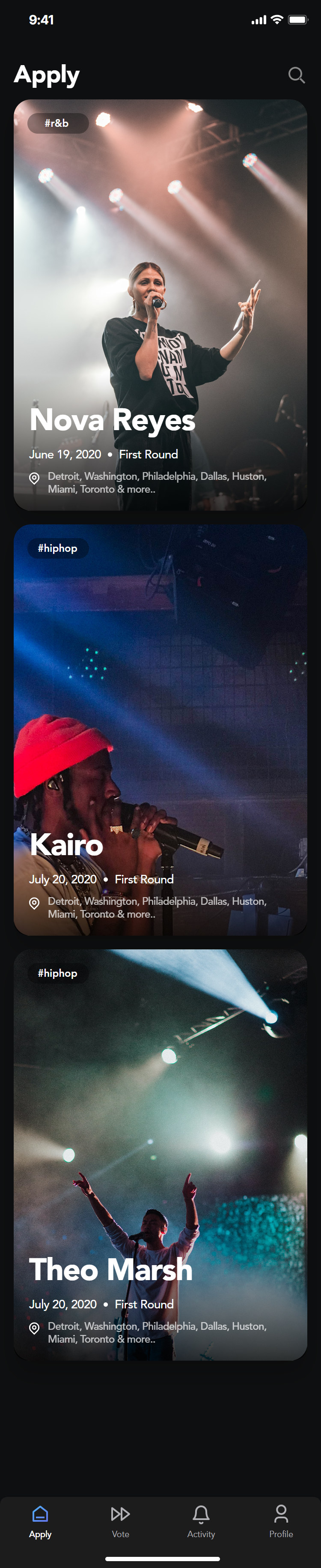
All tours
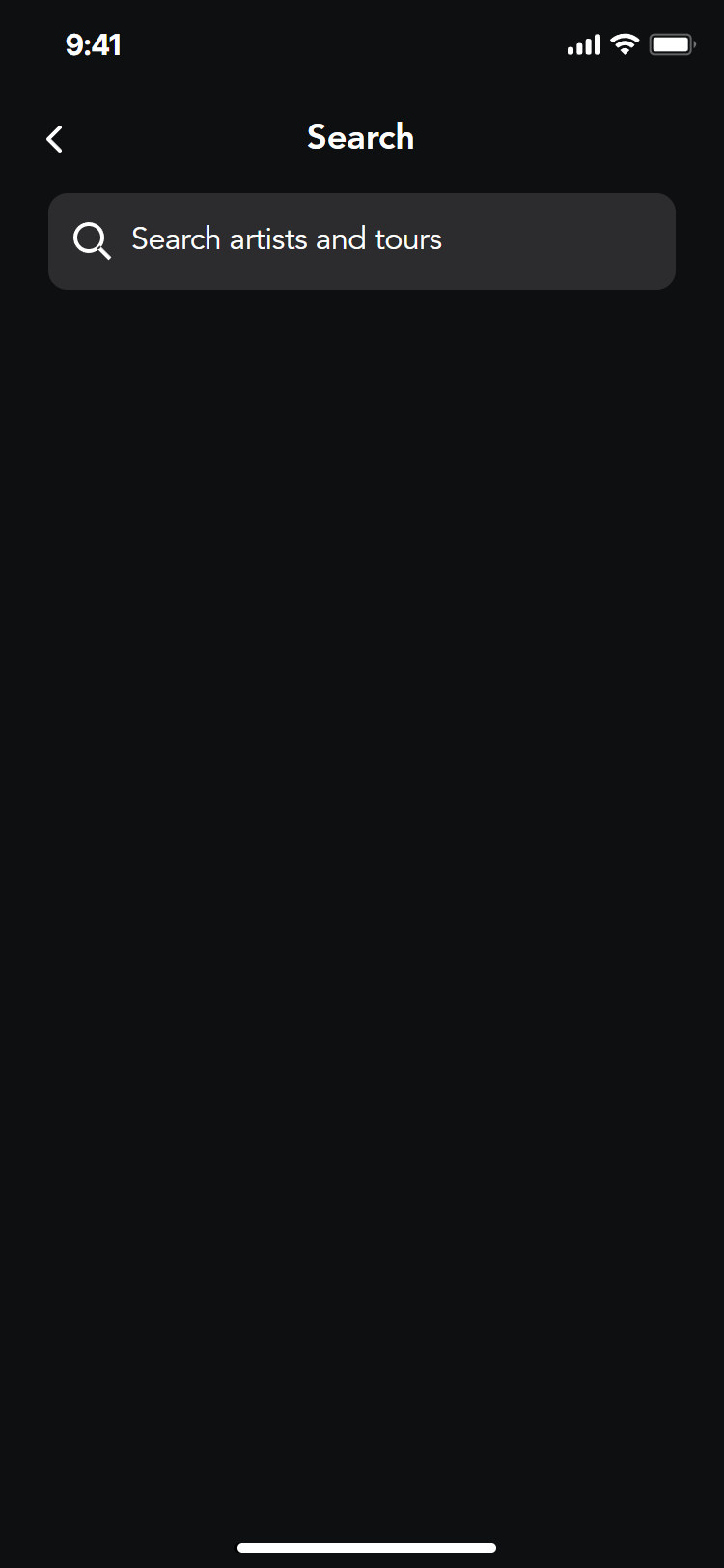
Search
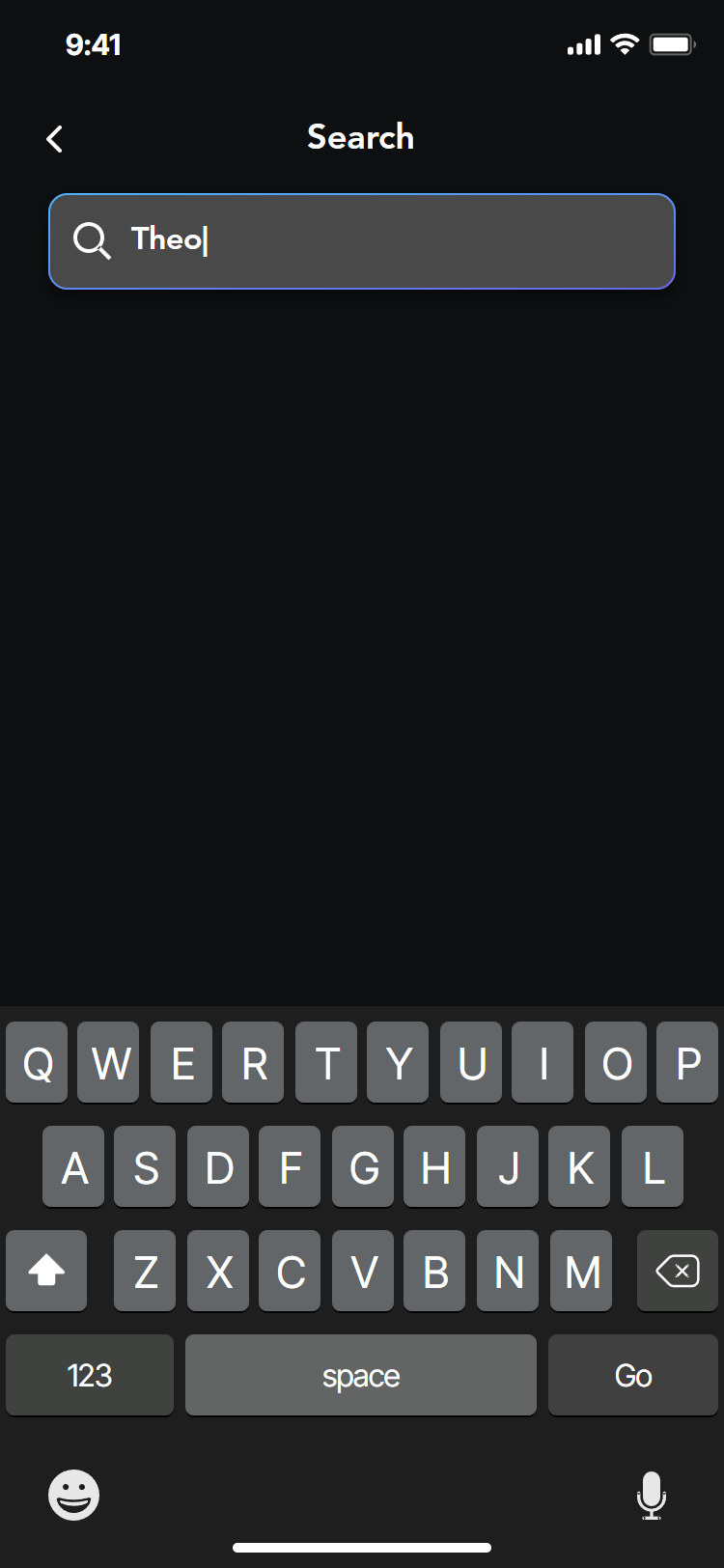
Typing
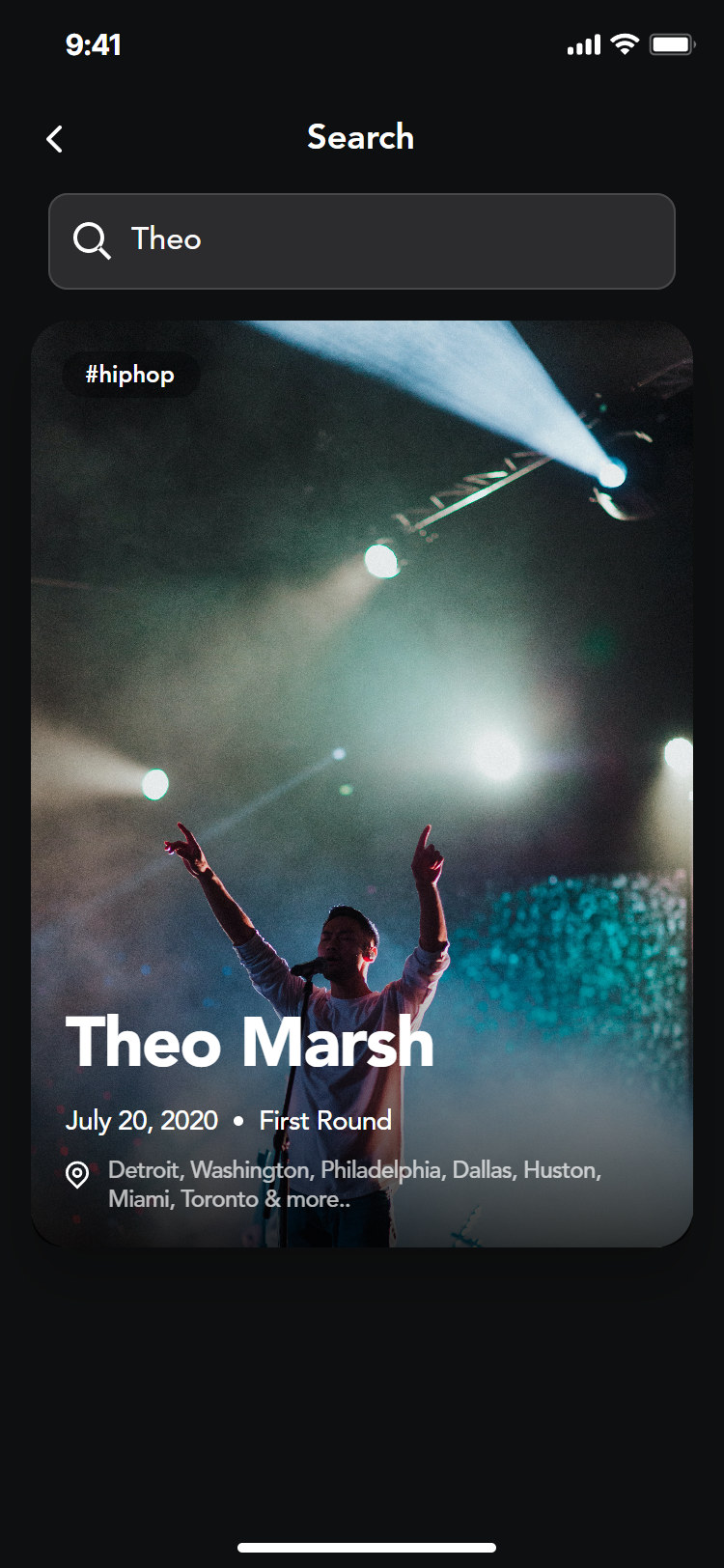
Results
Tour
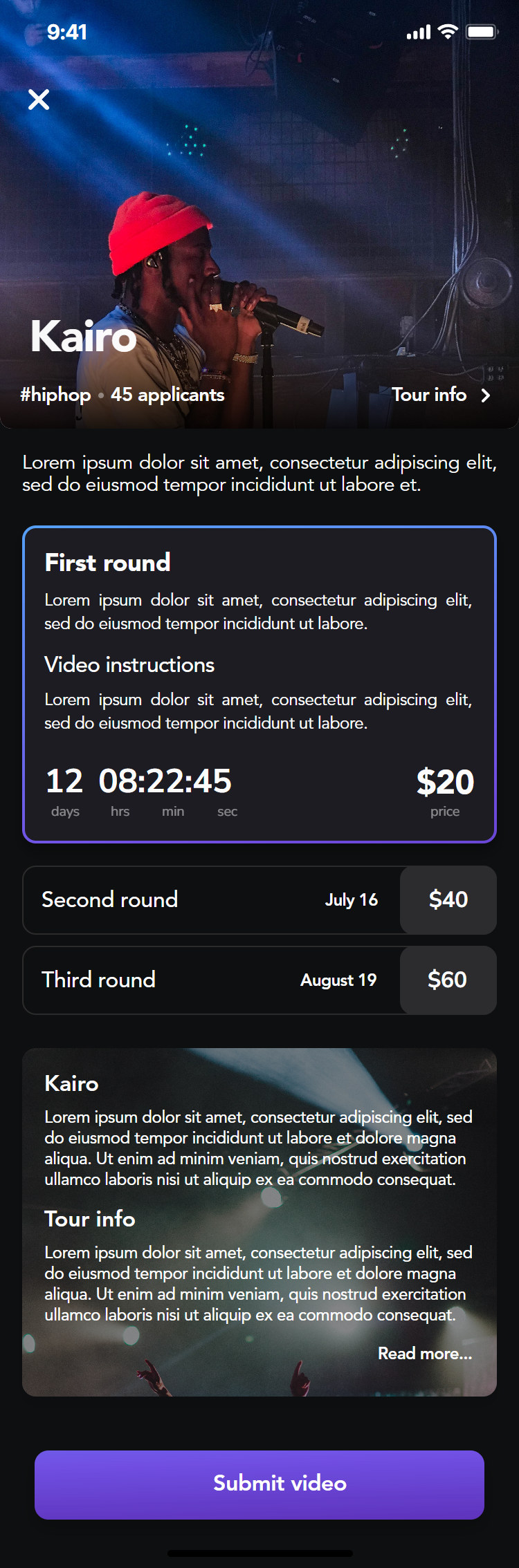
Tour page
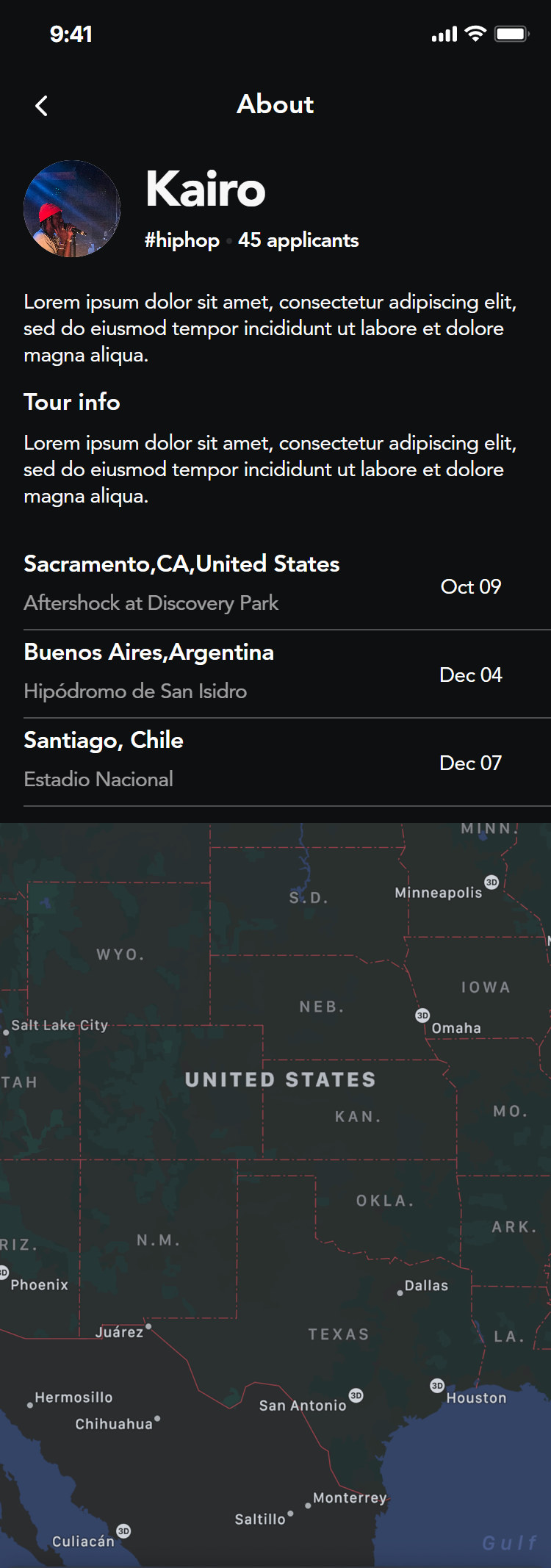
Tour info
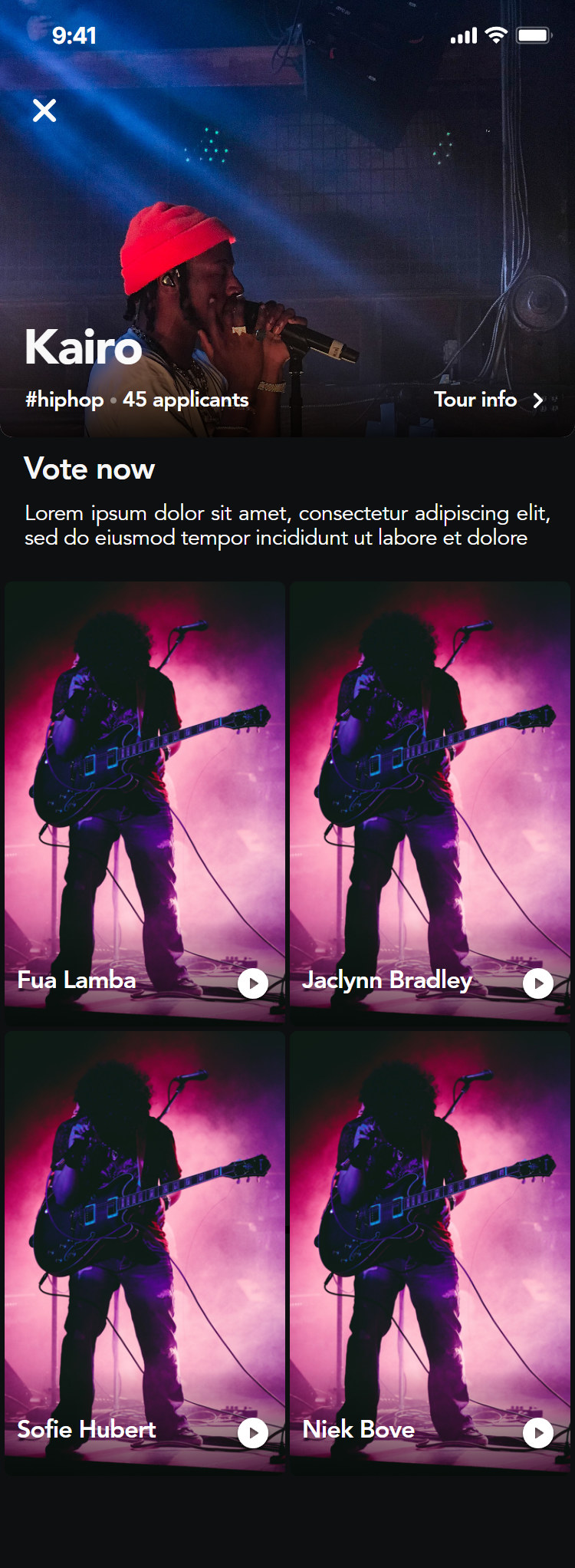
Closed
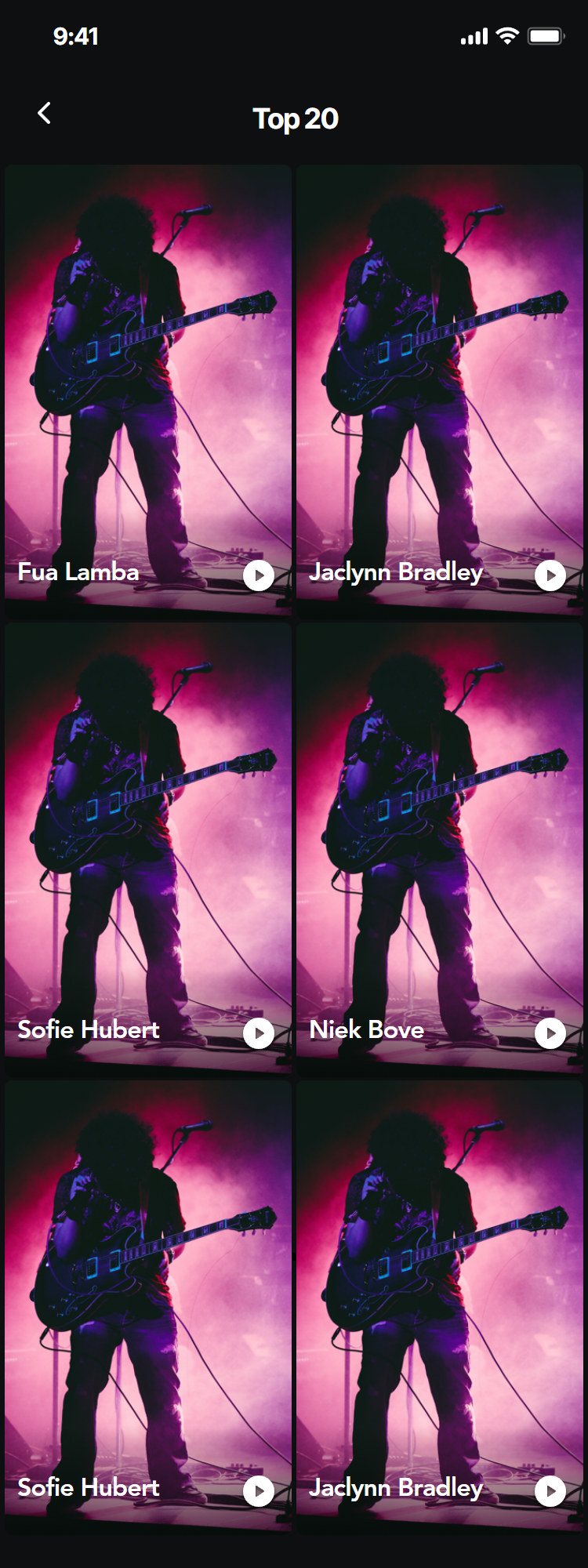
Top 20
Vote
Watch, vote, comment, share
Every entry plays full screen. Fans get a limited number of votes per round, shown in the corner, and can comment or share to Instagram, Facebook or Twitter. The vote button fills in place, so the count updates without leaving the video.
Vote
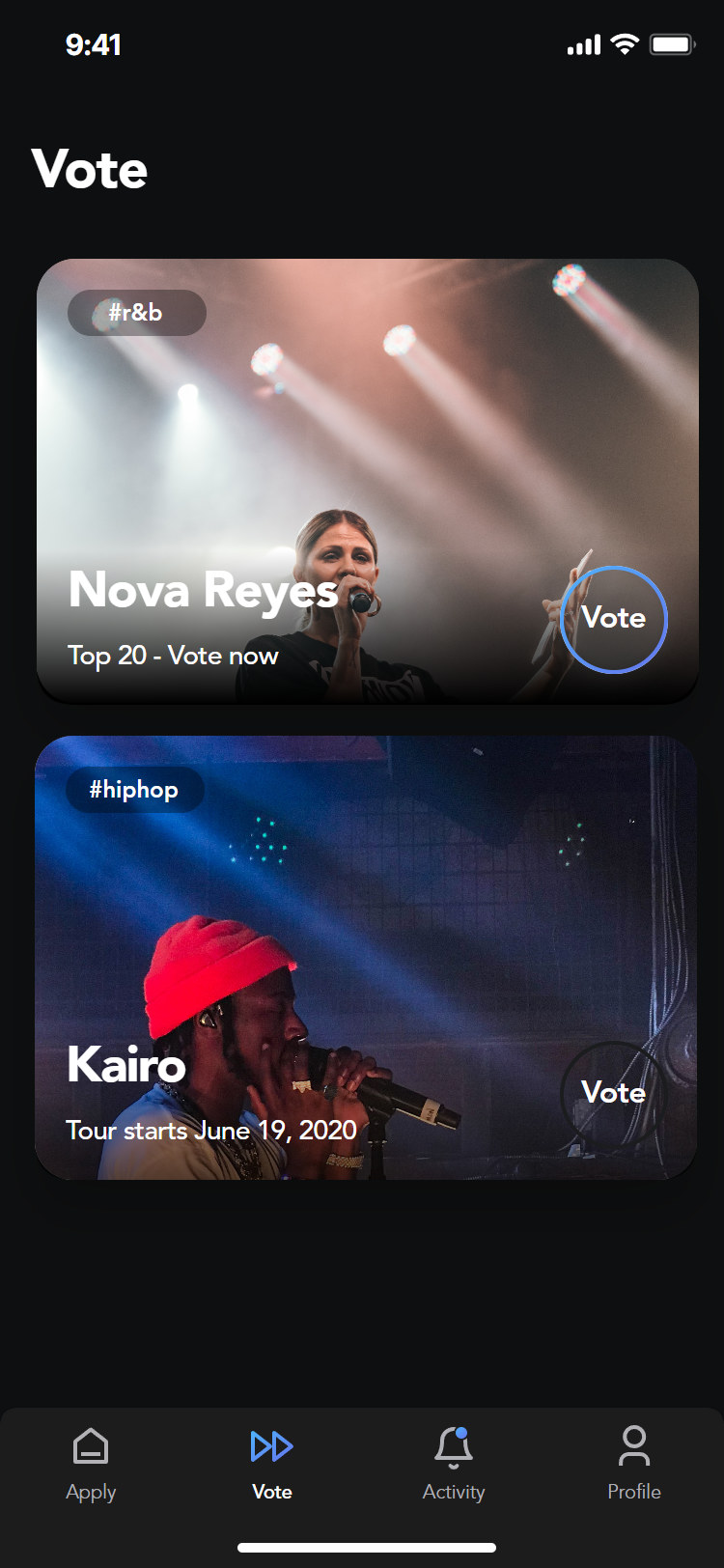
Vote list
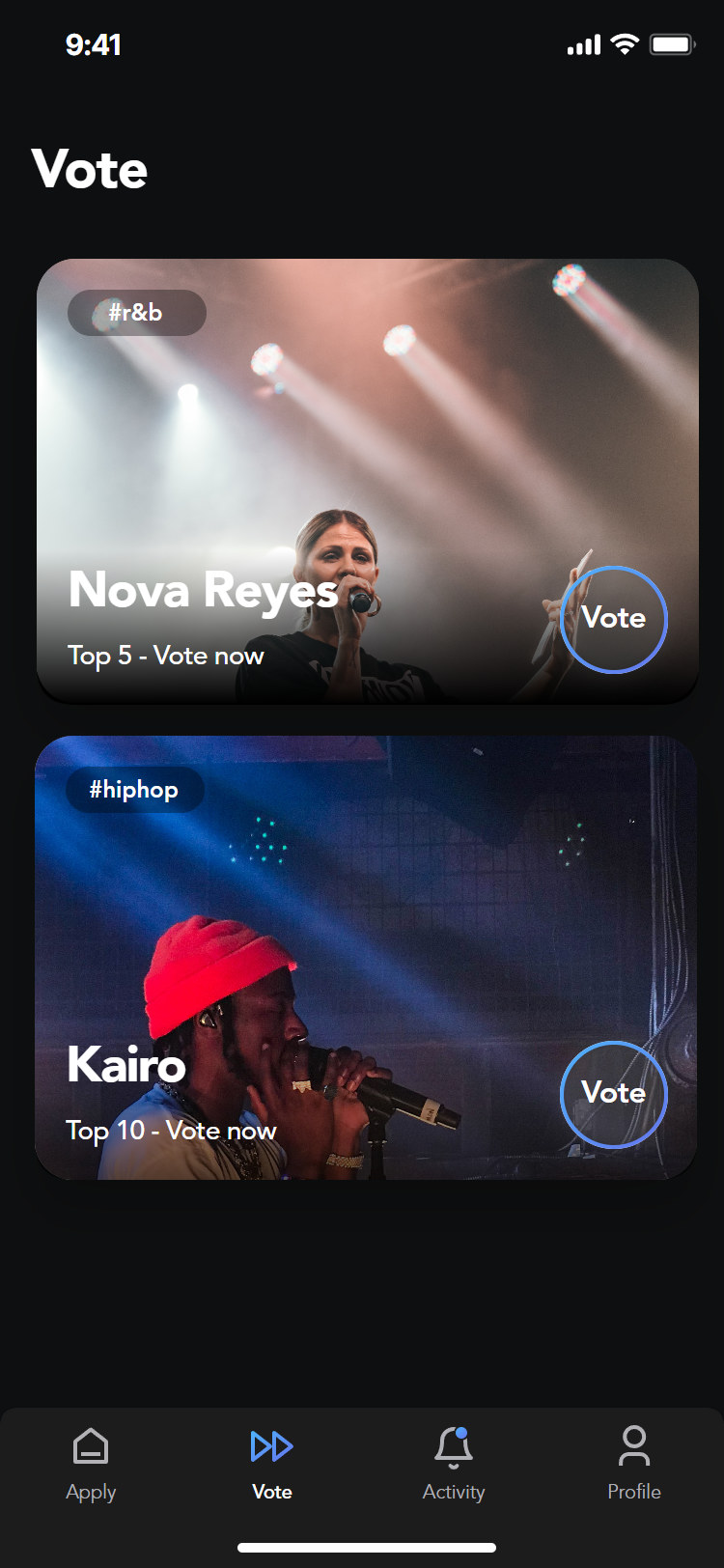
Vote now
Video

Video
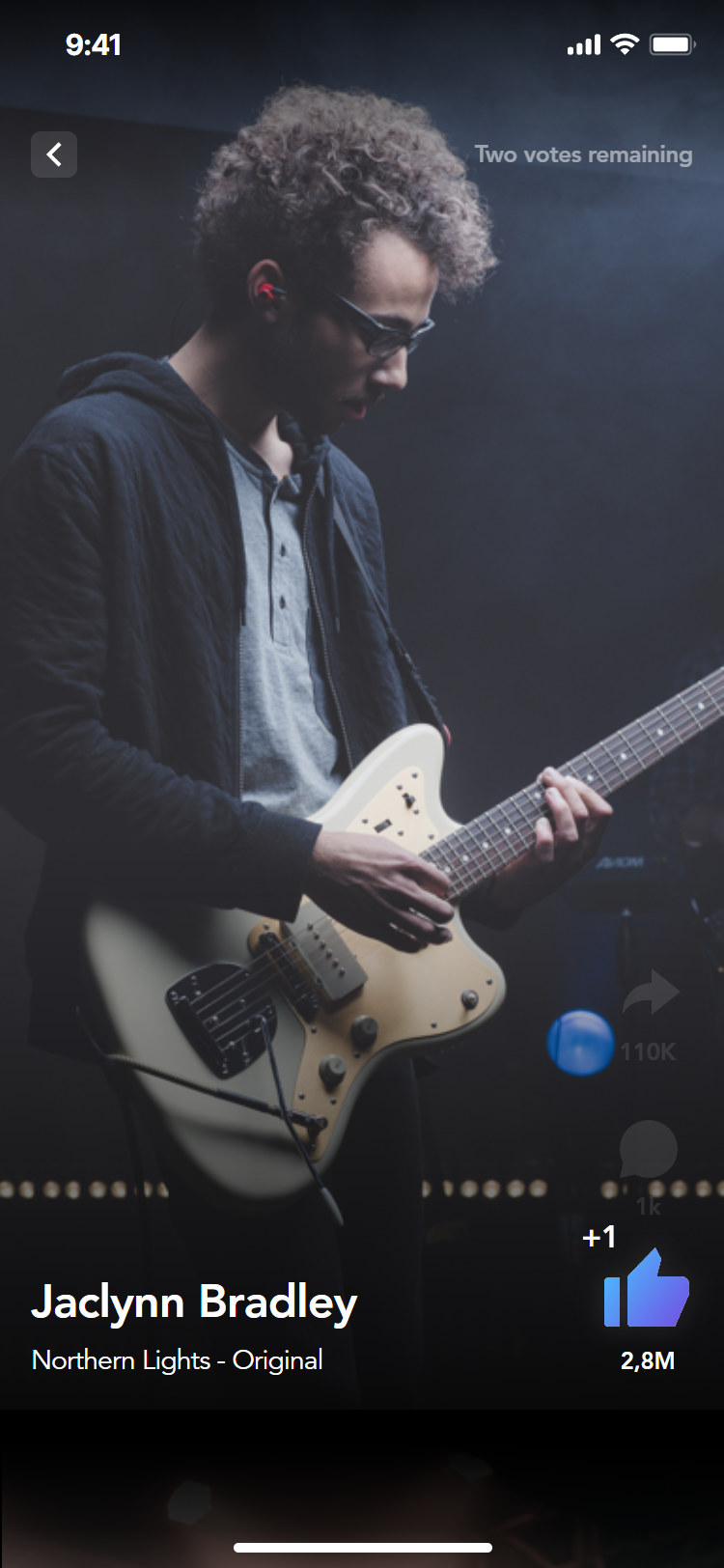
Voted
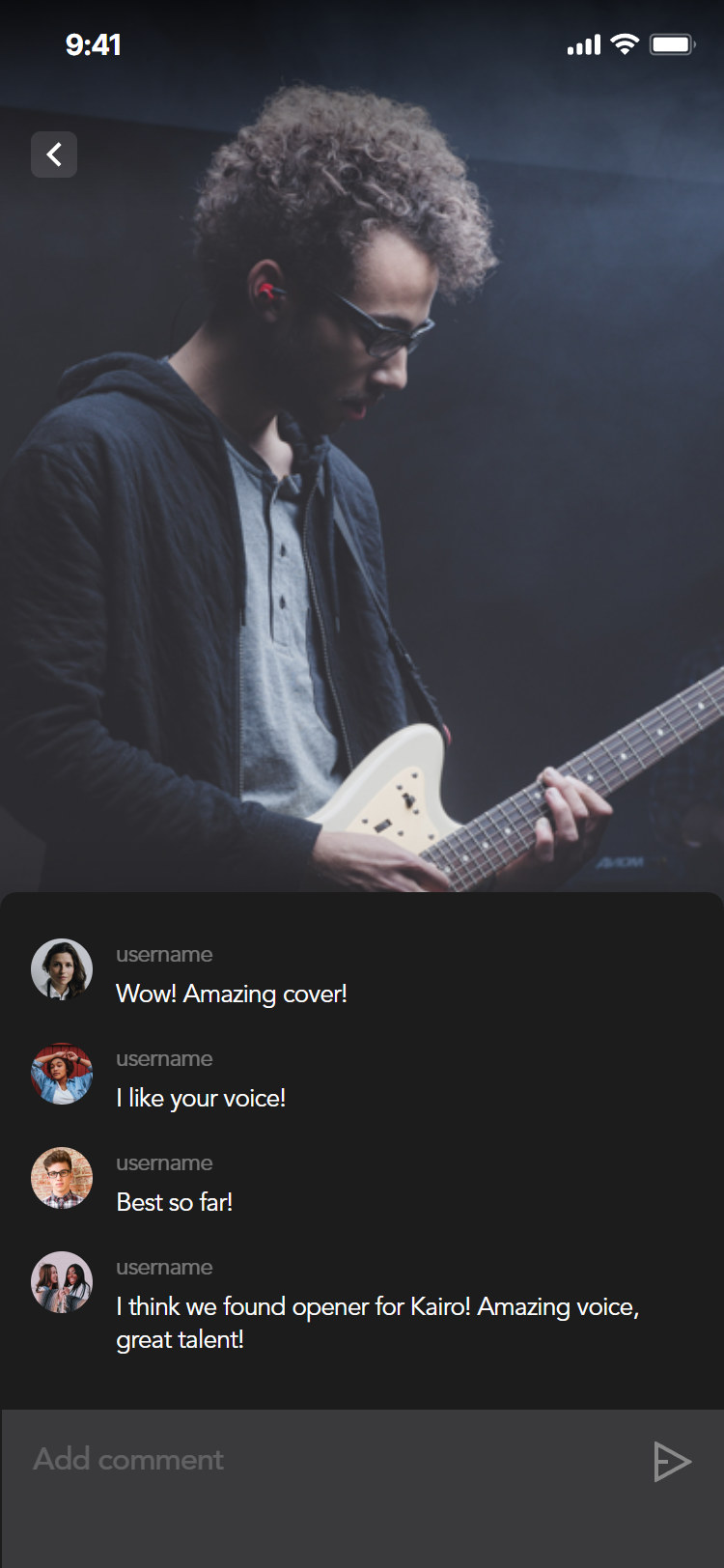
Comments
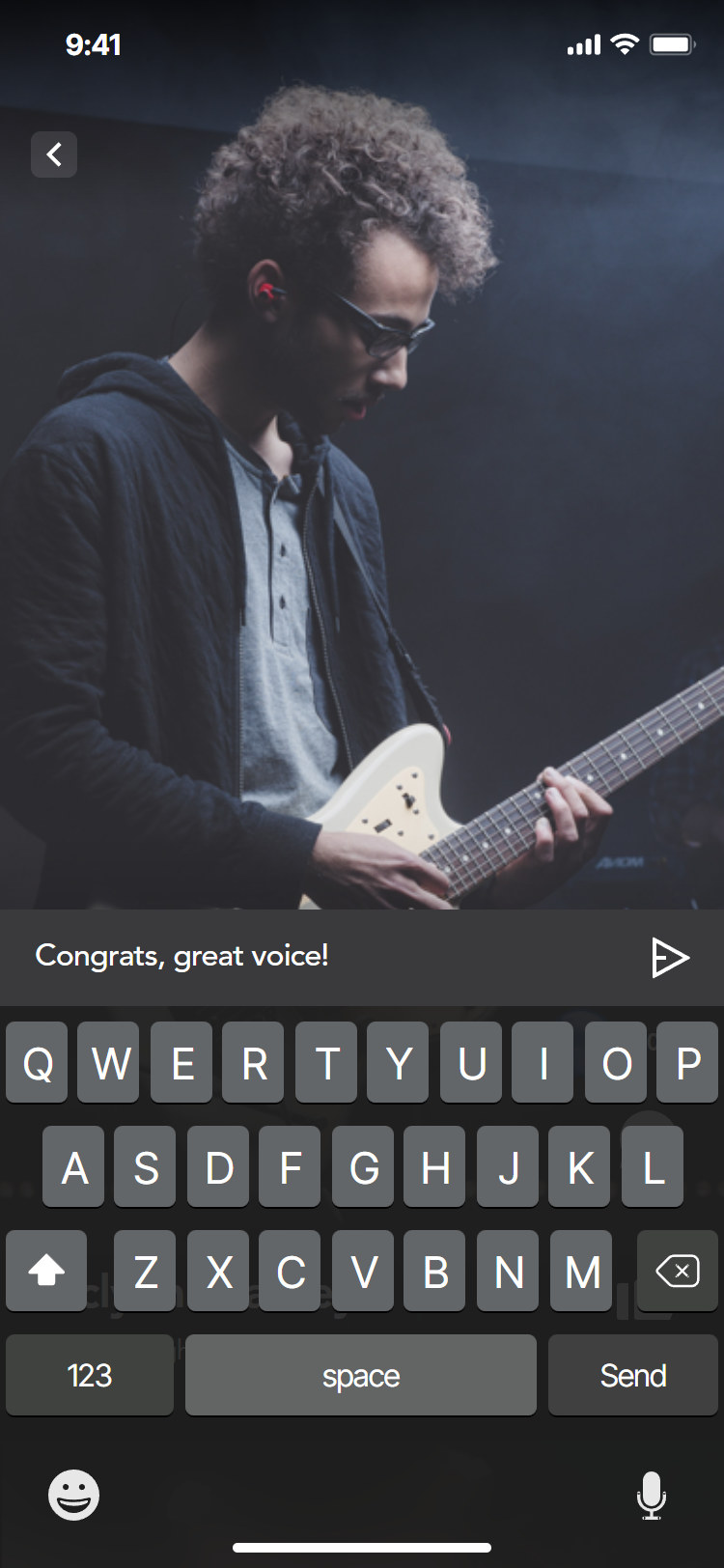
Write a comment
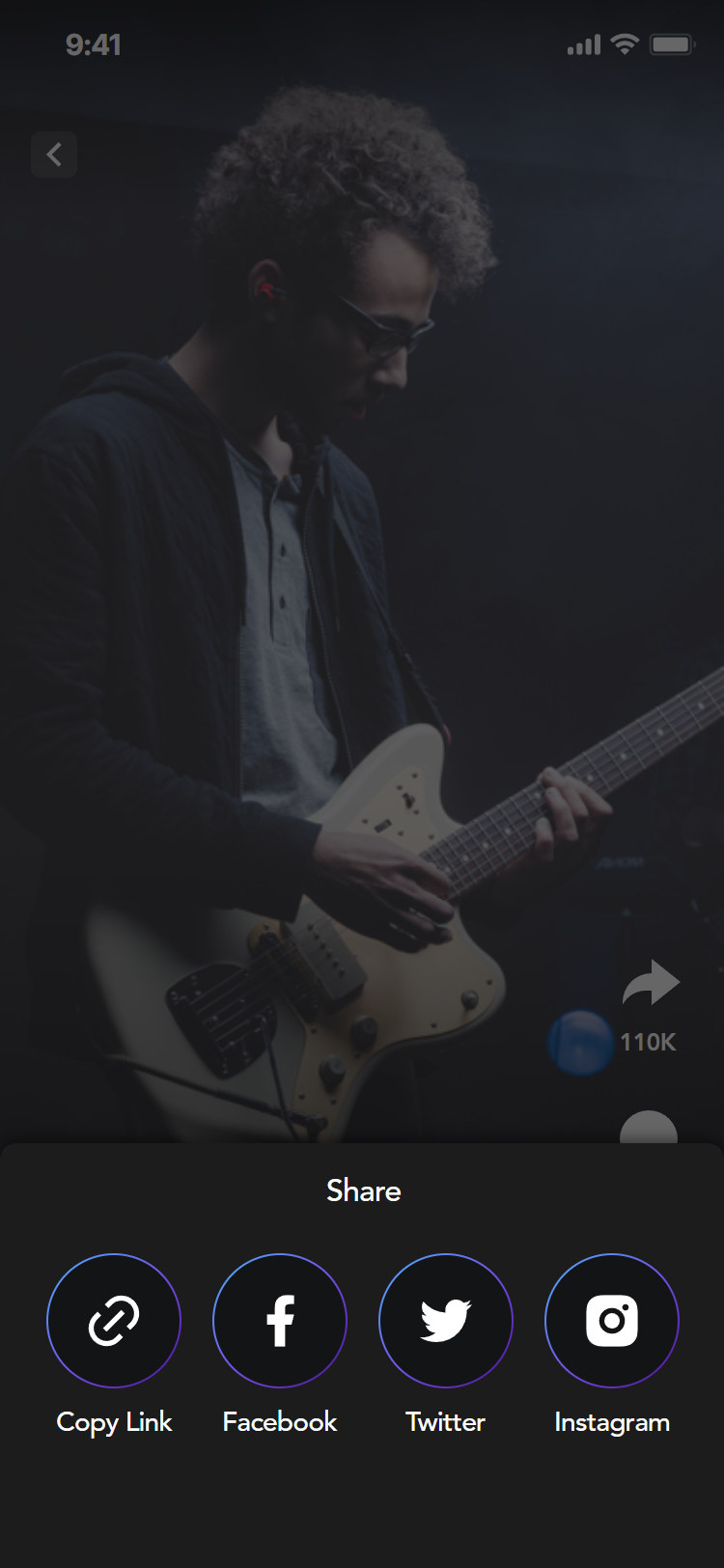
Share
Submit and pay
Record, upload, pay the round
An artist records or picks a video, adds a song title and artist name, and pays the round fee. Apple Pay is one double click; a card can be added once and saved for later rounds.
Submit
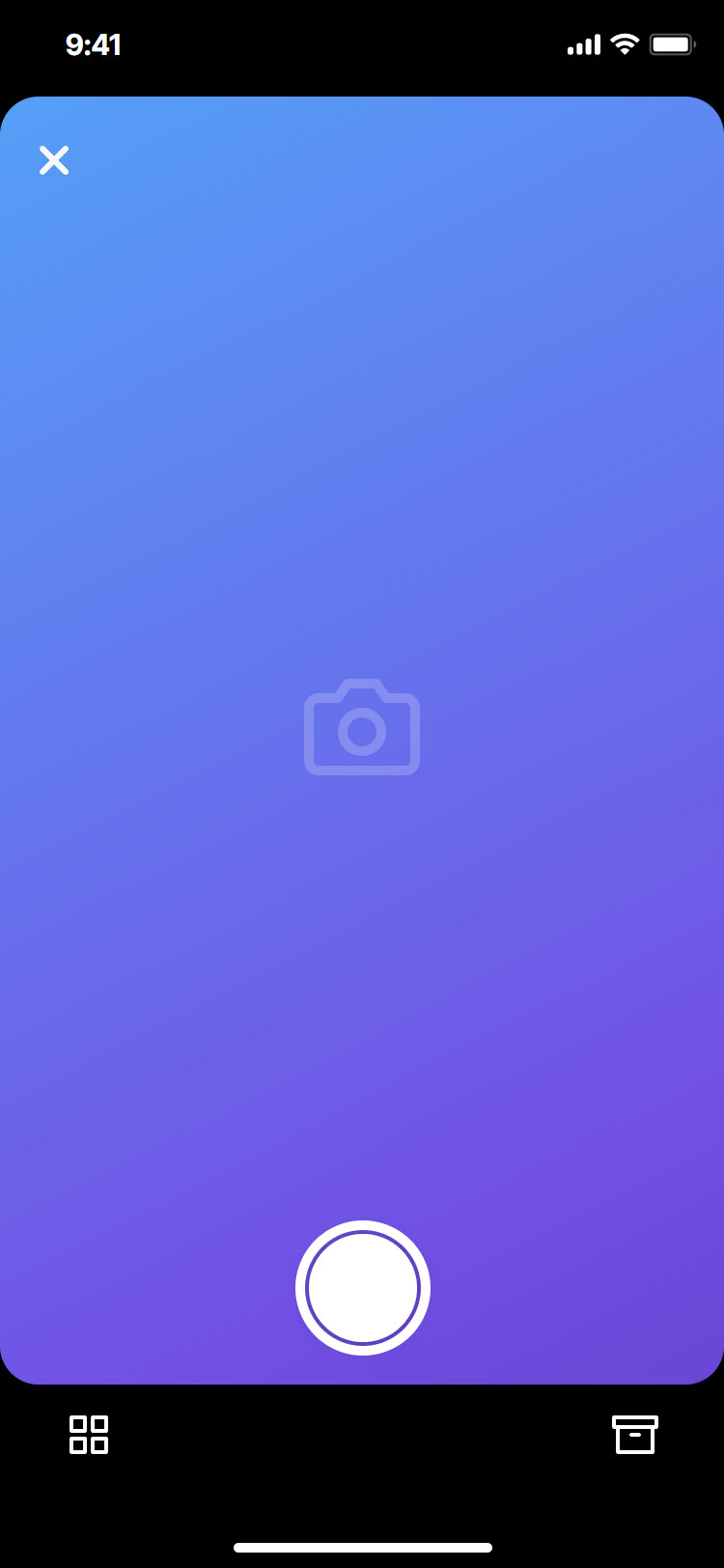
Record
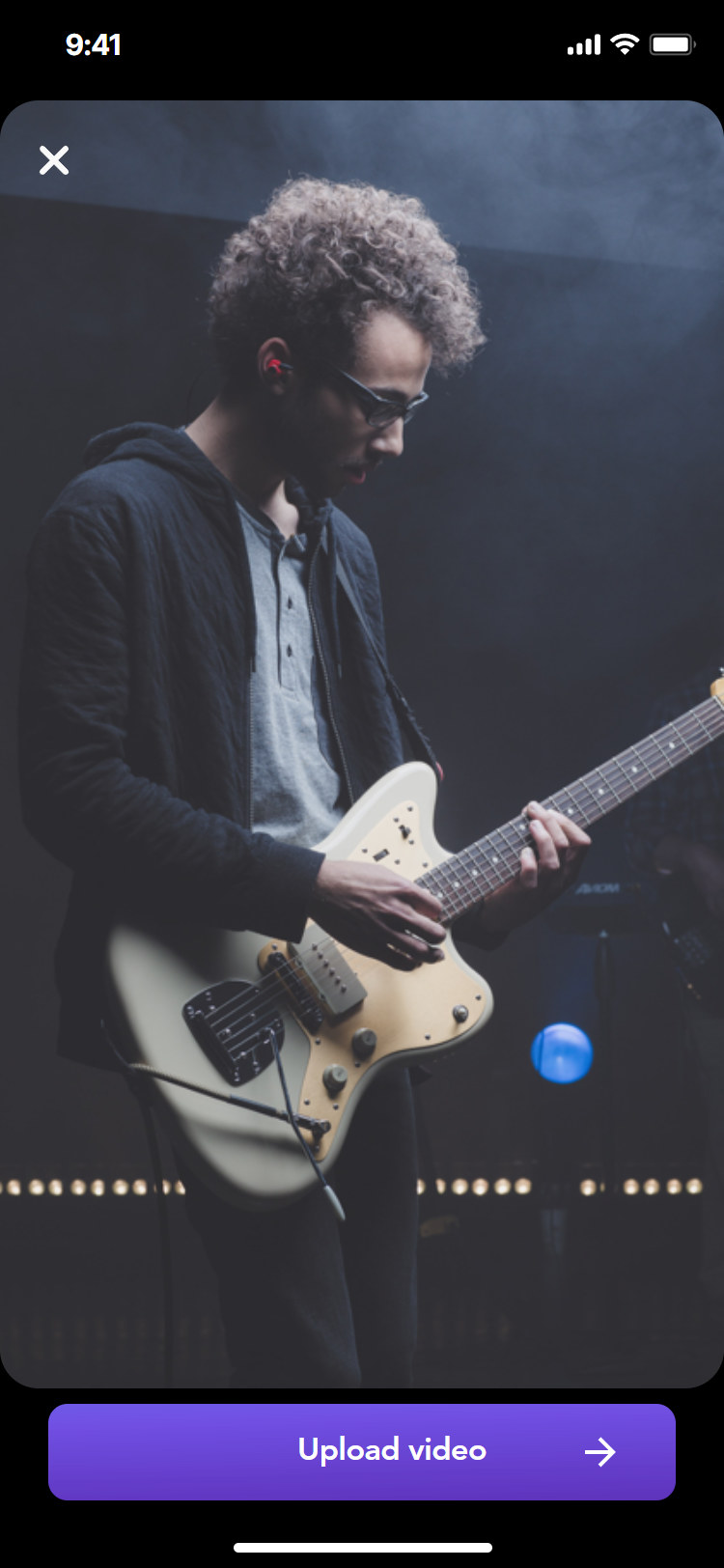
Upload
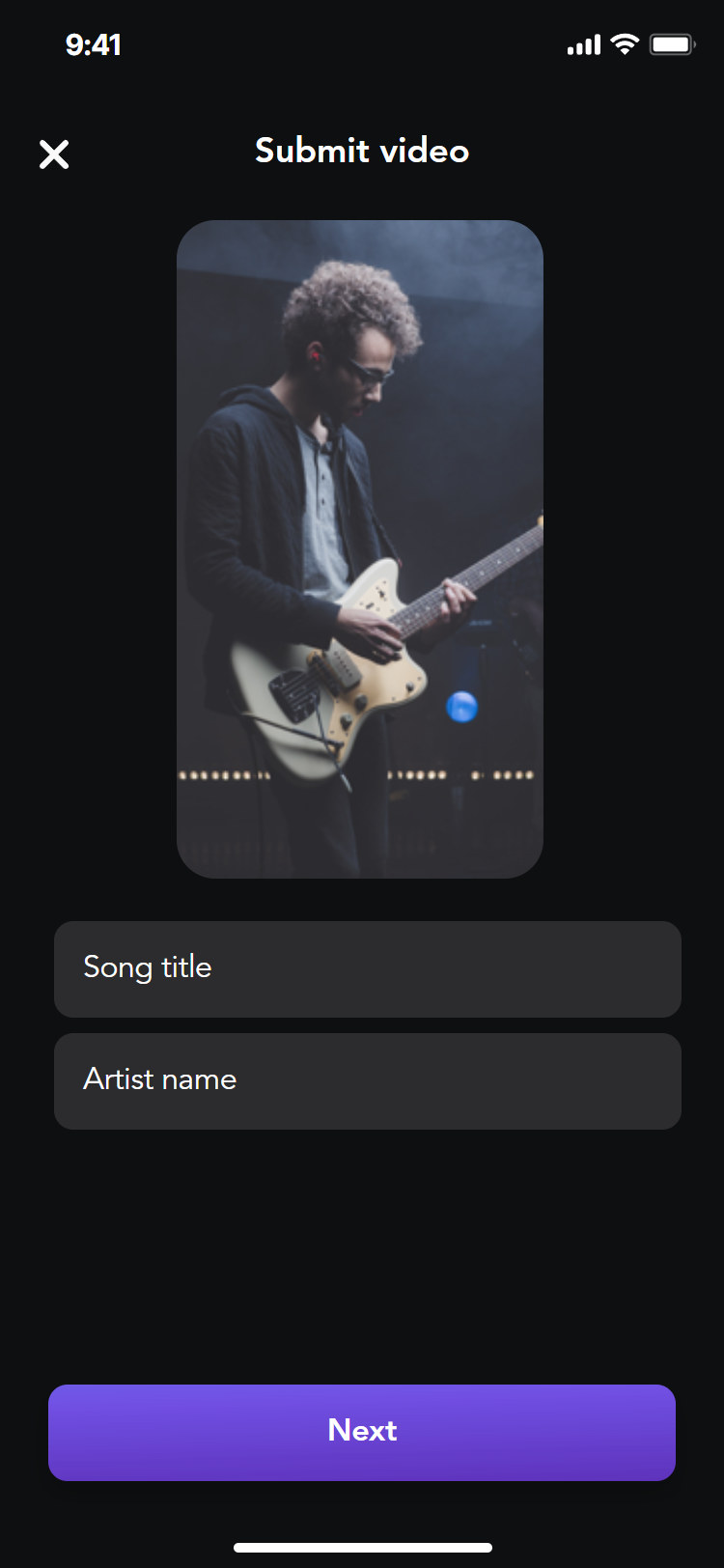
Details
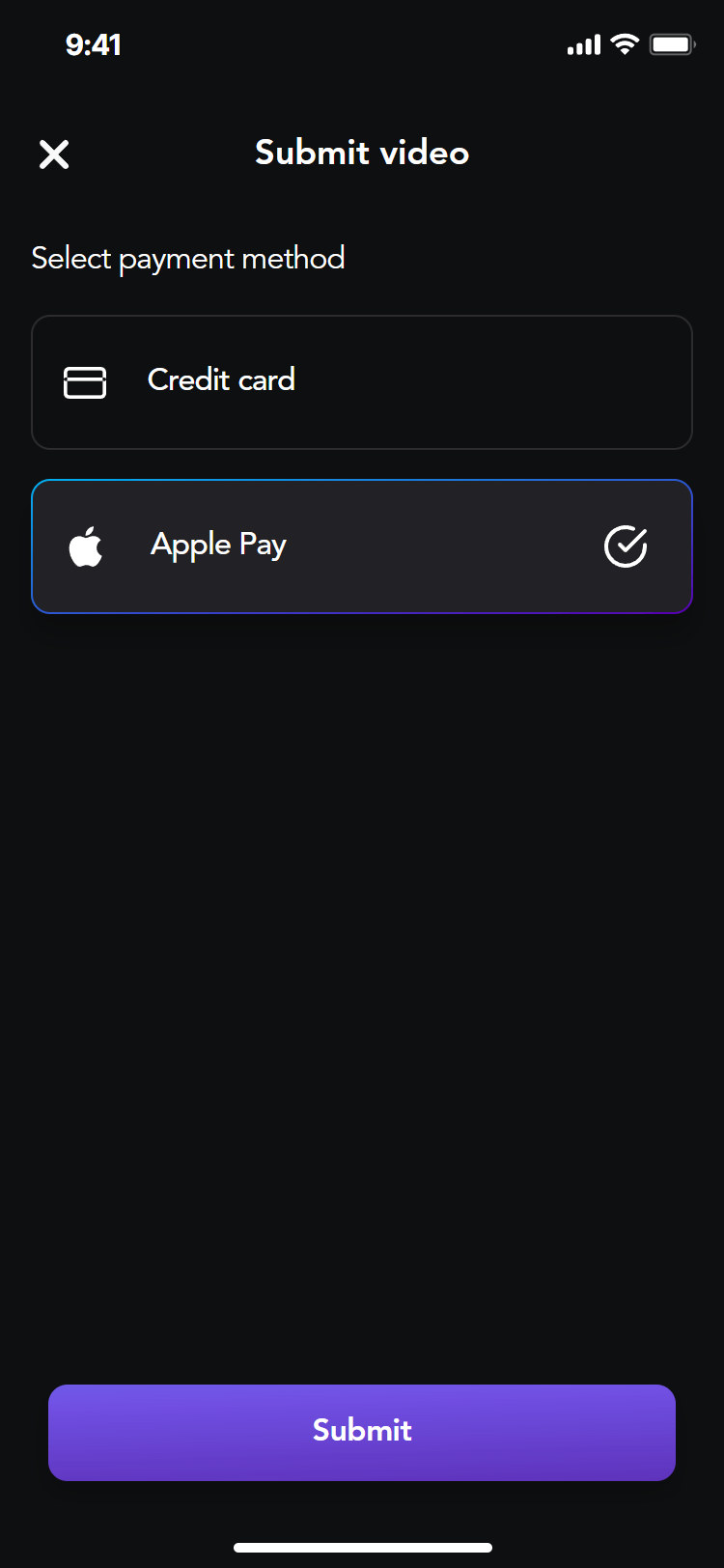
Payment method
Pay
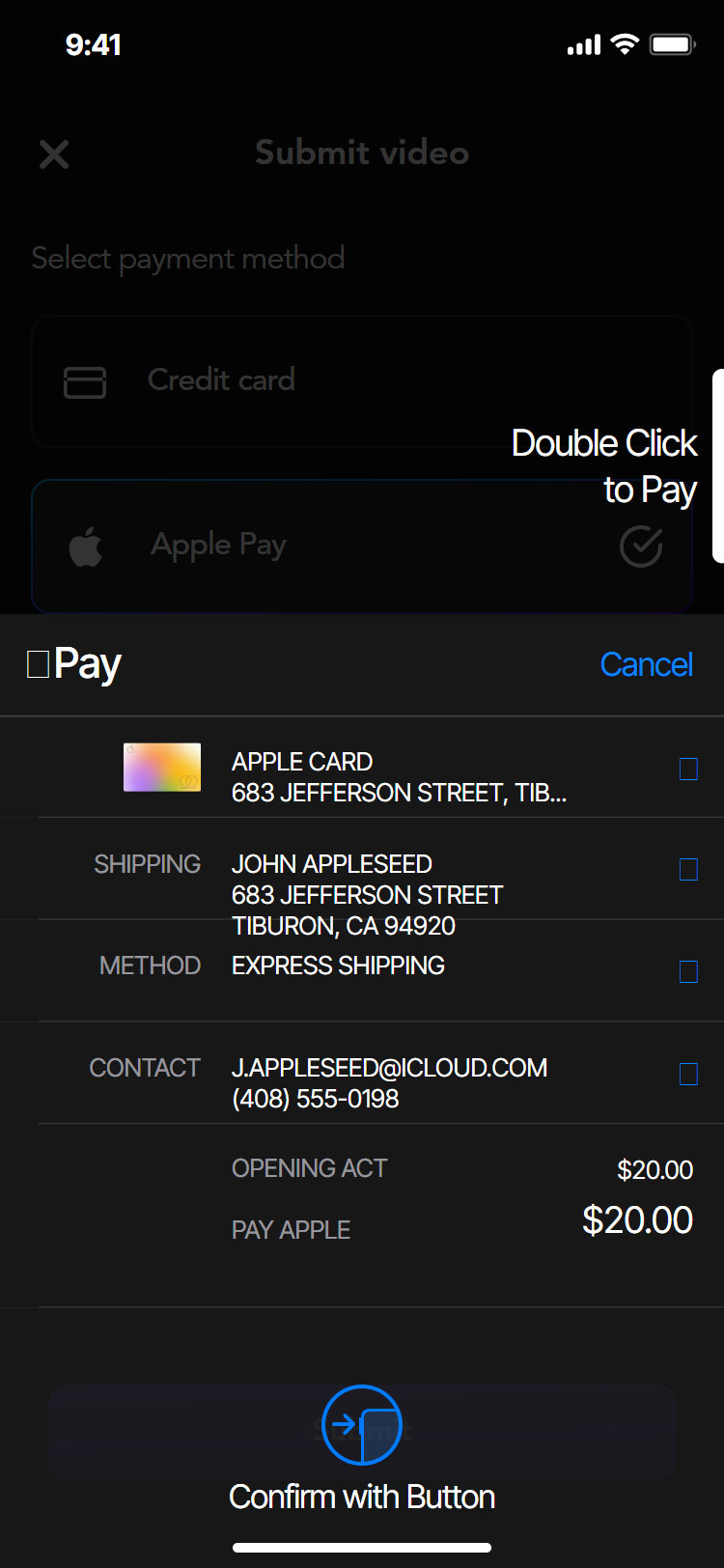
Apple Pay
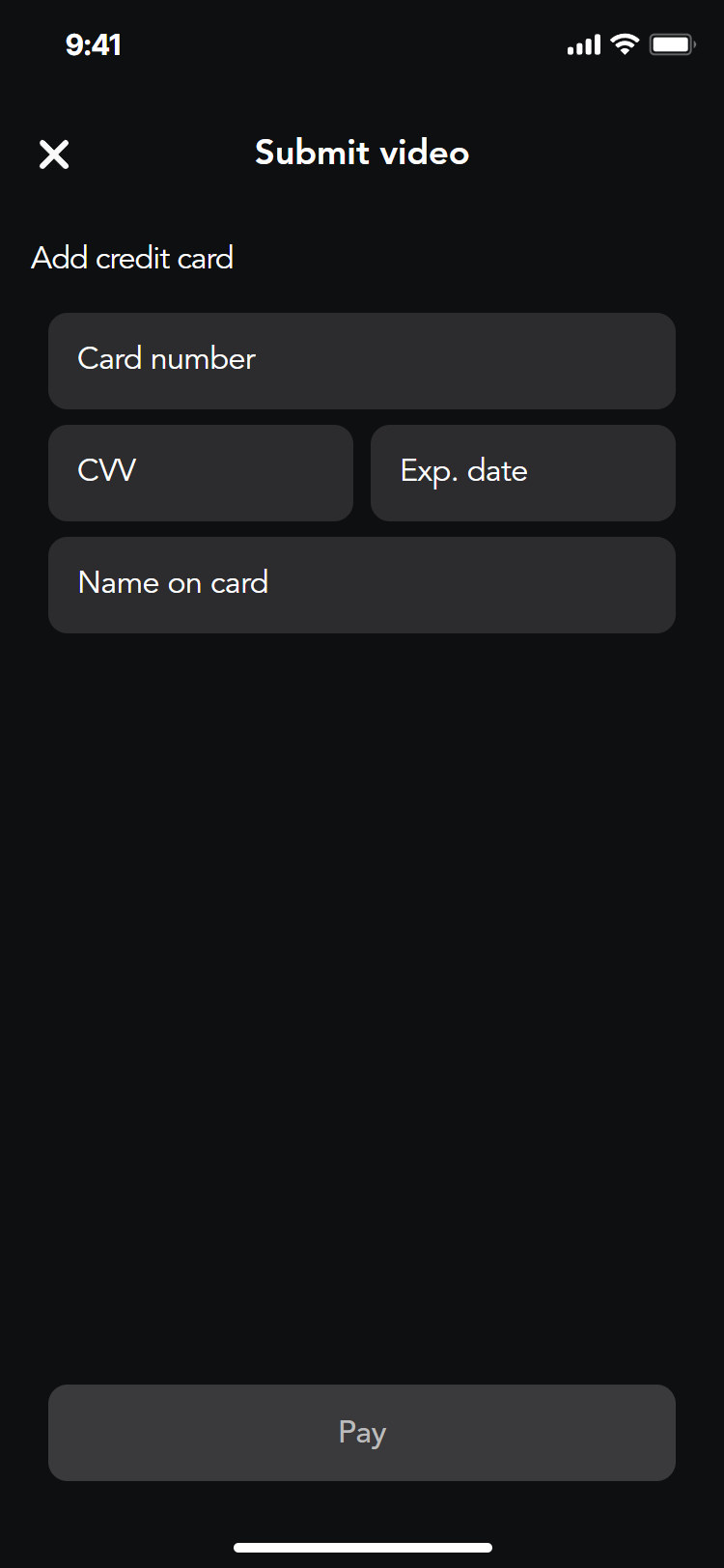
Add a card
Card selected
Profile, activity and settings
Everything after the stage
The profile collects an artist’s uploaded videos. Activity lists votes, comments and round results. Settings keep the account, notifications and saved payment methods in one place, with a default card.
Profile
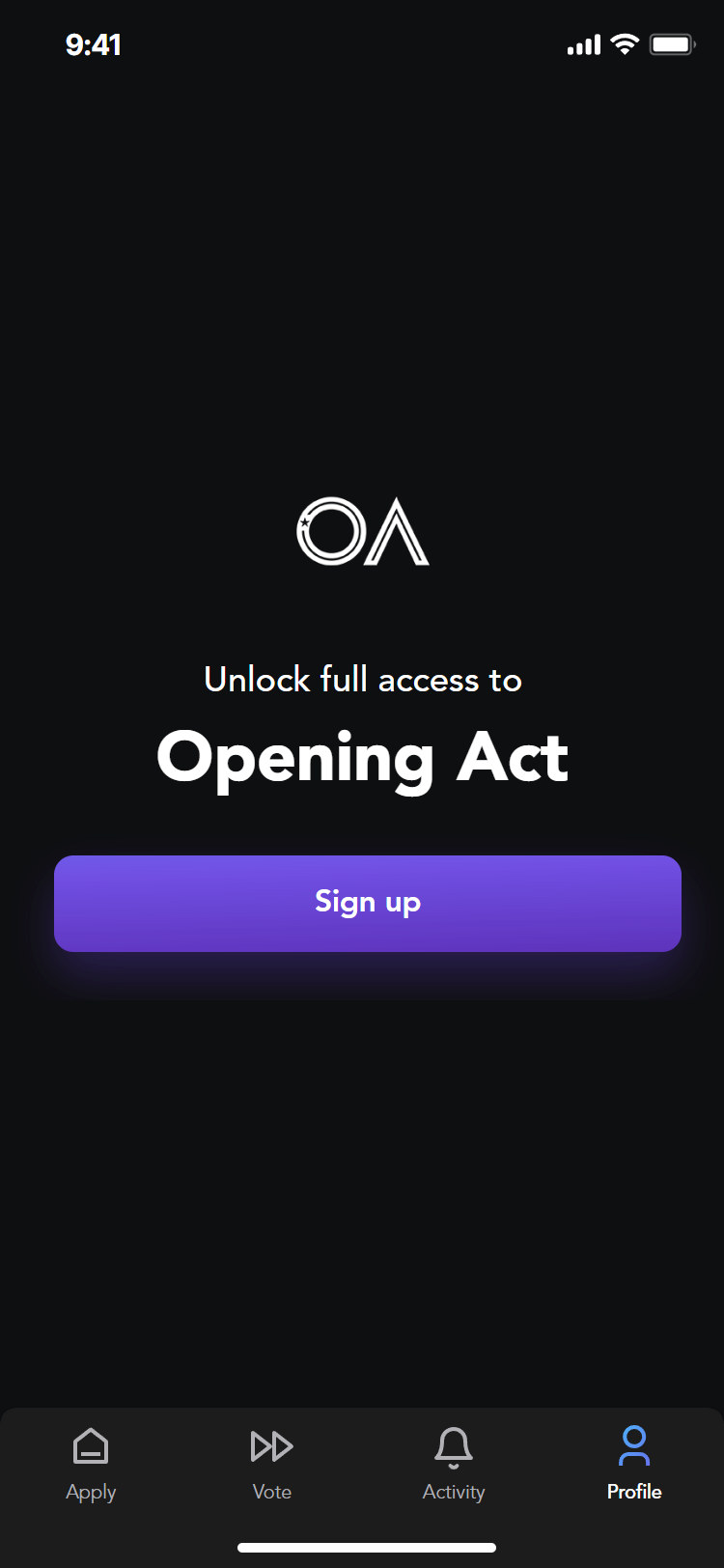
Signed out
Sign up prompt
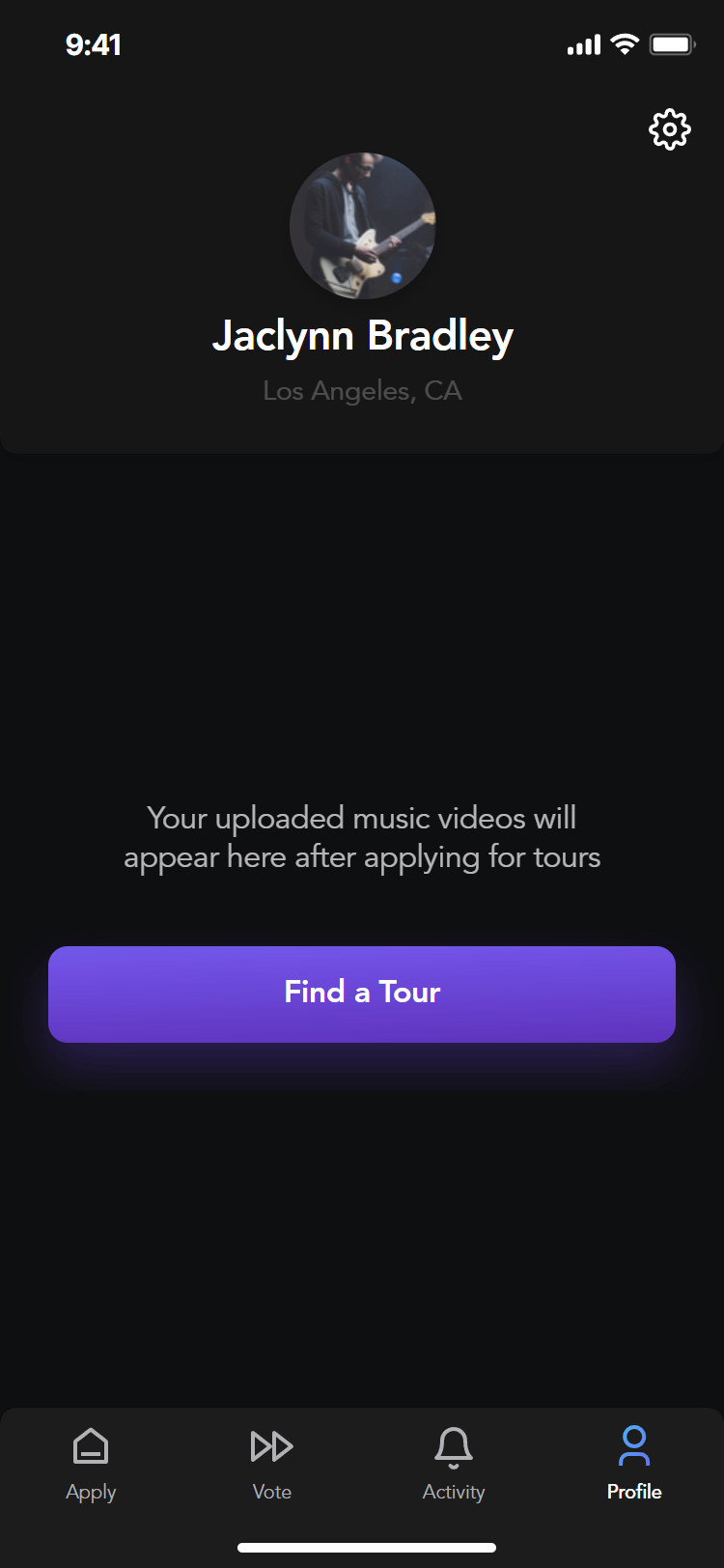
Profile
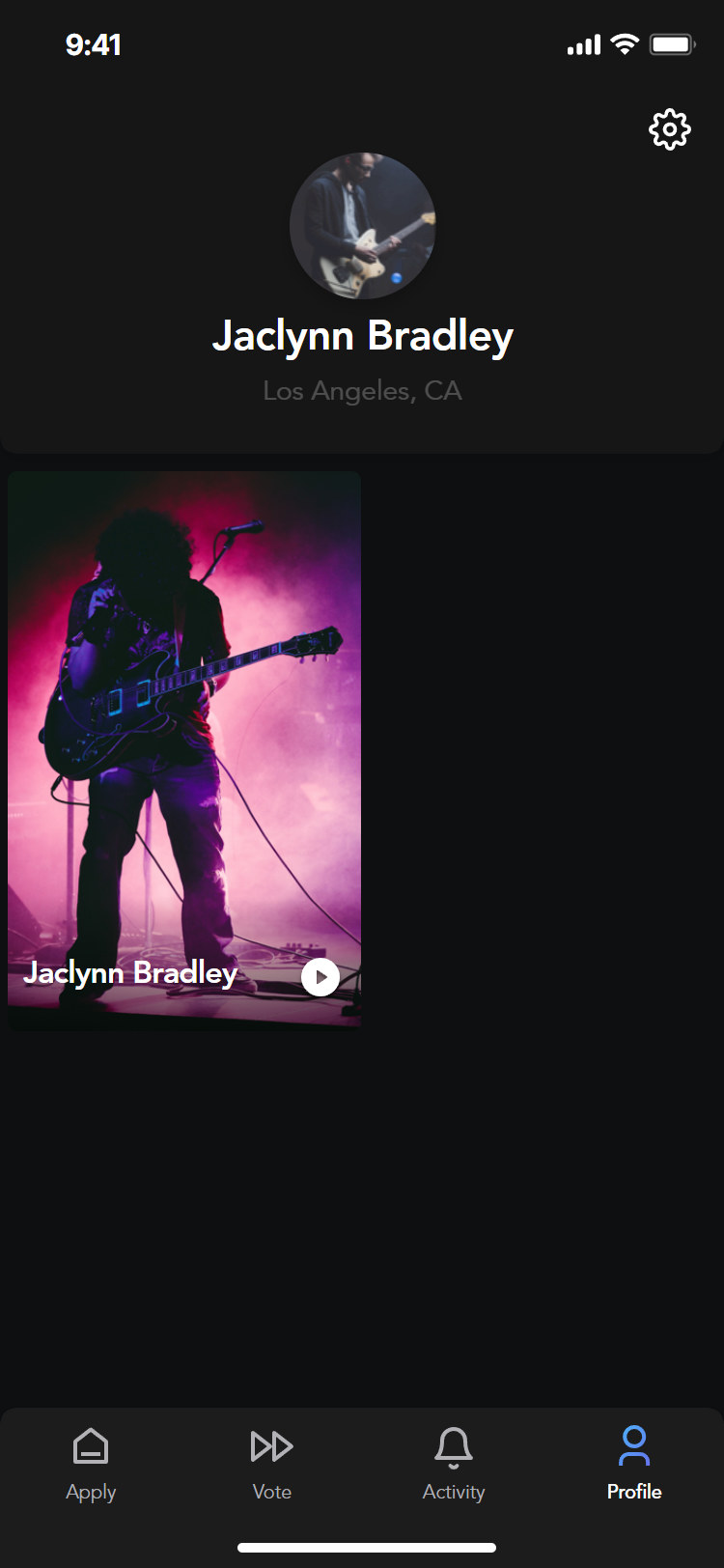
Added video
Activity
Signed out
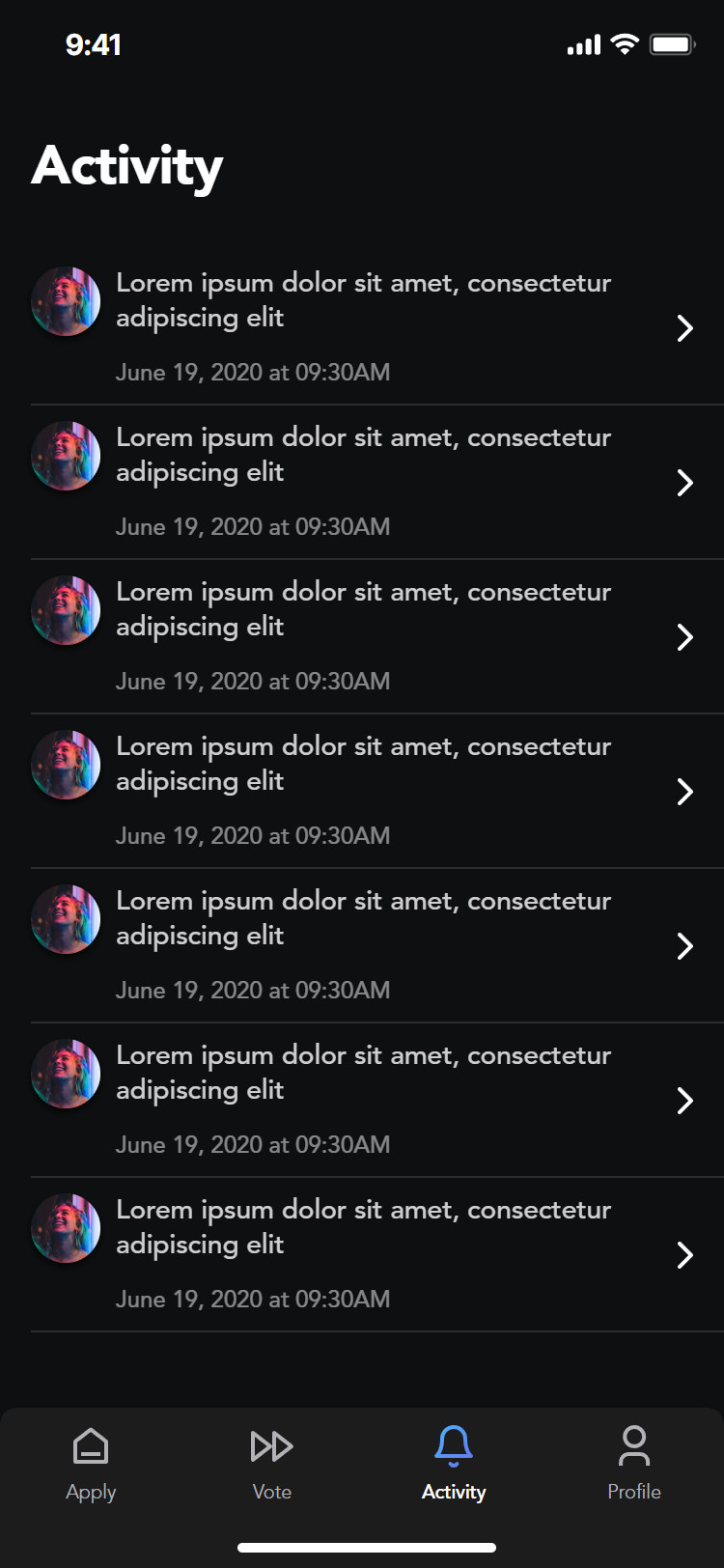
Activity
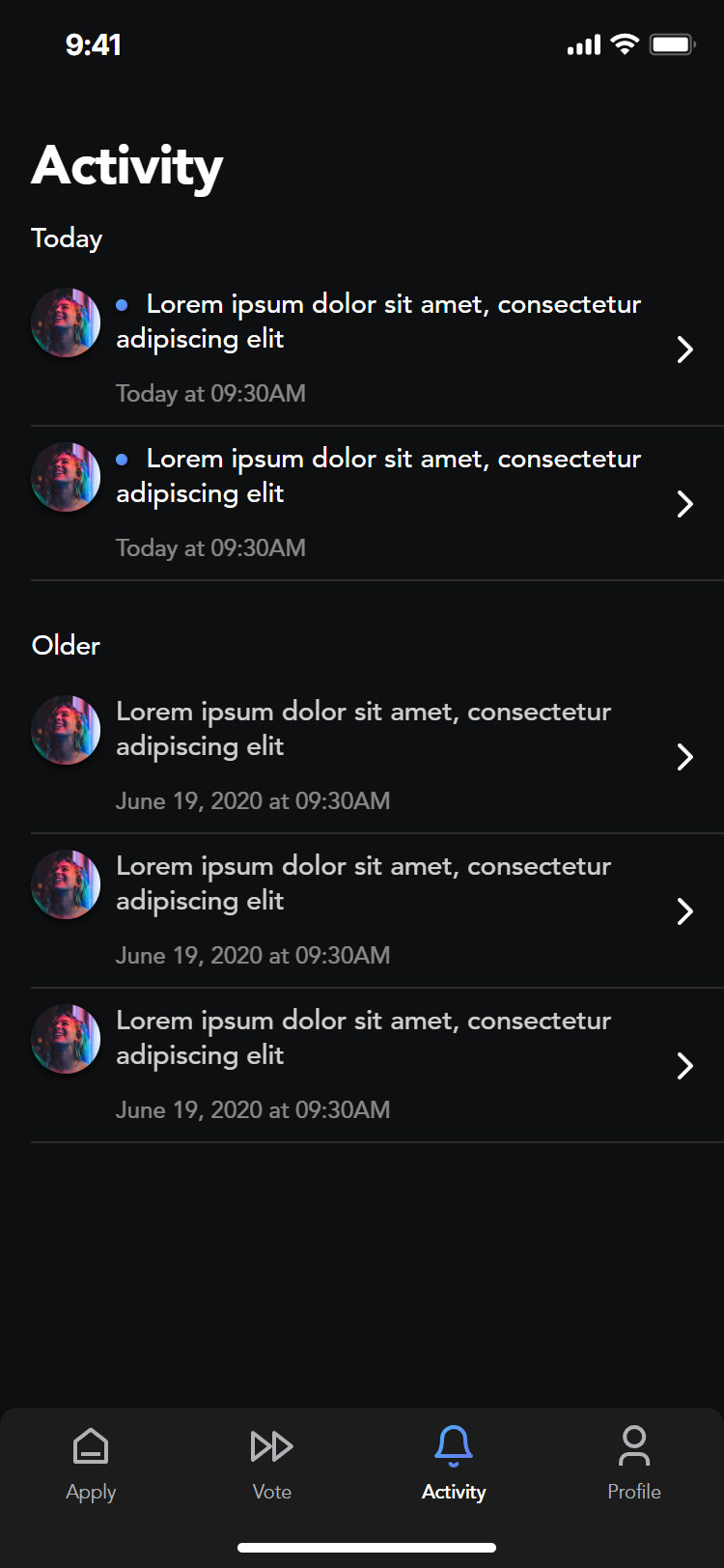
Today and older
Settings
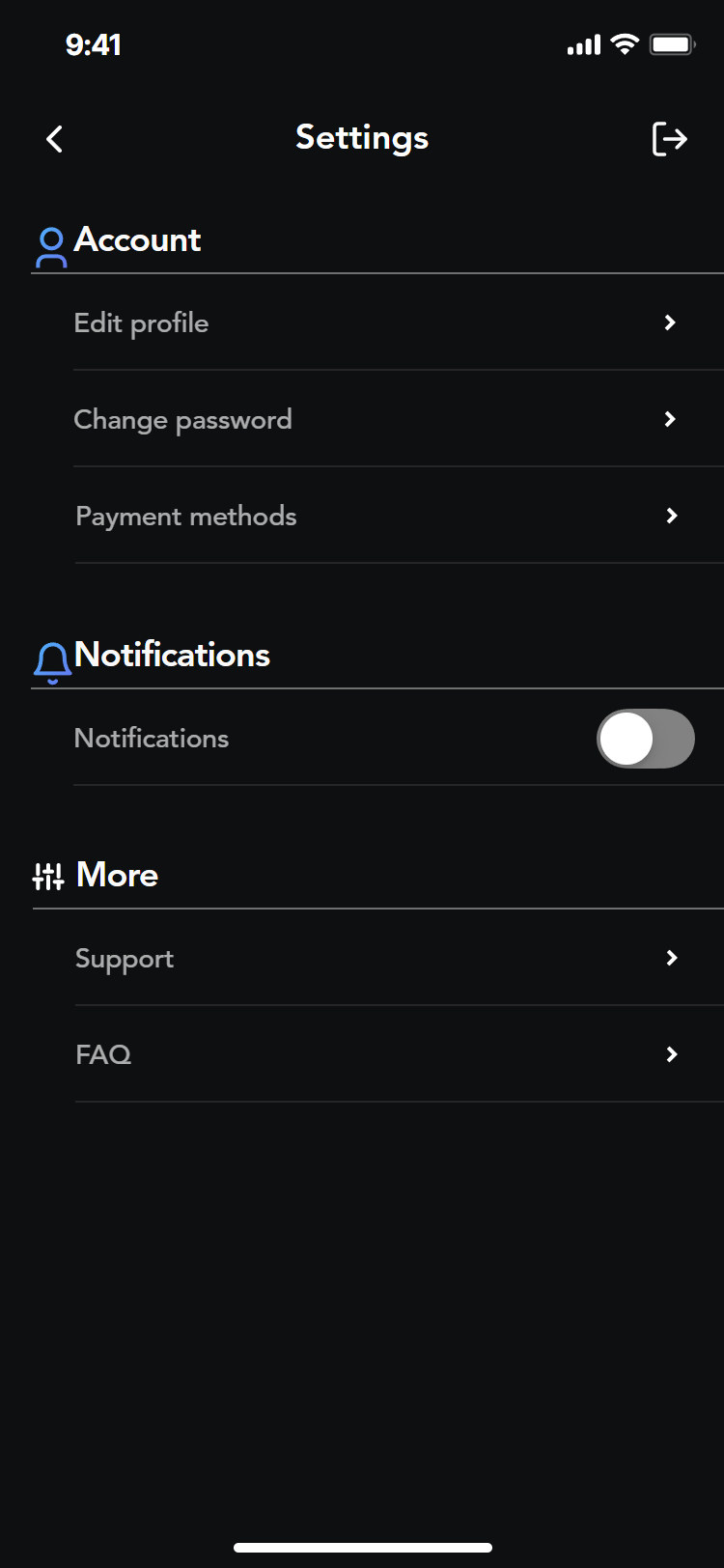
Settings
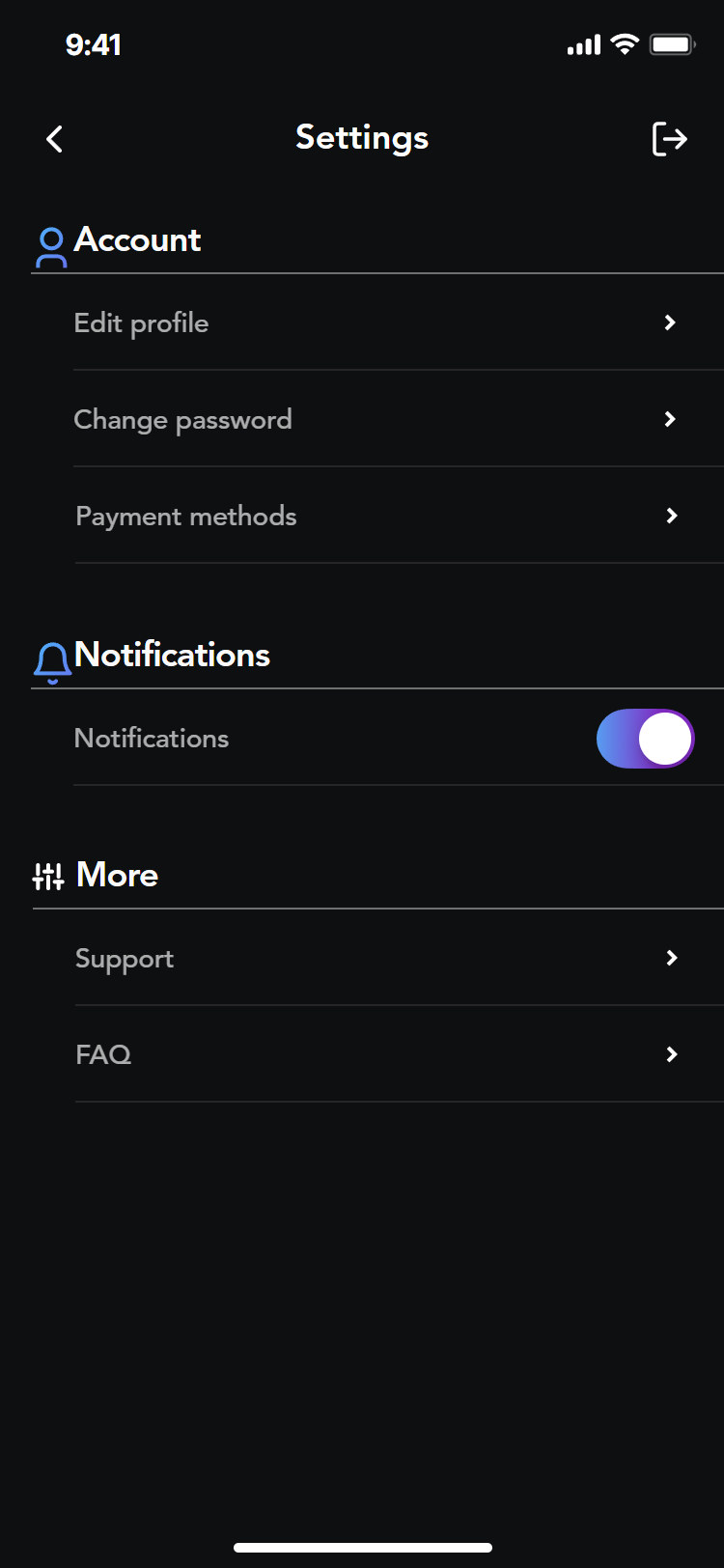
Notifications on
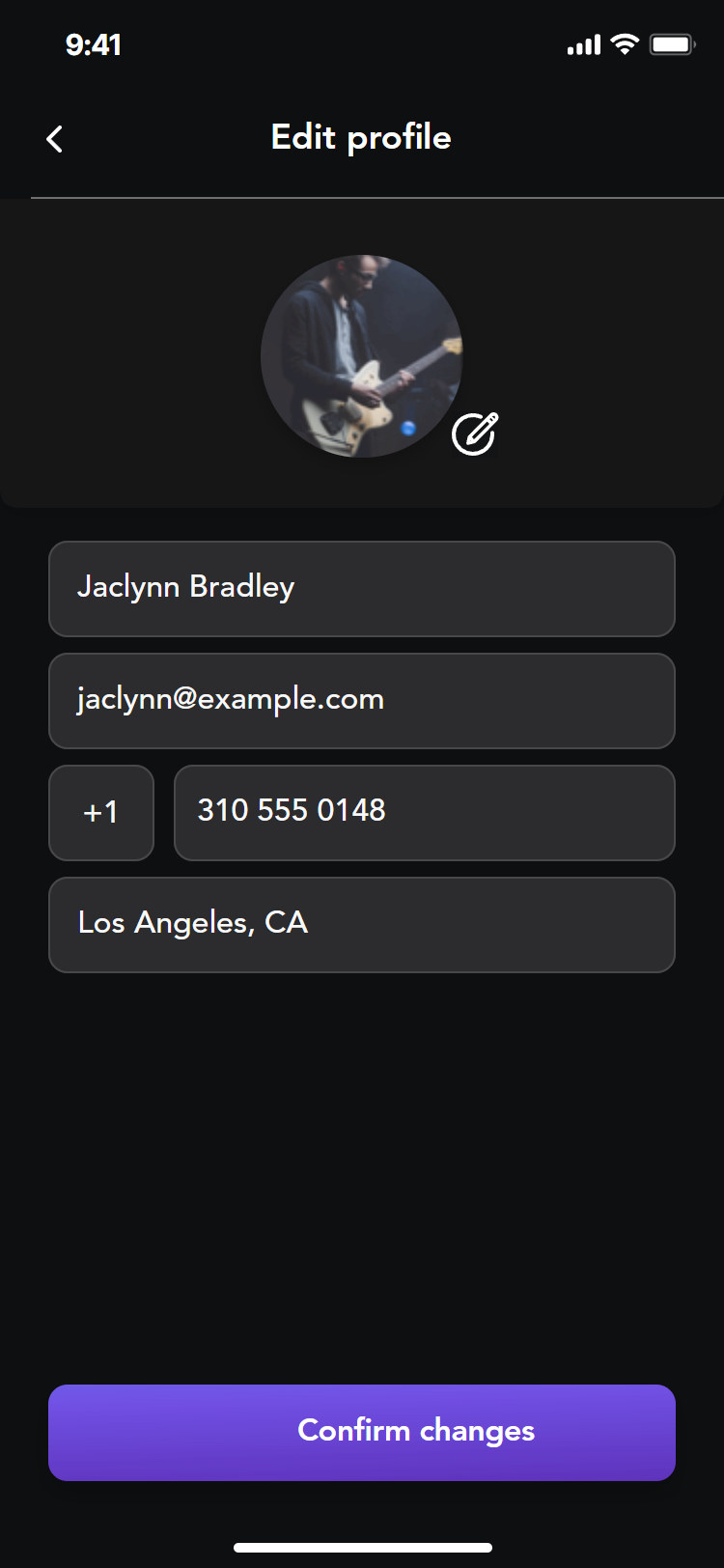
Edit profile
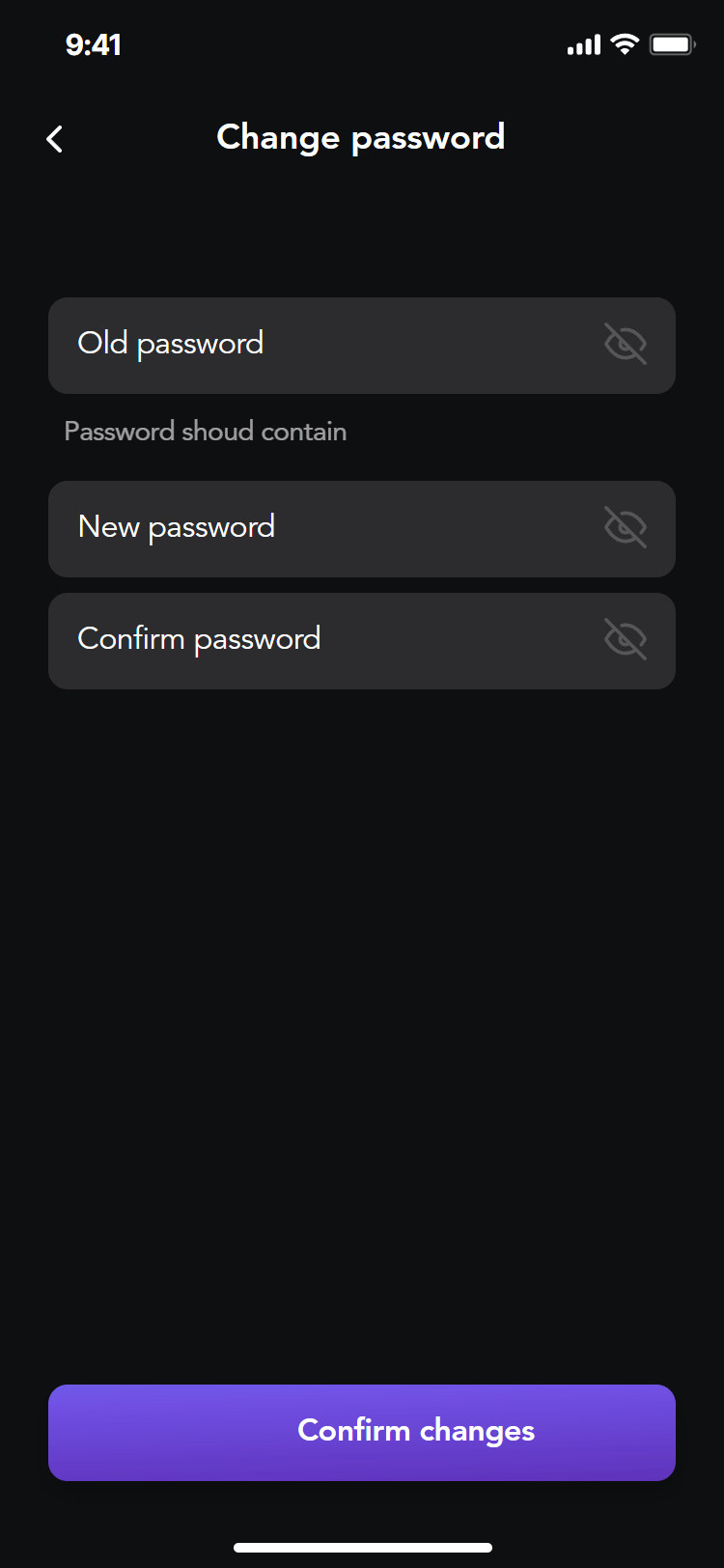
Change password
Payment methods
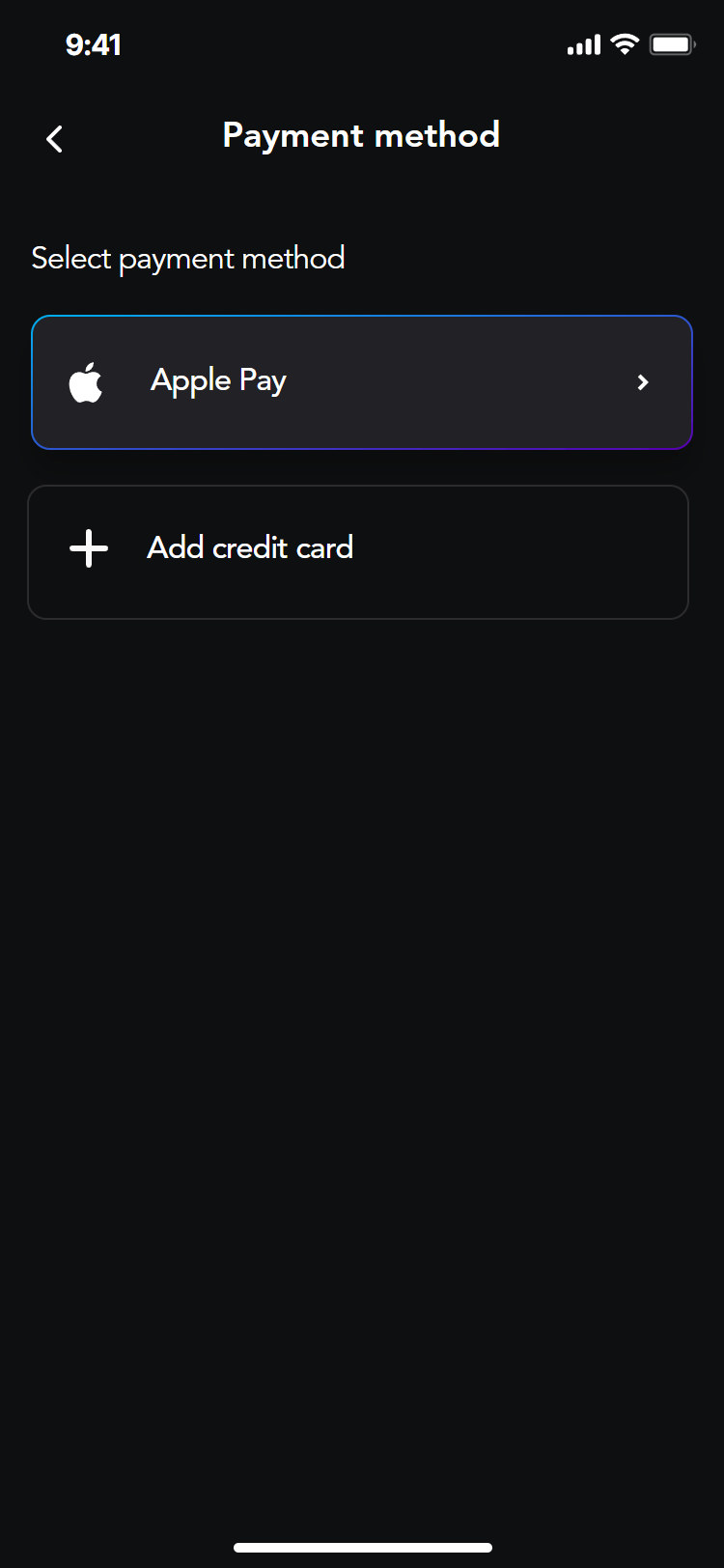
Payment method
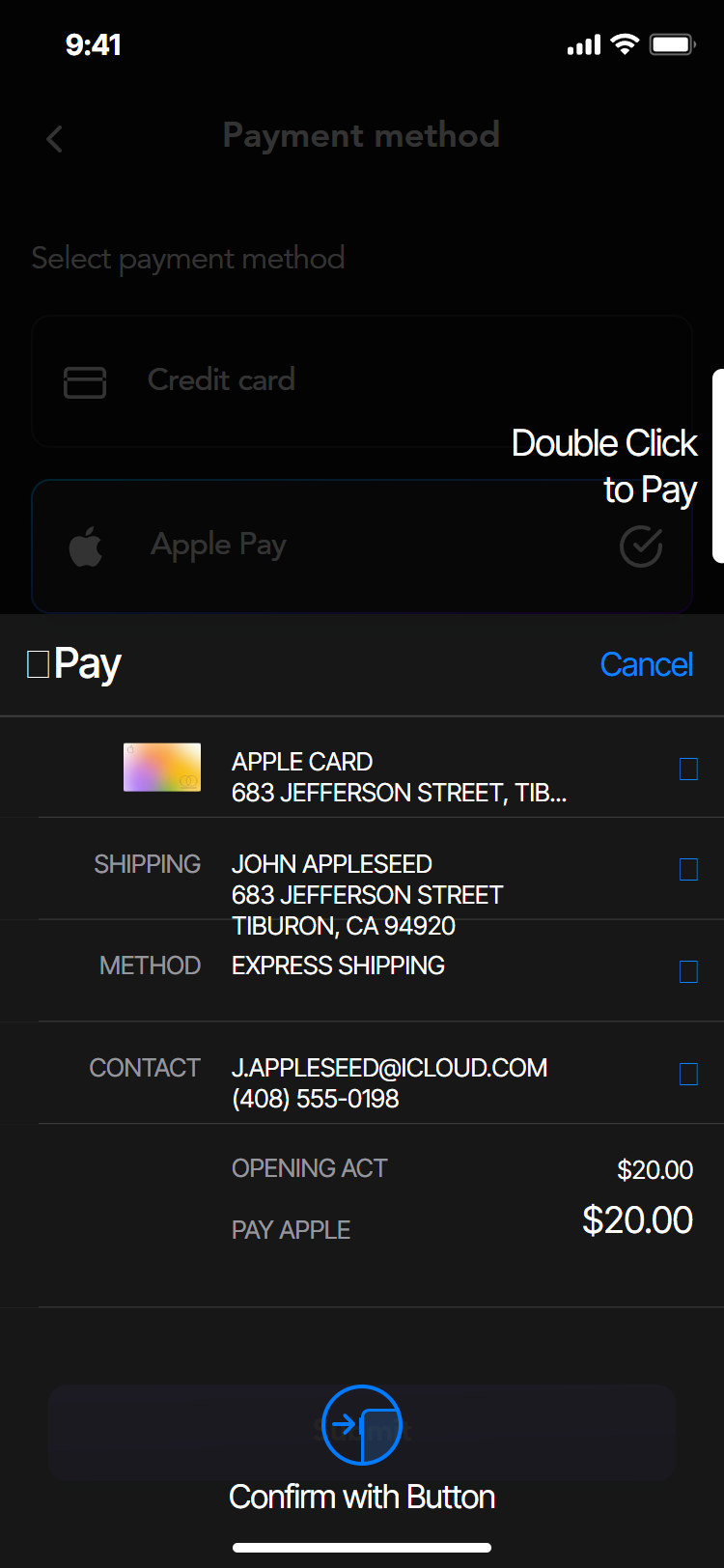
Apple Pay
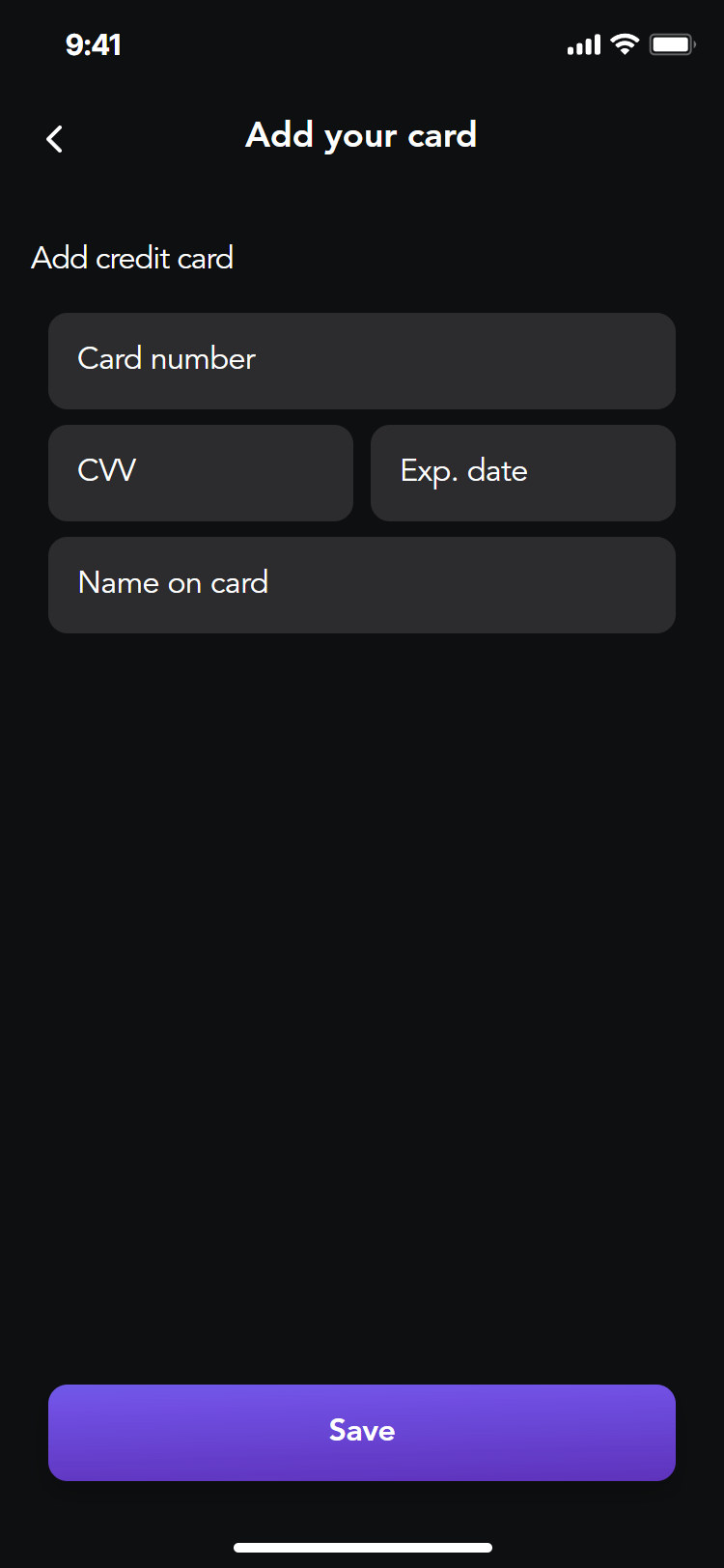
Add card
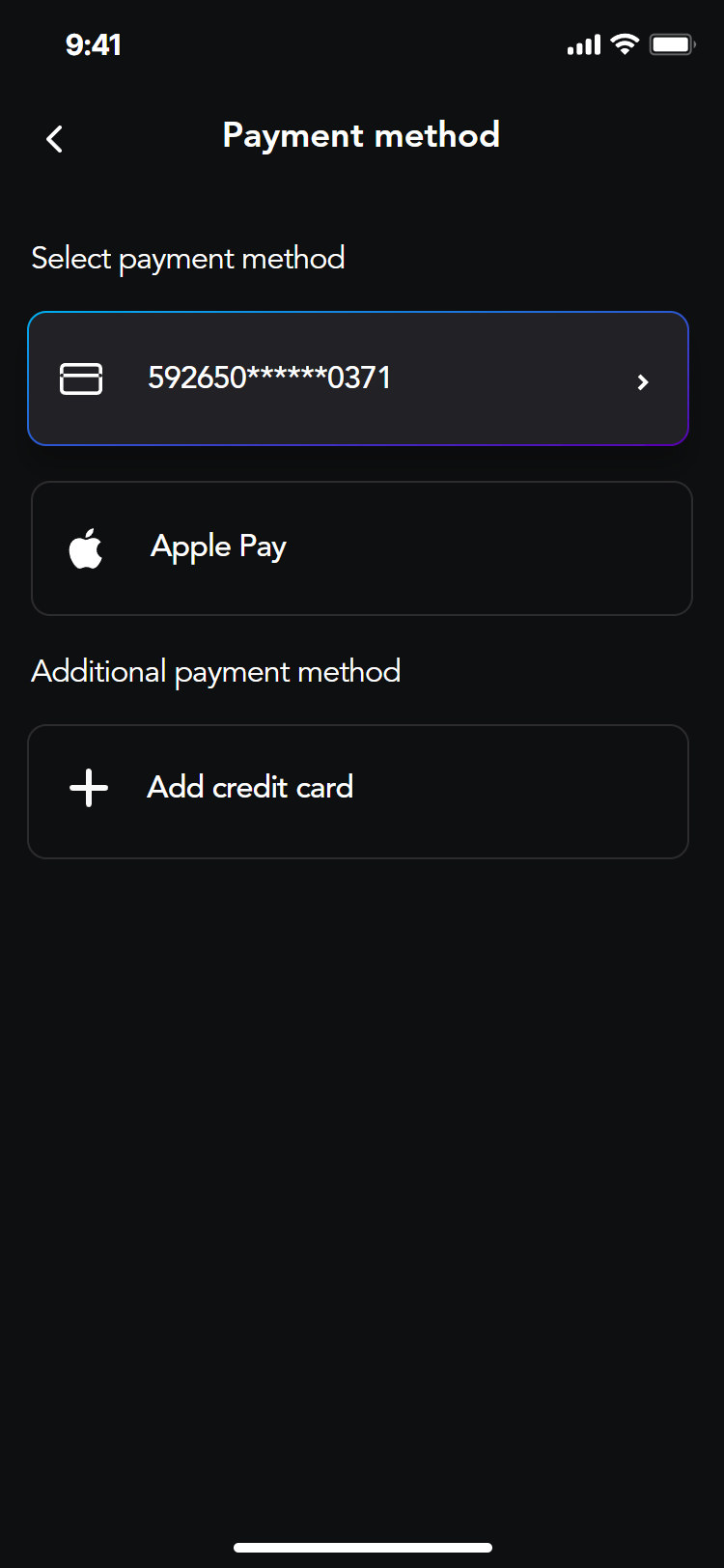
Saved cards
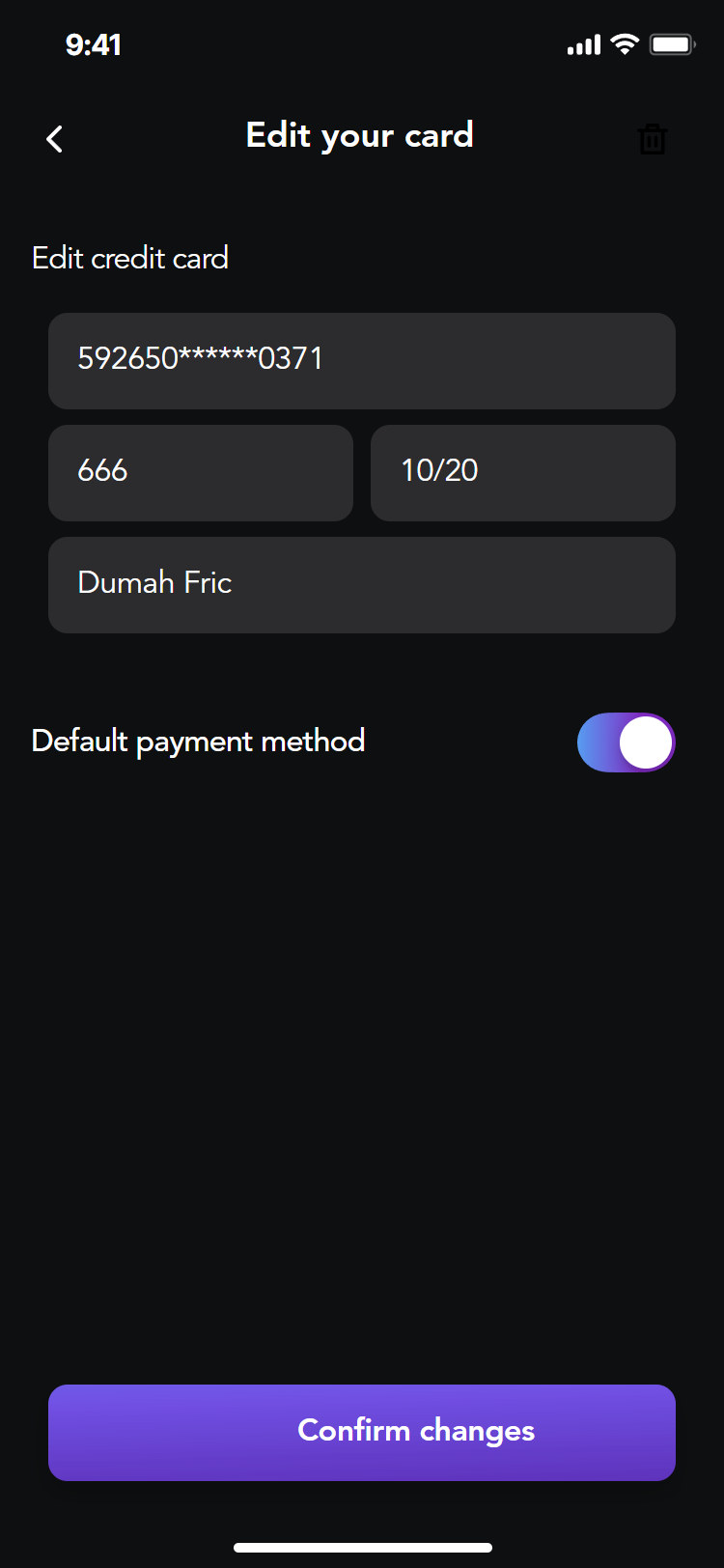
Edit card
Lead external collaborator for Coreware Labs, Belgrade
Thank you!