Give Get
Financial literacy board game
Overview
Brand, game and program
Give Get is a financial literacy board game by Finance411, created by a teacher and a financial planner. Players drive around a board and decide when to give money to get money, and learn budgeting, saving, investing, owning, borrowing and speculating along the way. I designed the brand, the game, its board in print and in 3D, and the program it is sold with.
each type of space
to the stores
school challenge
that month
My Responsibilities
Lead designer
From the first sketch of the board to the screenshots in the App Store.
A logo, colors and type that read as a game, not a bank.
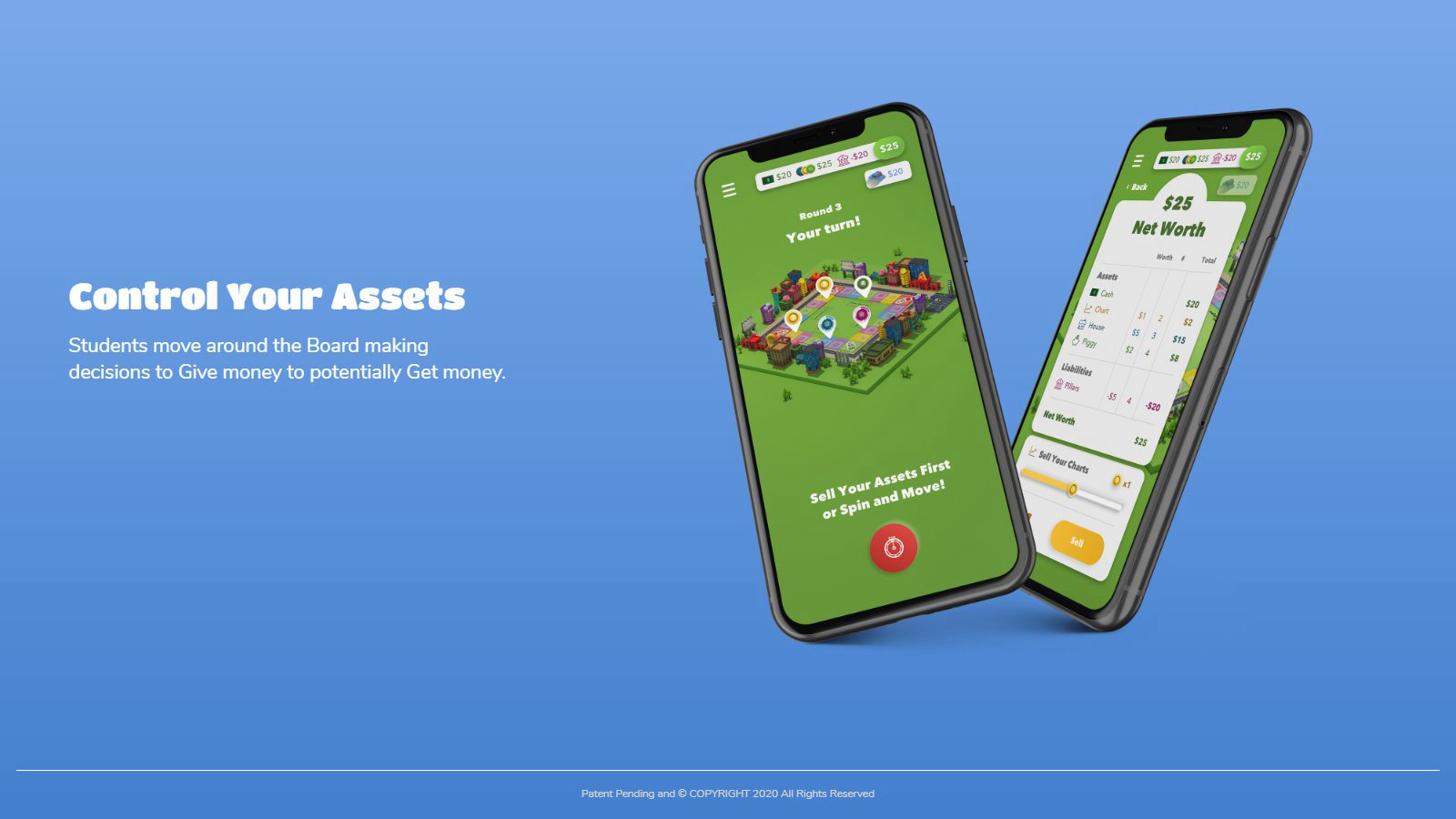
Every screen of the game, from loading to the net worth sheet.
The printed board and its corner cards, and the 3D board the app is played on.
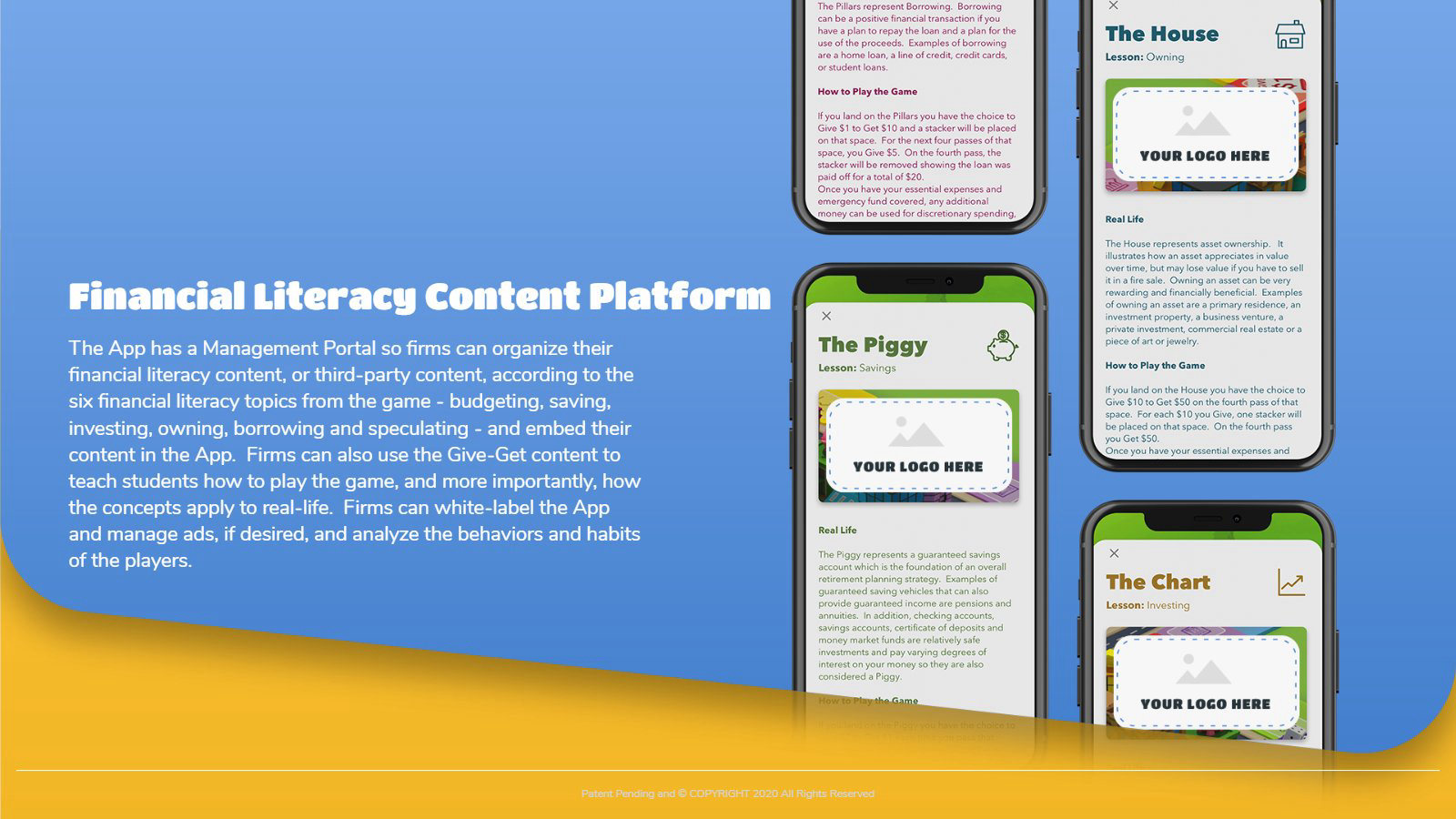
A lesson for each kind of space, with the real-life idea behind it.
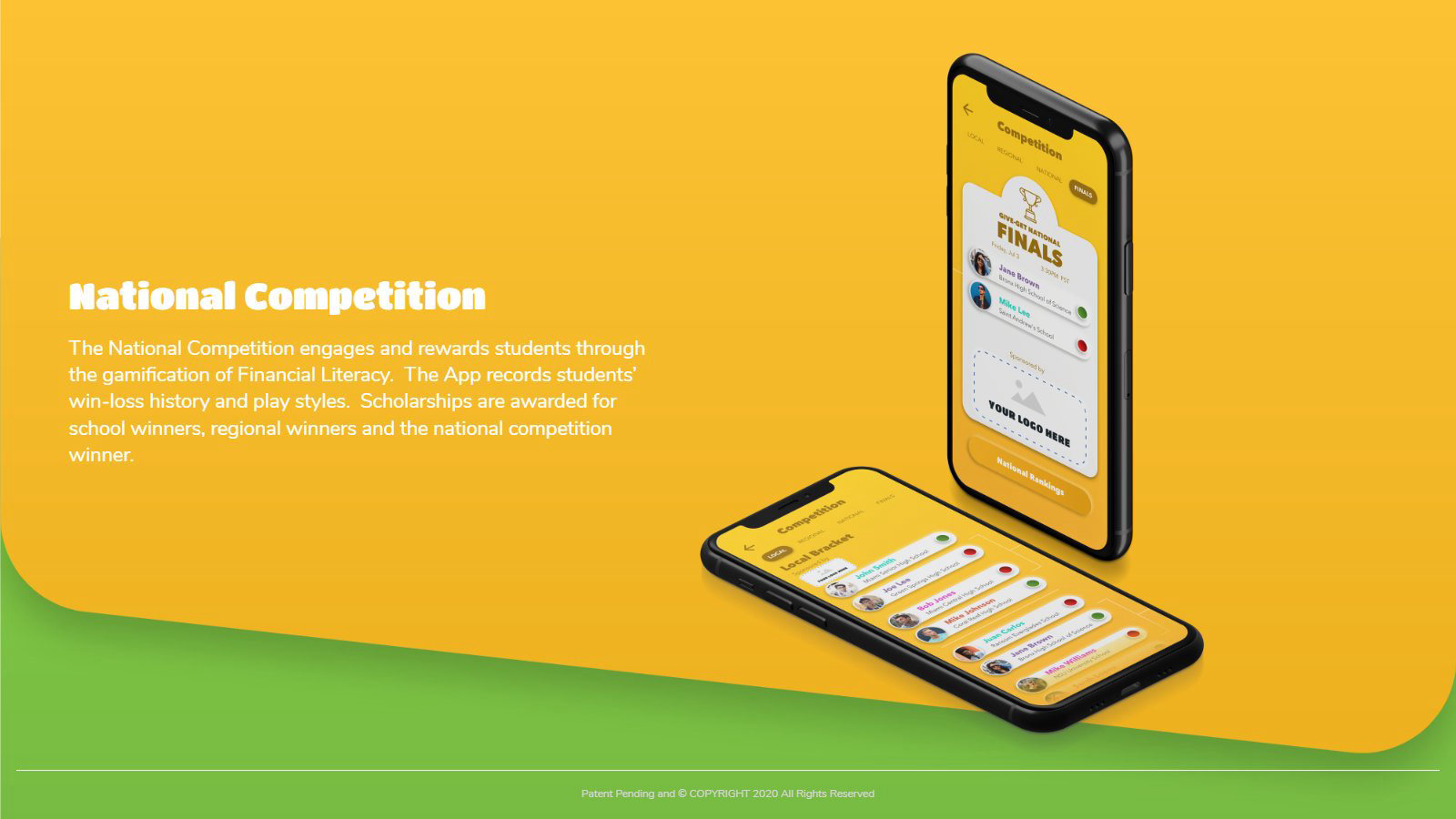
School, regional and national rounds with brackets and rankings.
Store graphics, the pitch deck and the program deck.
Brand identity
Logo, color and type
A heart built from game pieces and coins, with the name in a fat, friendly display face. Green and yellow carry the game, charcoal carries the text, and every space on the board has its own color so a player knows where they landed at a glance.
Game icon

Web logo, the wordmark alone
Game icon on the game’s green
Color palette
Typography
Gradients
A color for every space
 Chart
Chart Pillars
 House
House Piggy
Piggy Ticket
UI components
Buttons
Get StartedCompetitionQuick PlayHow to PlayLoading, sliders and steppers
Loading..

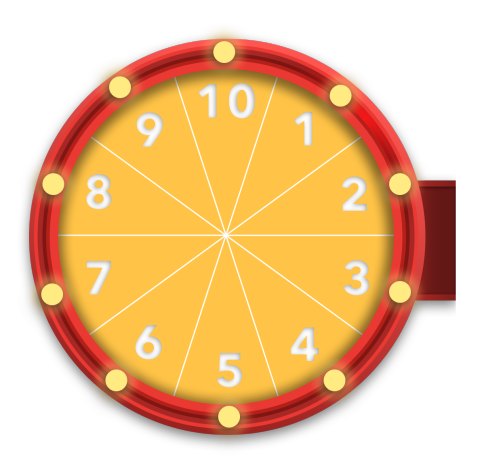
Spin and move


Stackers, owned and not yet owned








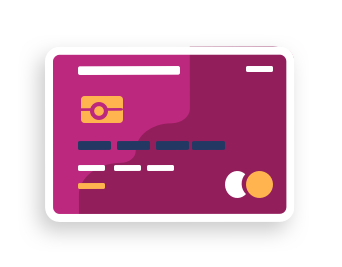
Wallet and balance
-$20$25$20
$25Net Worth
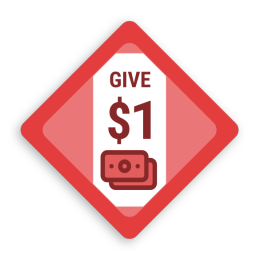
Corner cards and rewards



The board
Printed and 3D
The board started on paper, with corner cards that pay or charge you for passing, and became a small 3D city with a road around it. The same board sits under every screen of the game.
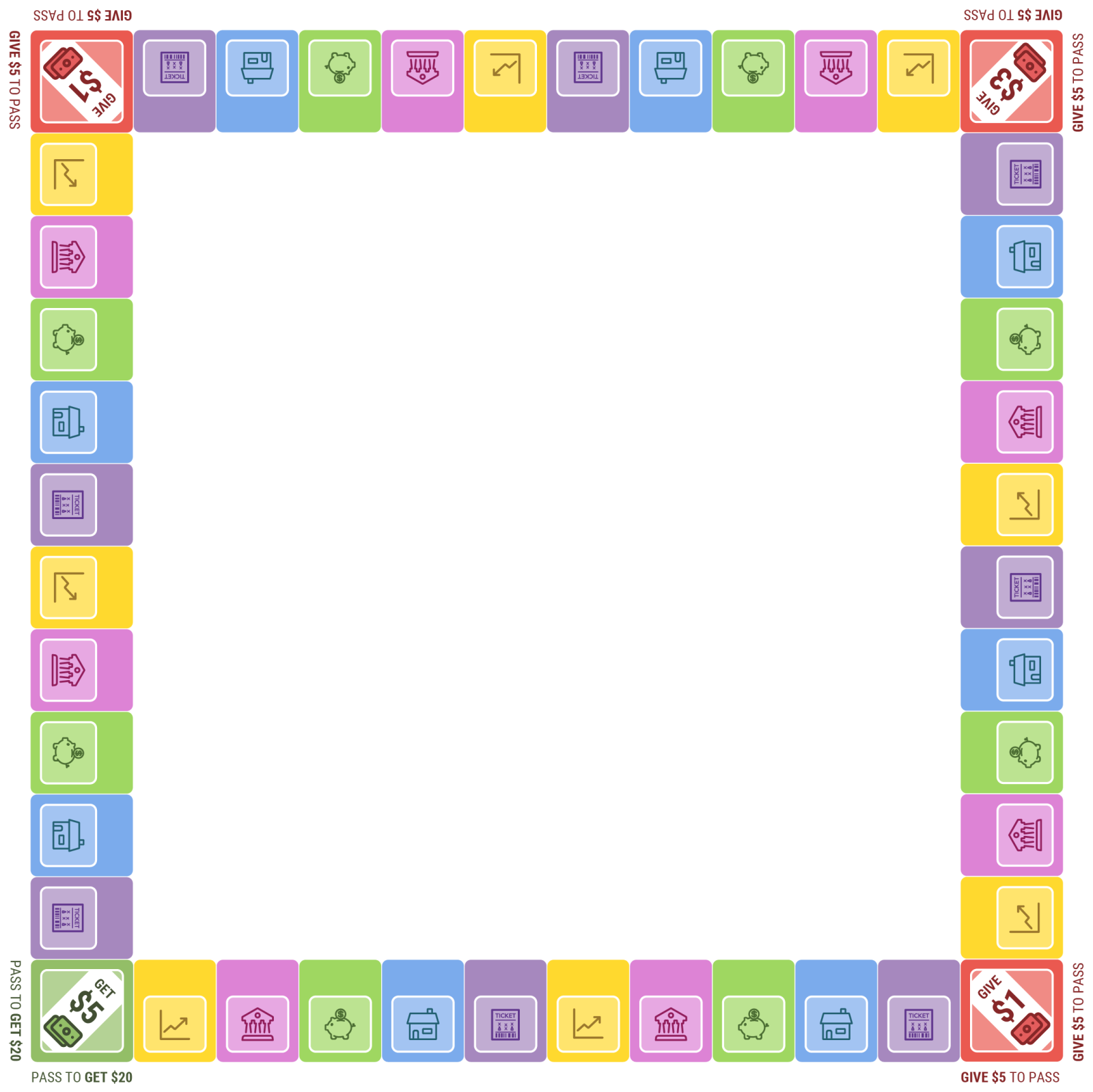
Printed board
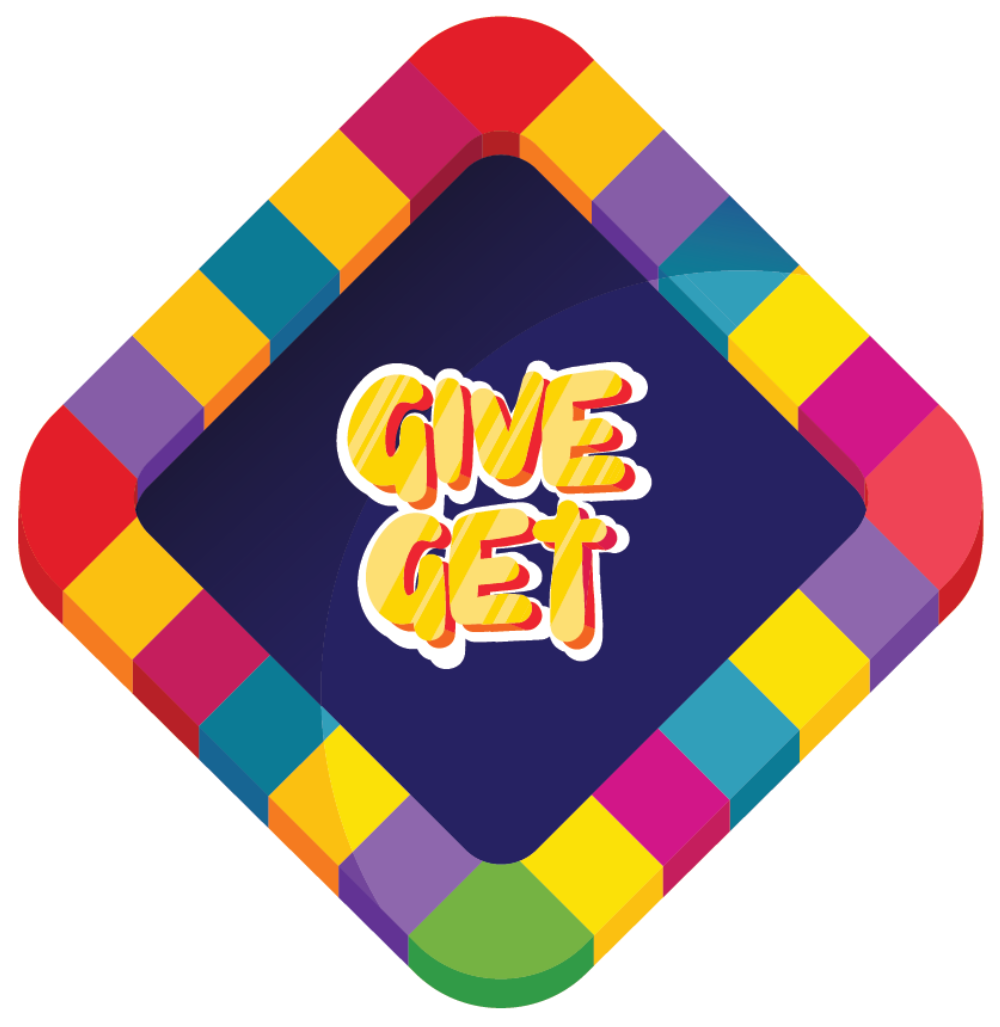
Board center with the logo
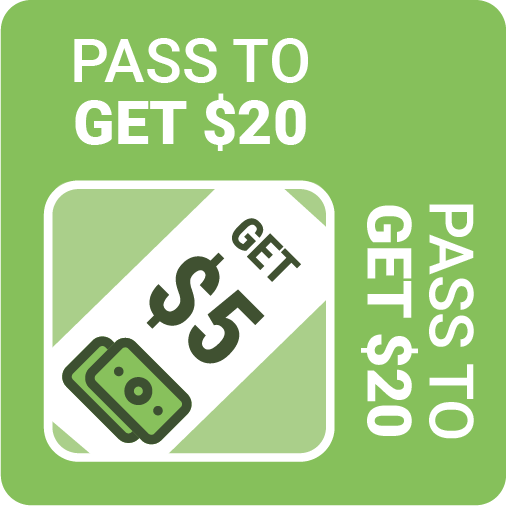
Green corner, get $5
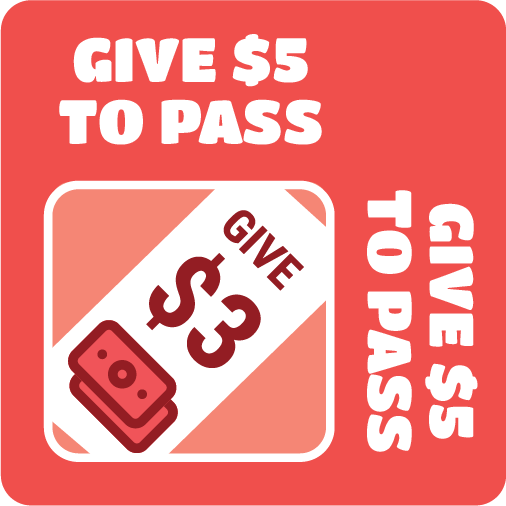
Red corner, give $3

Green corner, second style
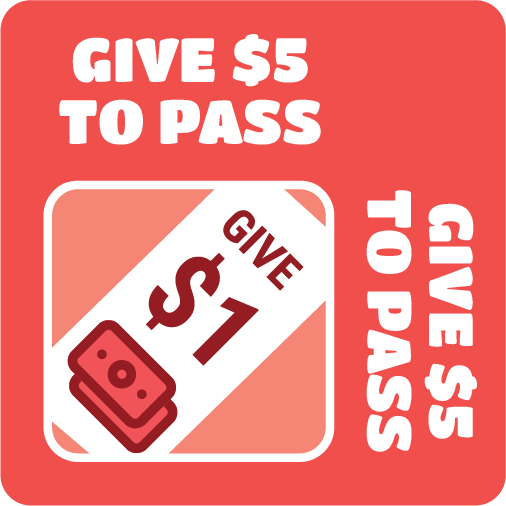
Red corner, give $1
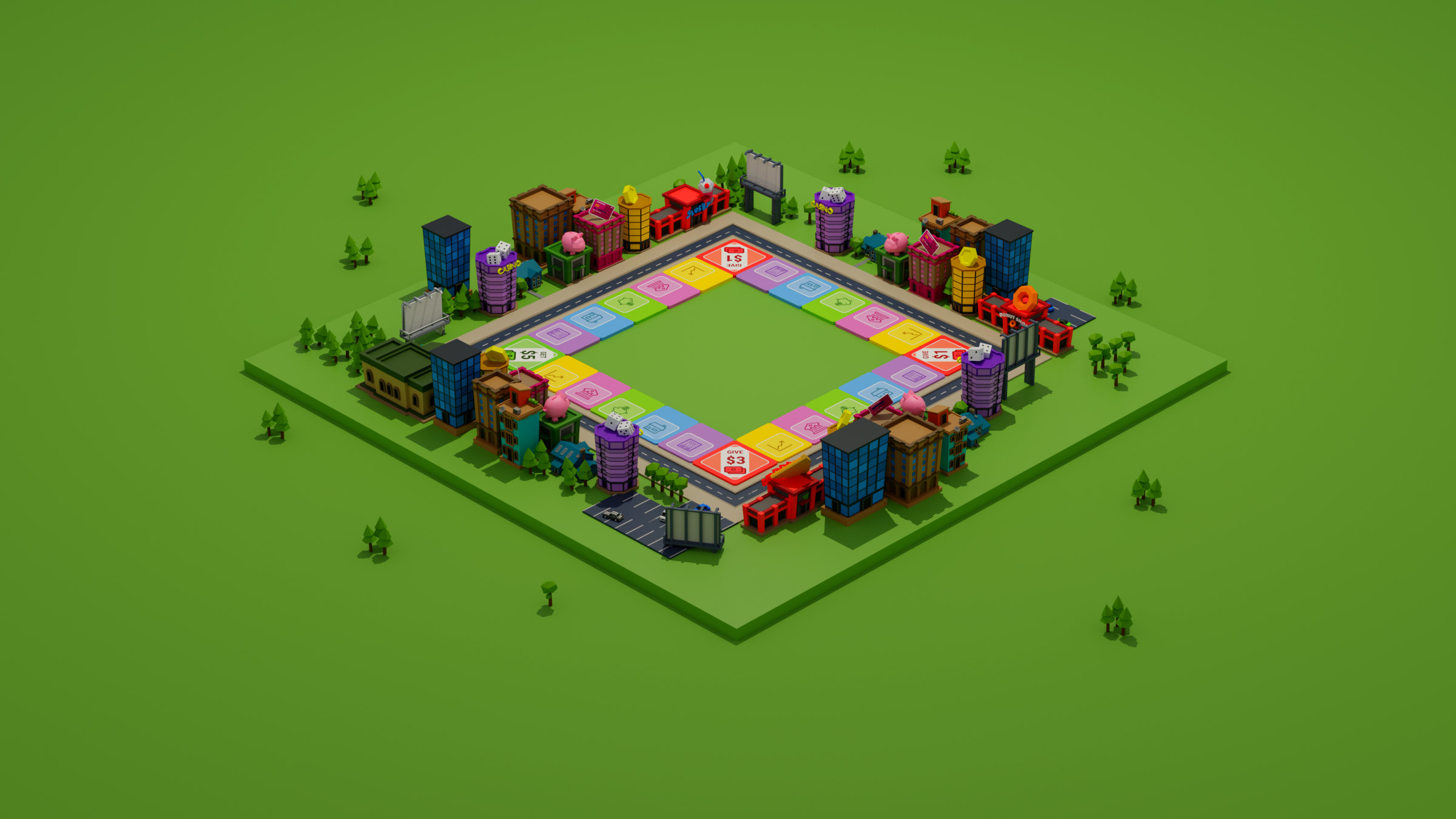
The 3D board

Trophy for the national final
The game
Phone and iPad
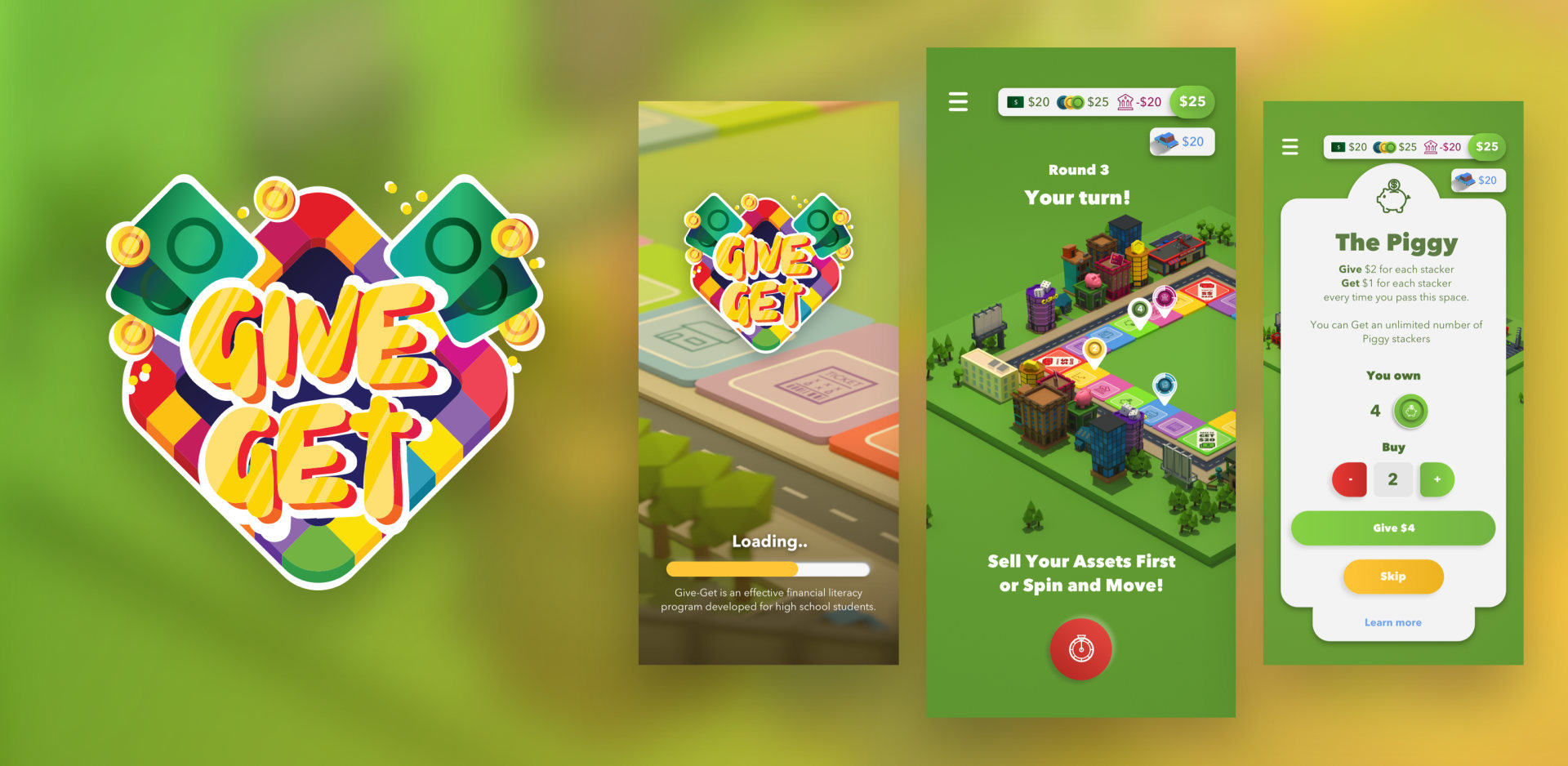
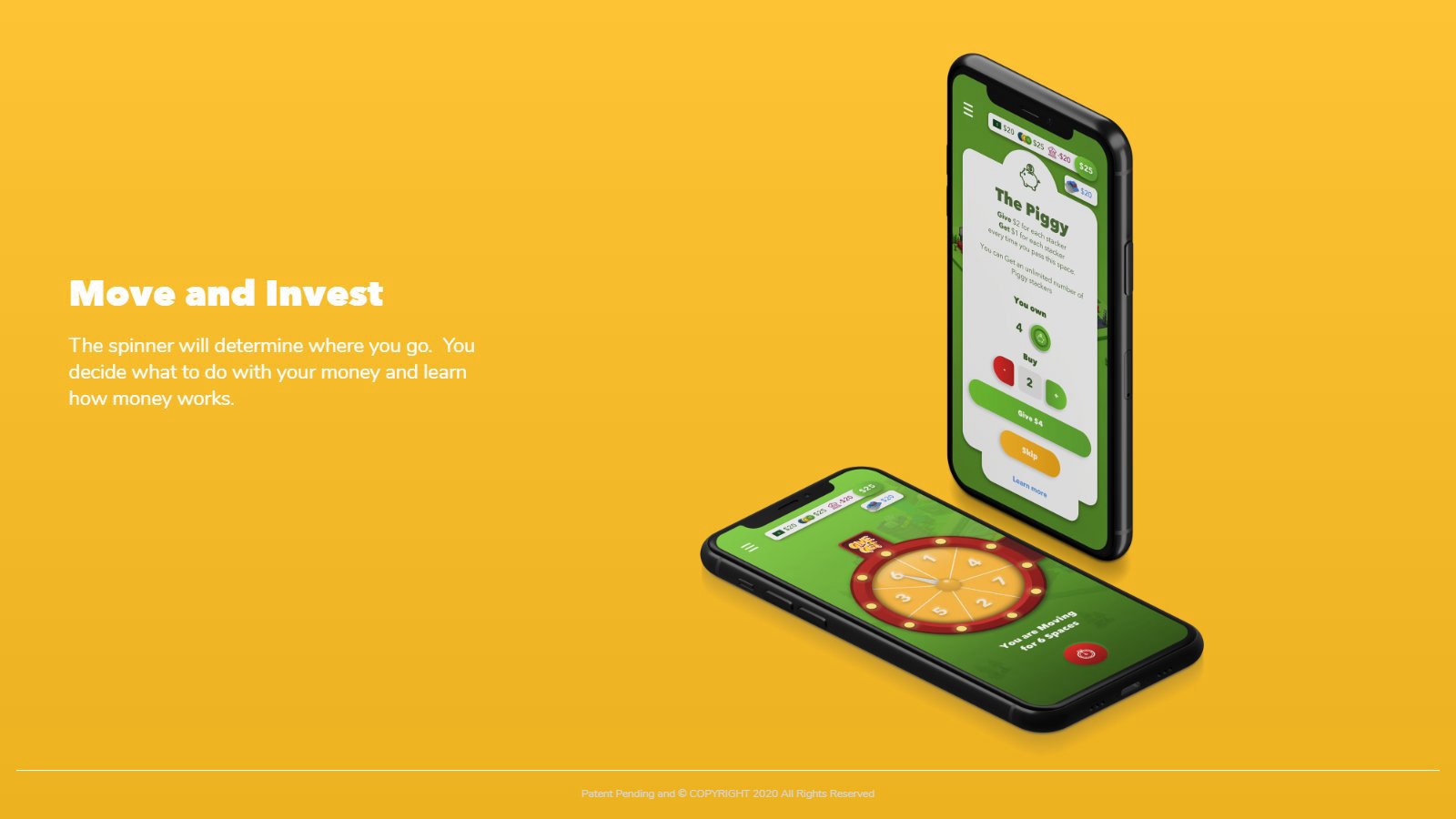
Each turn is short: spin, move, decide. The board stays on screen, the card for the space you land on slides up over it, and your net worth is always one tap away.
Loading
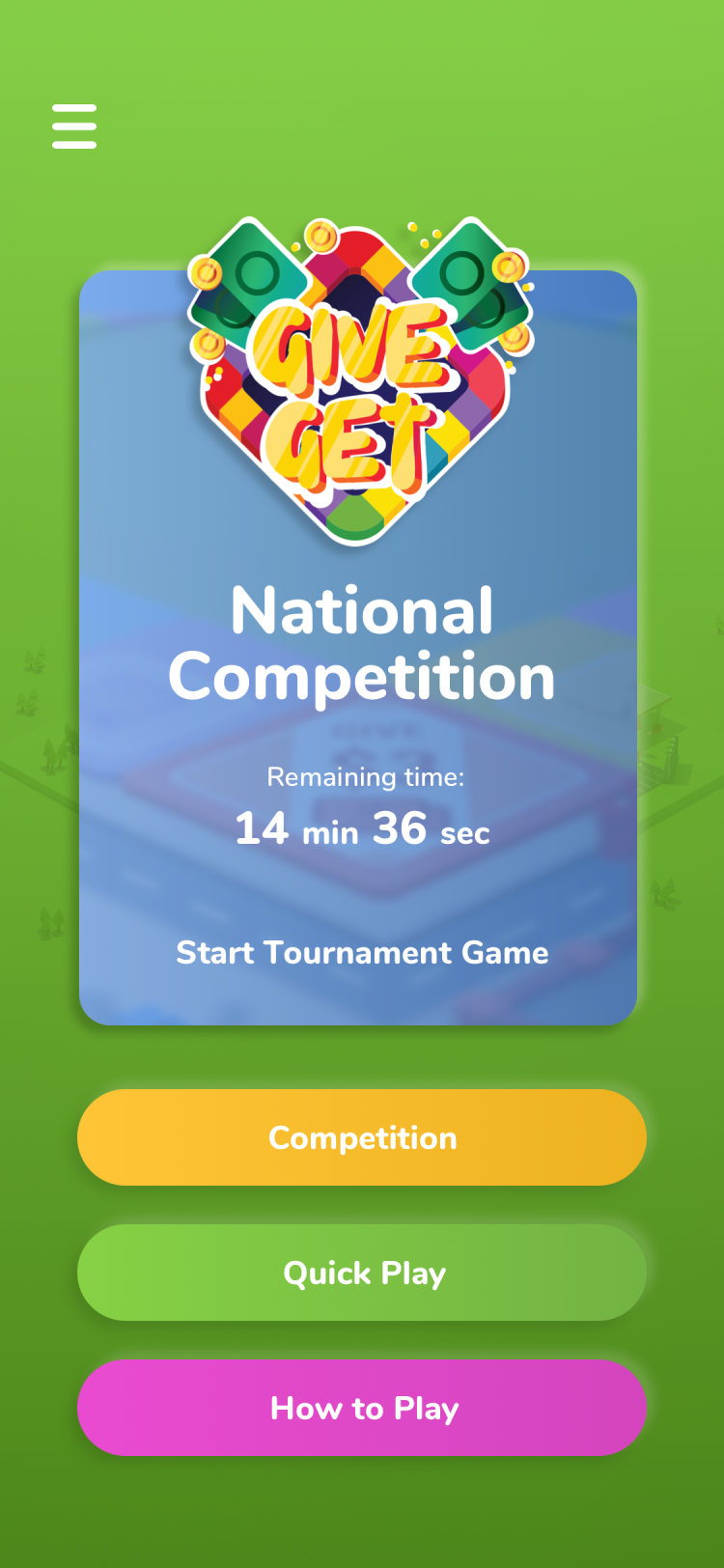
Main menu
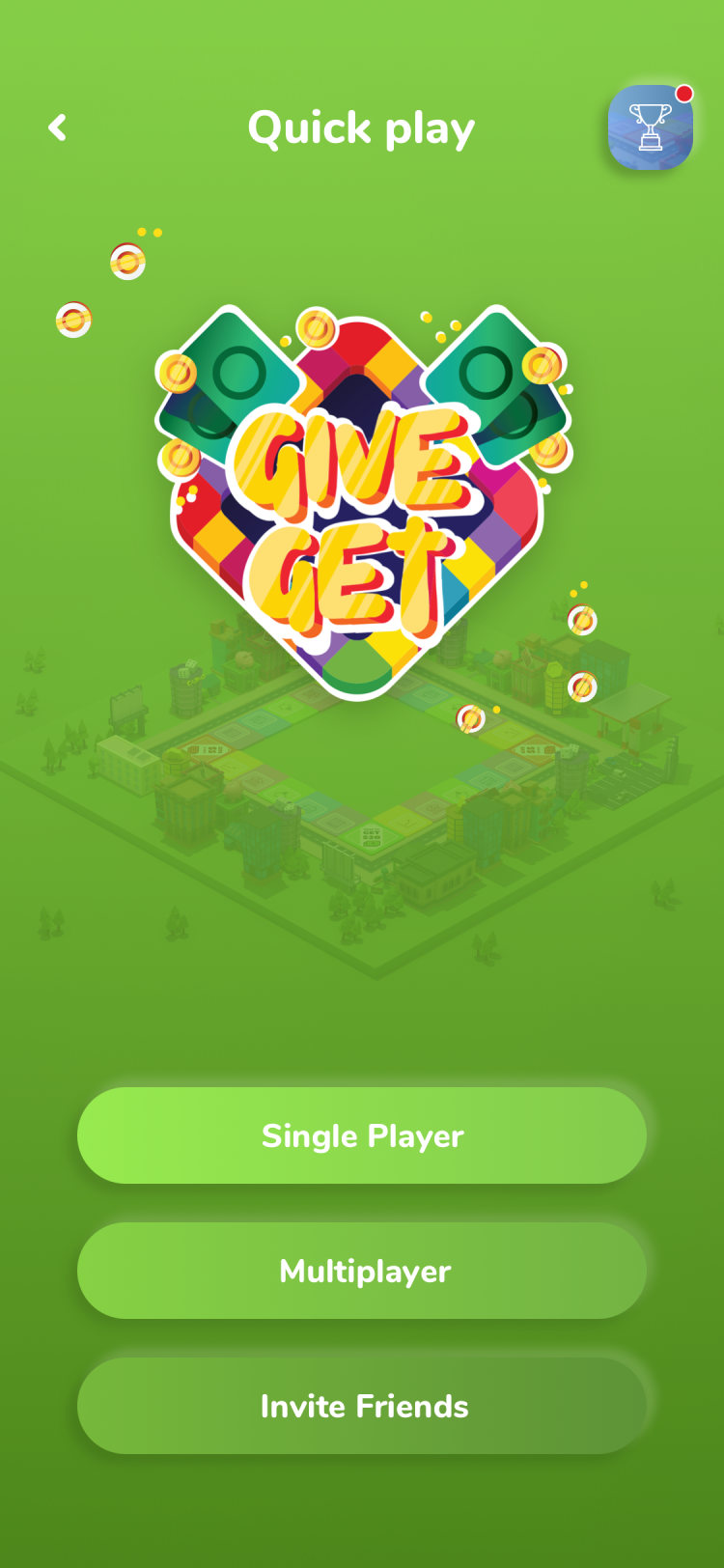
Quick play
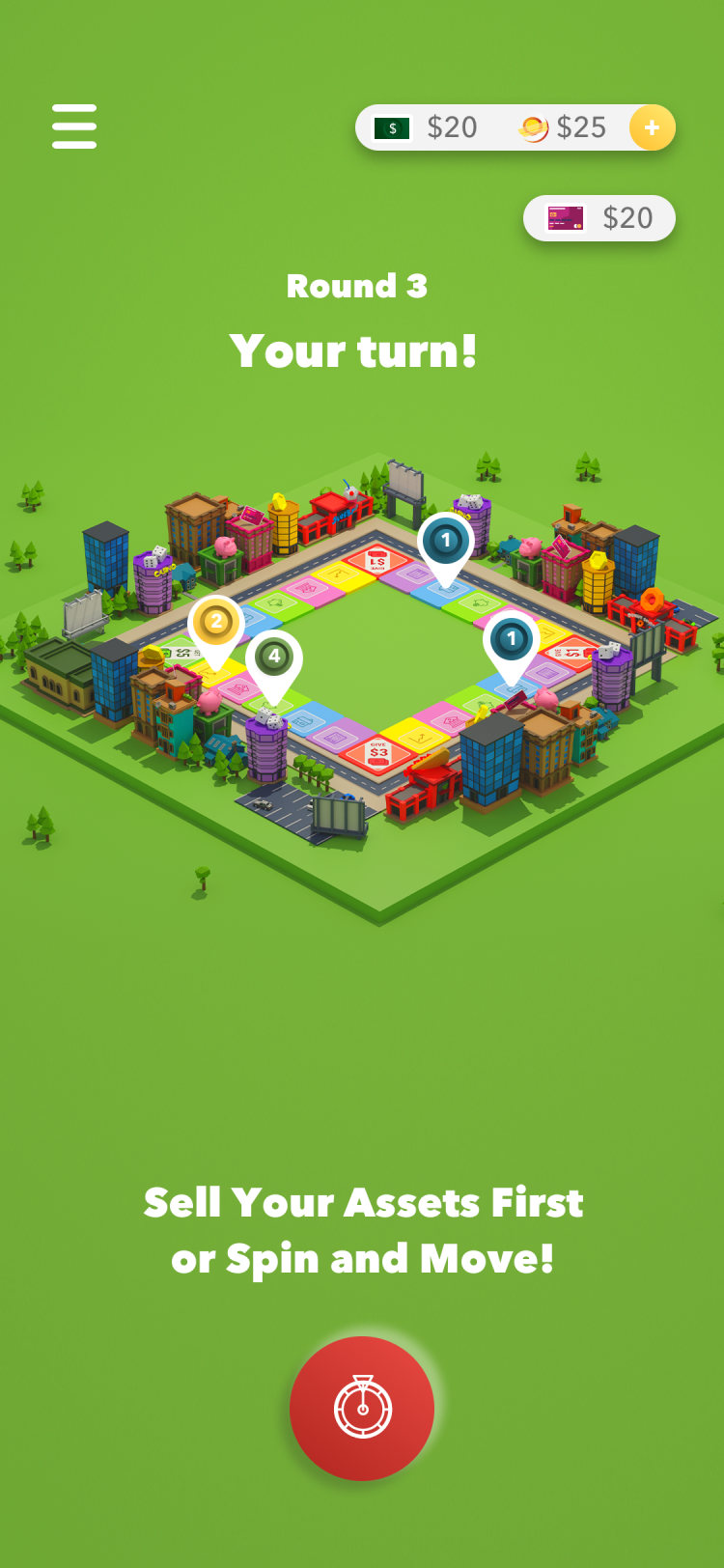
Your turn
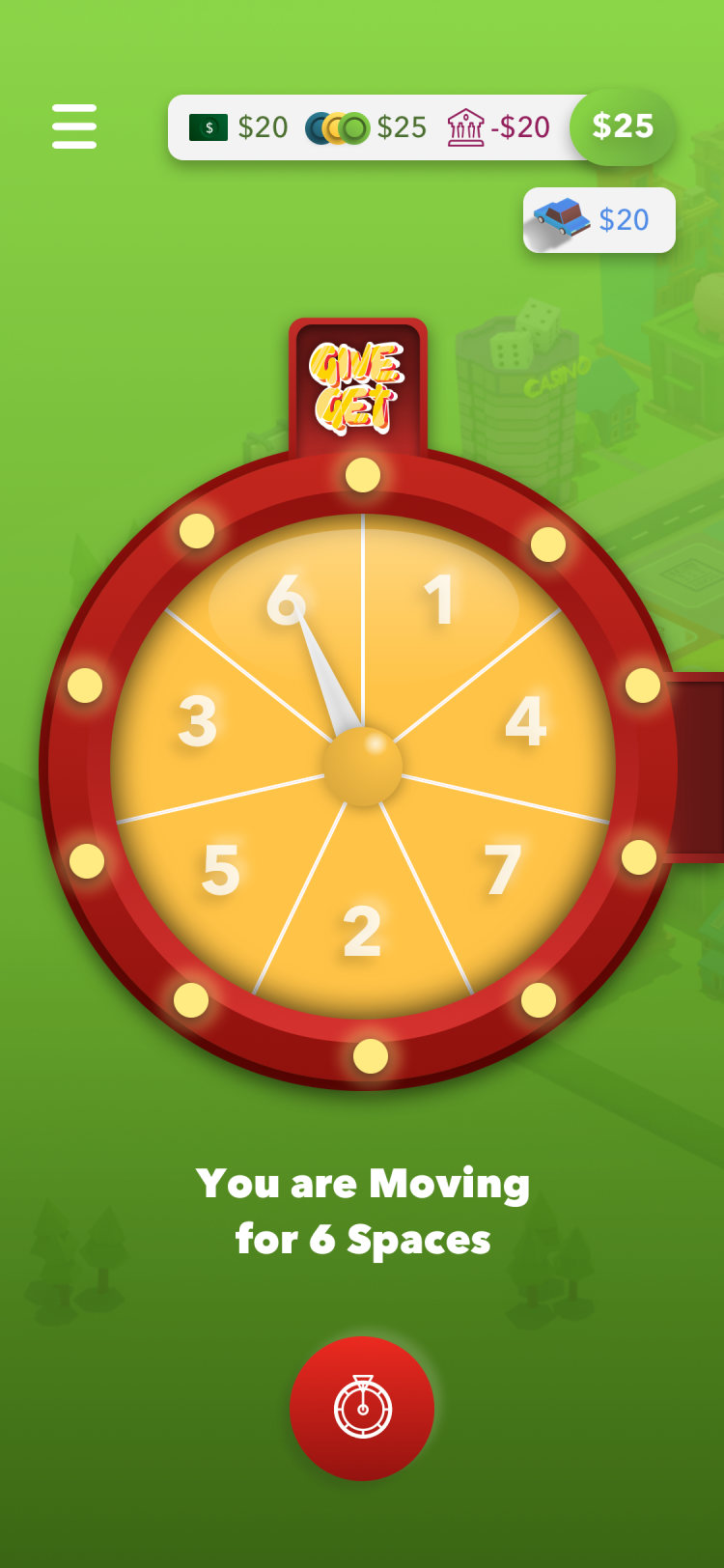
Spinner
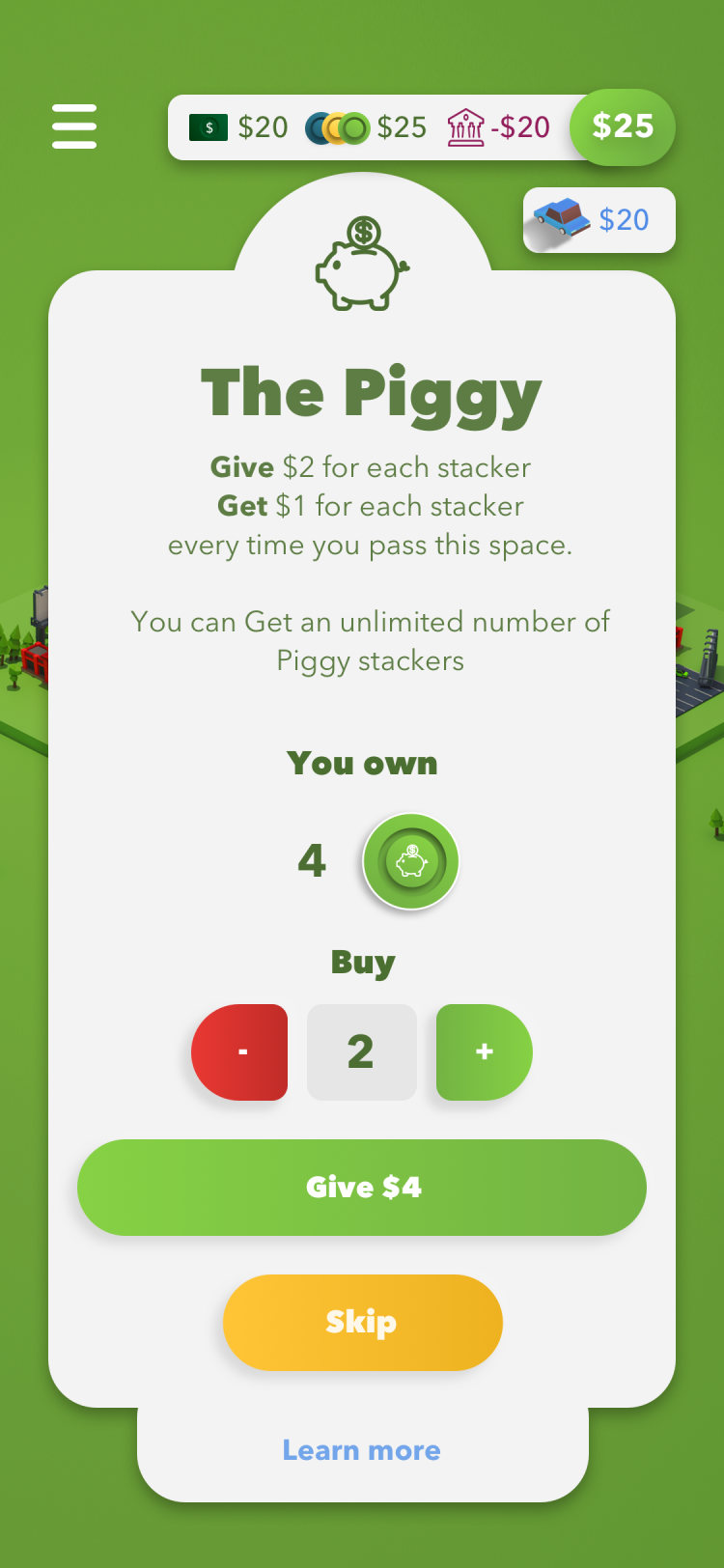
Space card, The Piggy
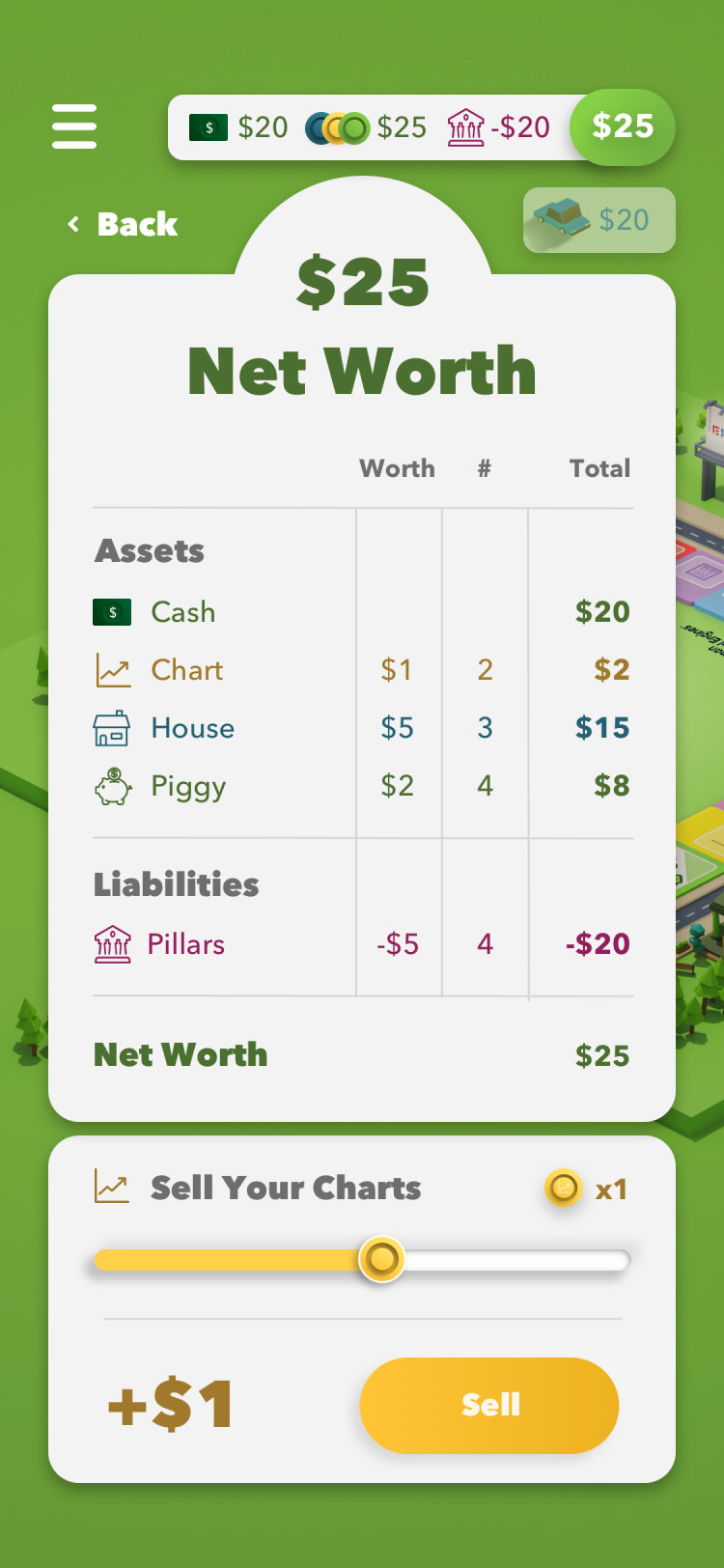
Net worth
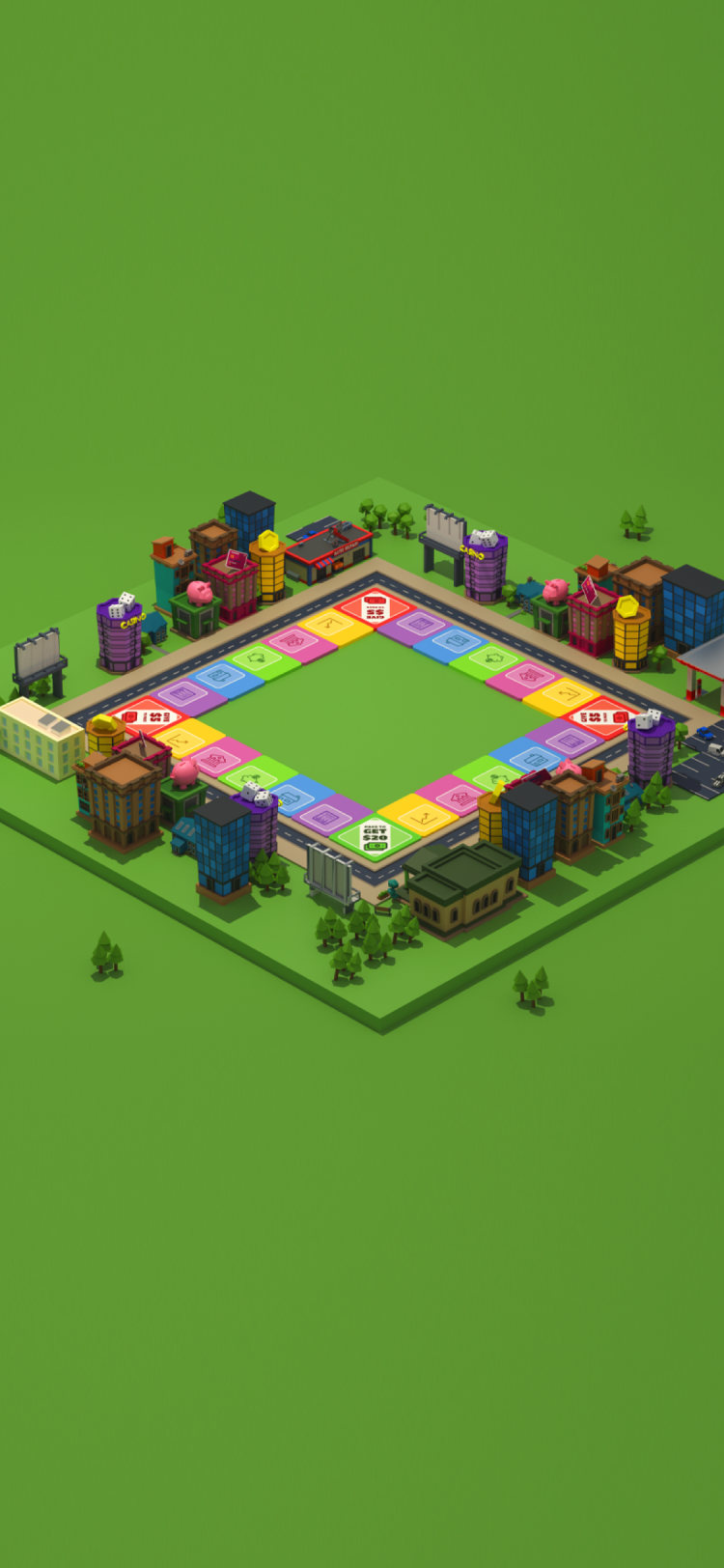
The board up close
Lessons
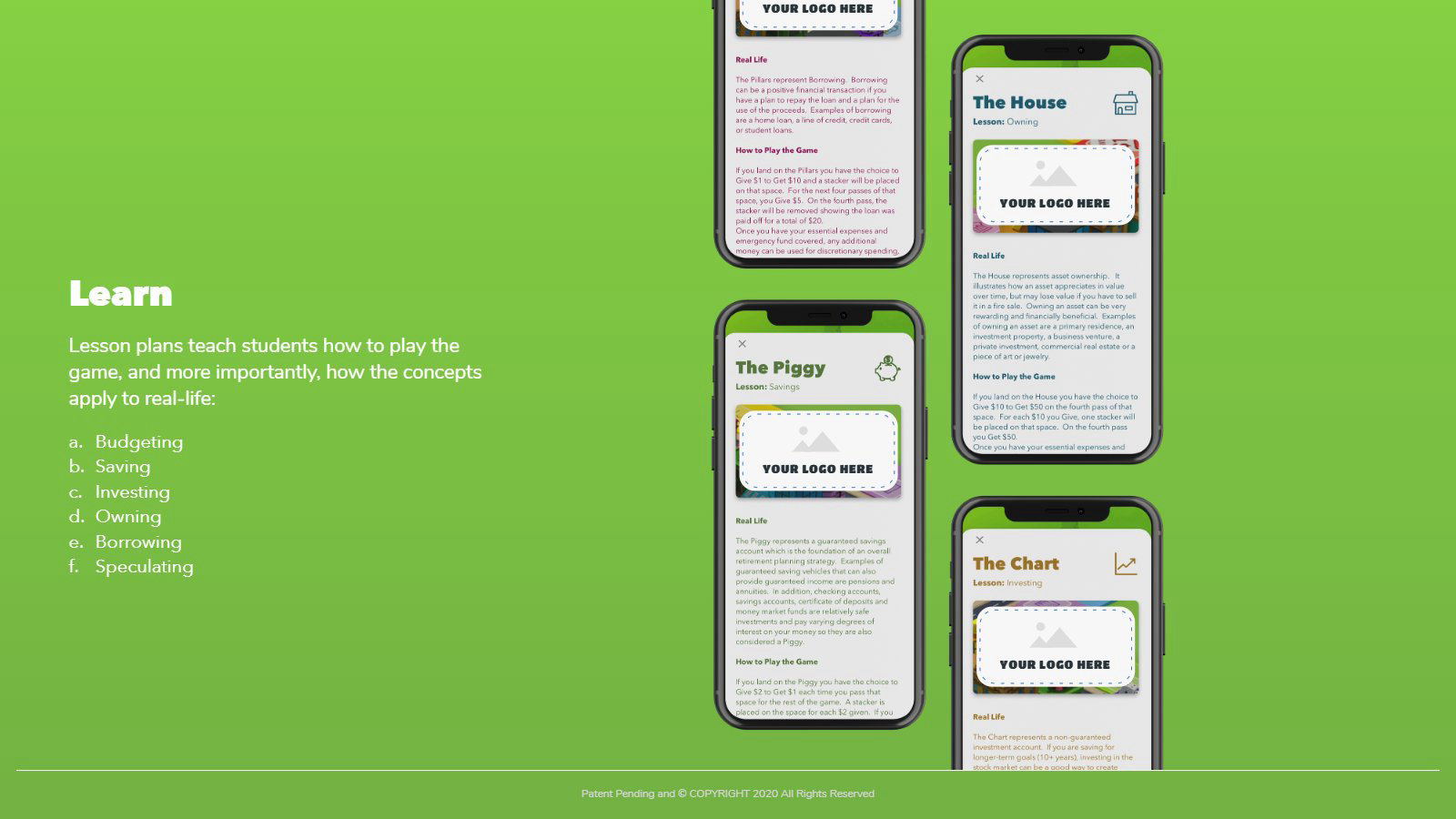
What each space teaches
Every space is a lesson. The card explains the idea in real life first, then how it works in the game, so a student learns why a savings account and a lottery ticket are not the same bet.
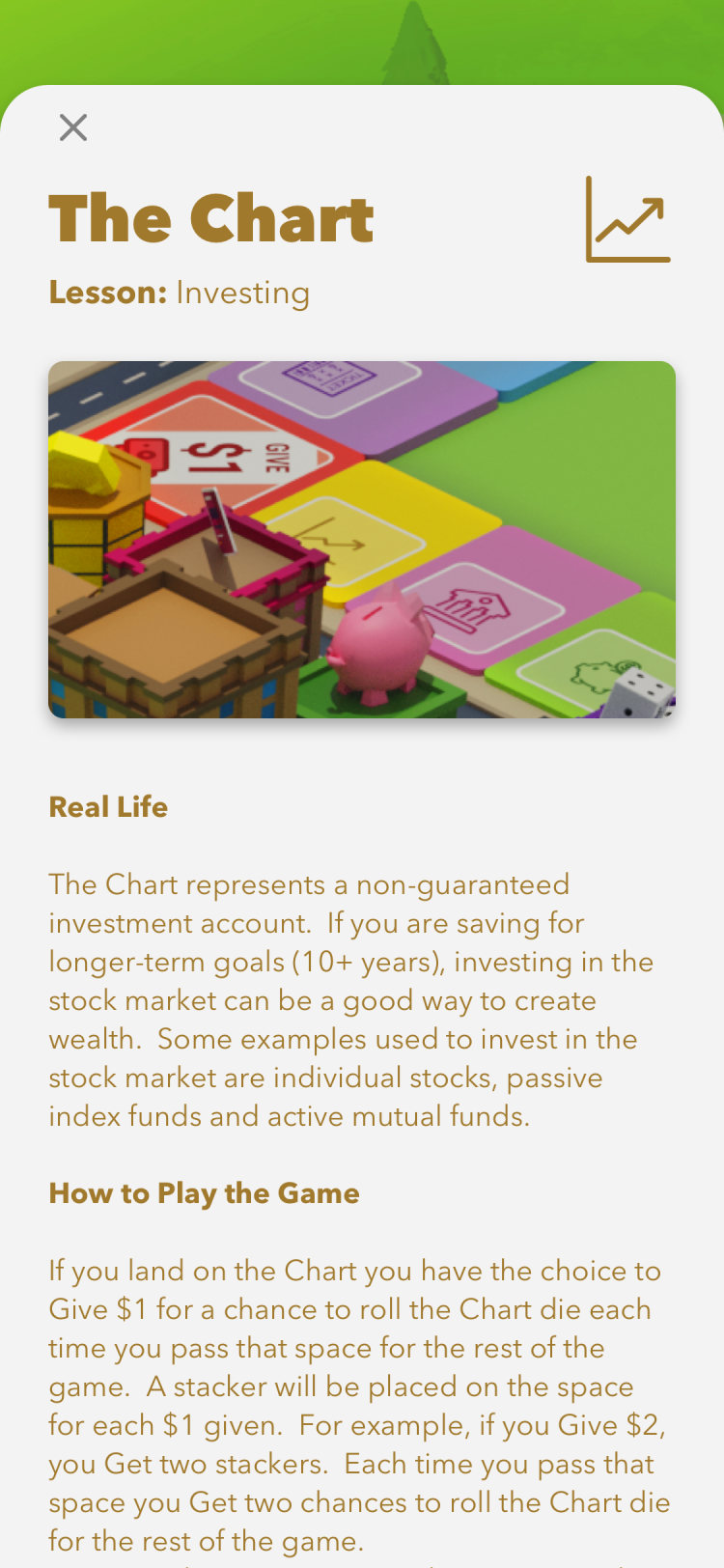
The Chart, investing
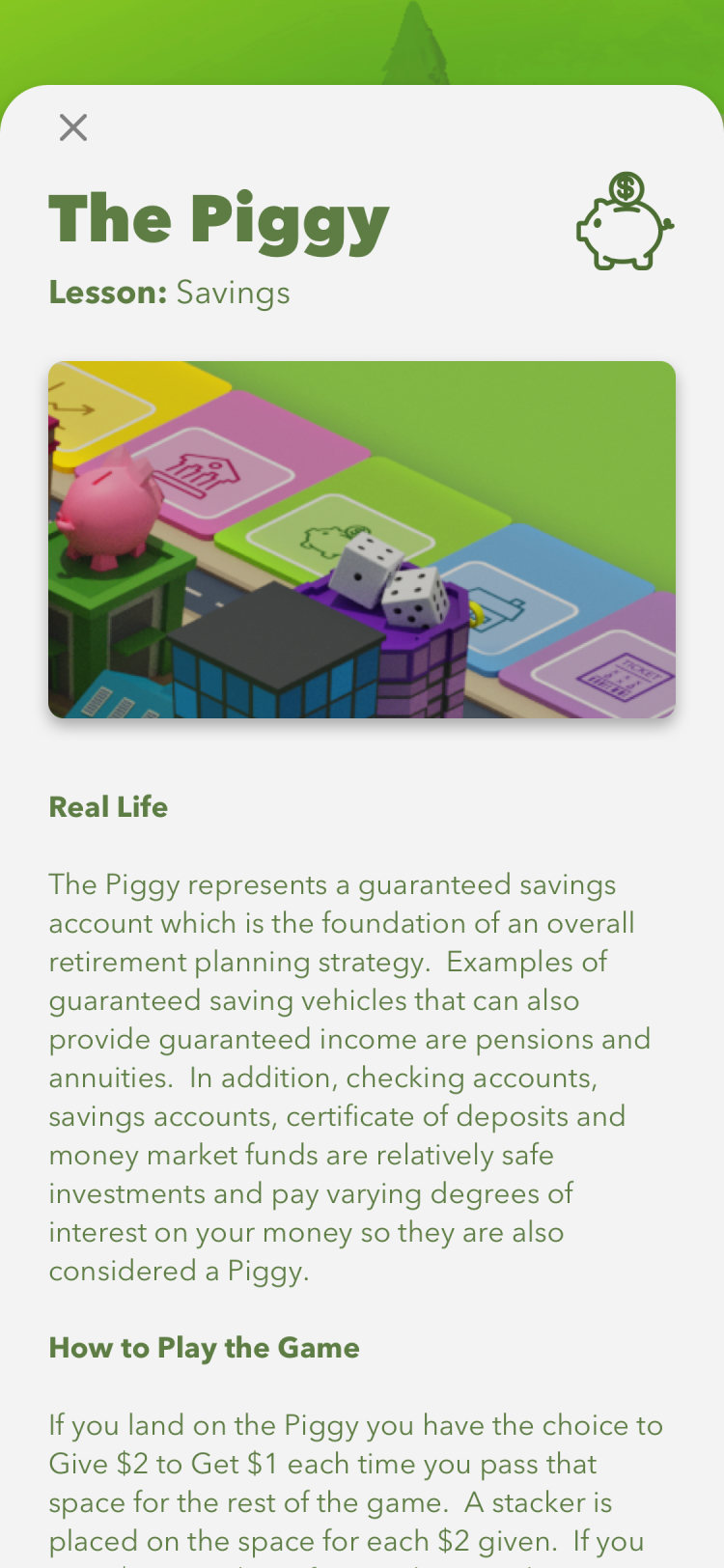
The Piggy, saving
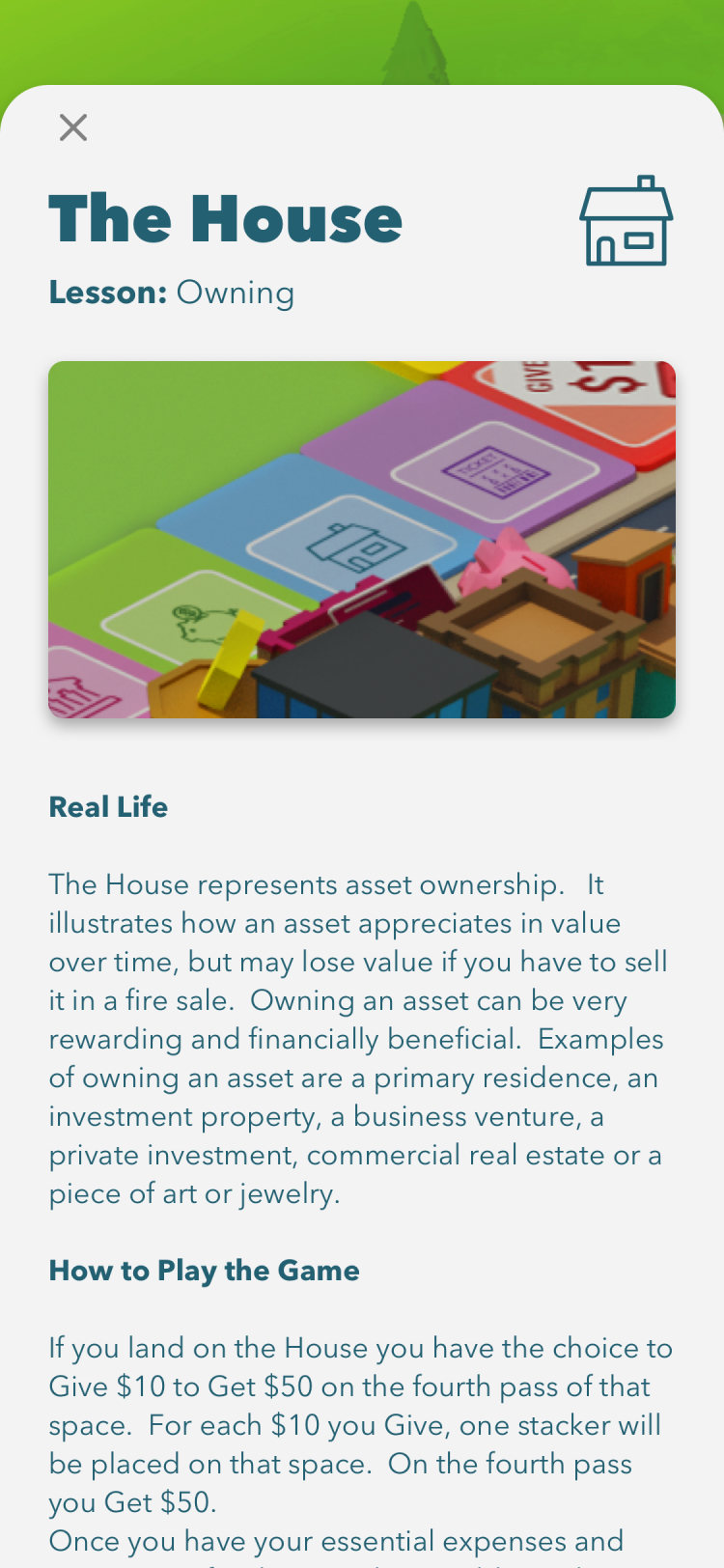
The House, owning
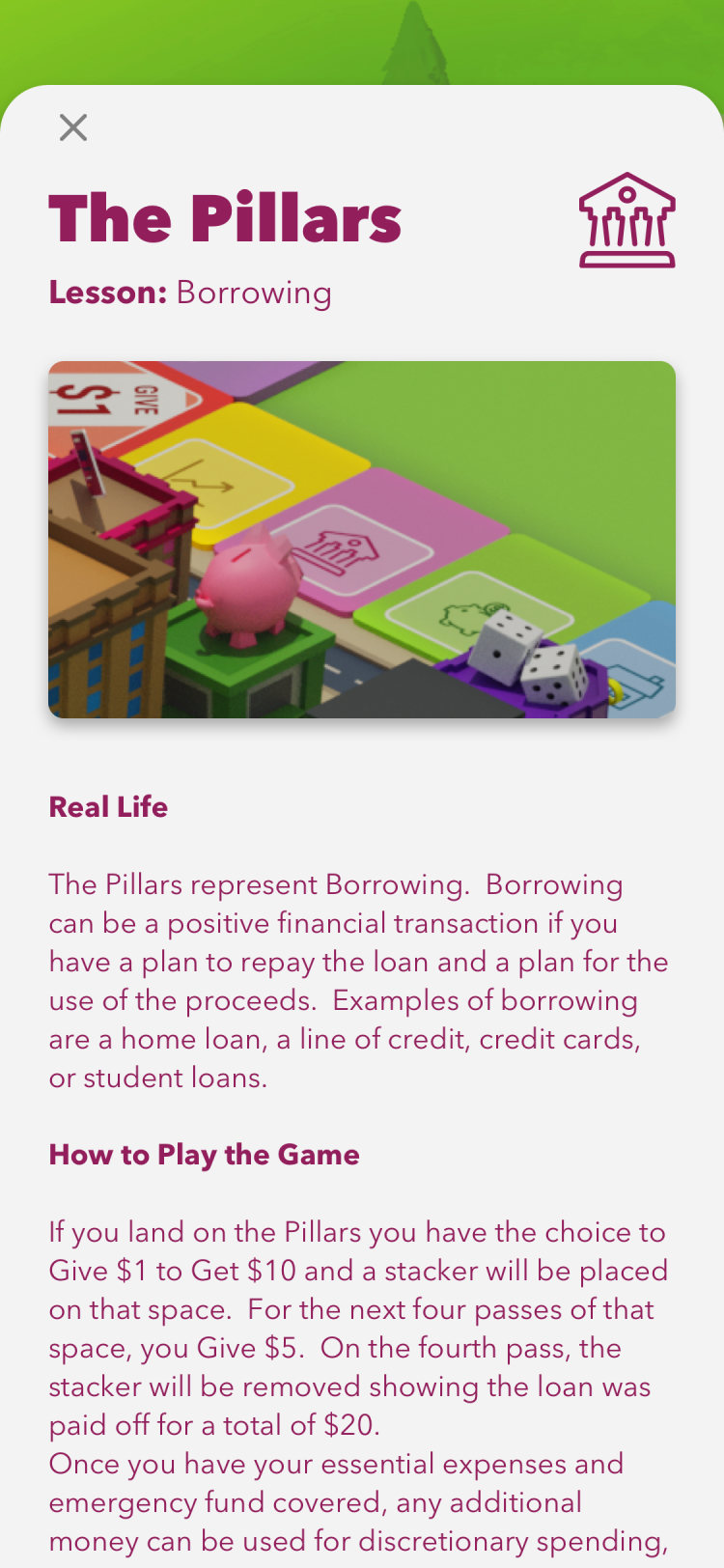
The Pillars, borrowing
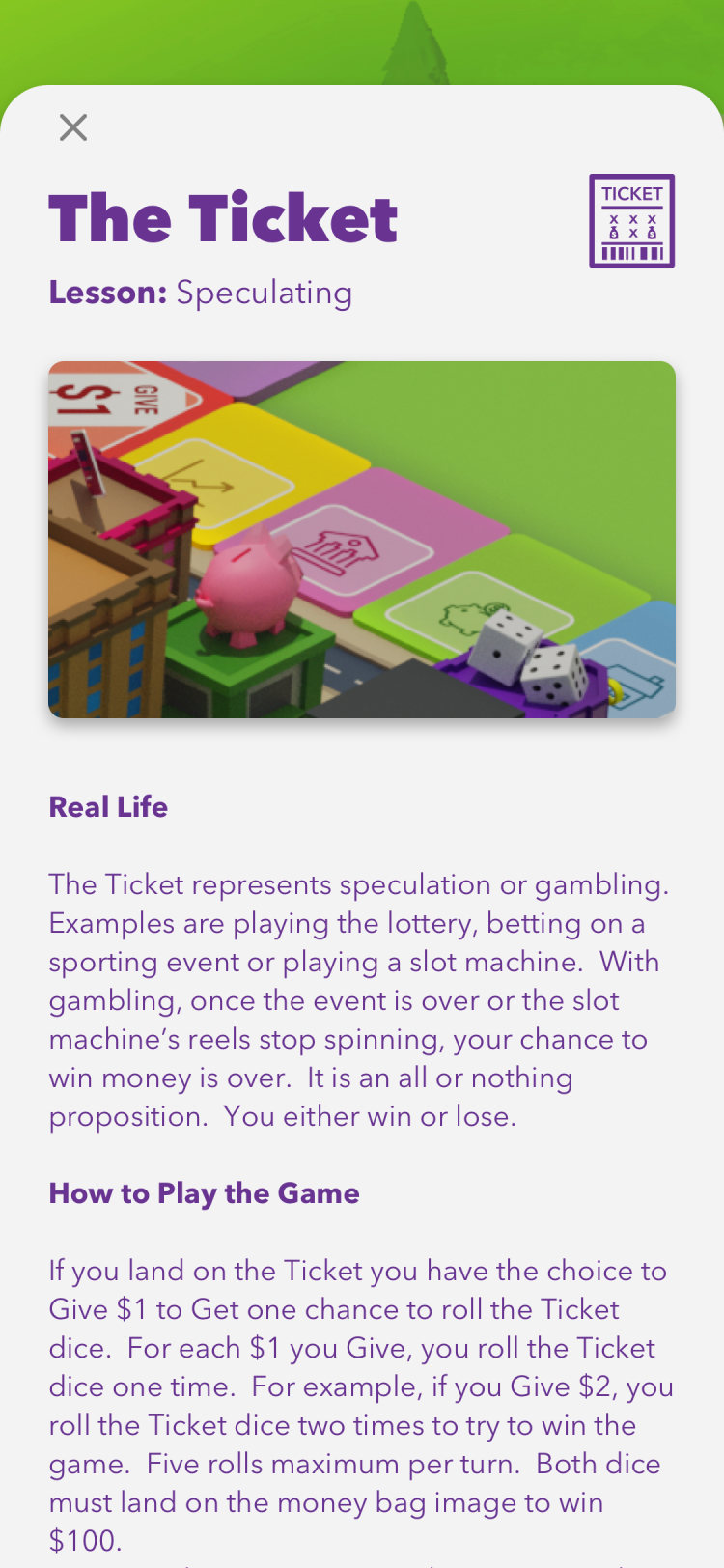
The Ticket, speculating
National competition
School to national rounds
Schools play against each other in brackets, from local rounds to a national final, with rankings that show every student where they stand.
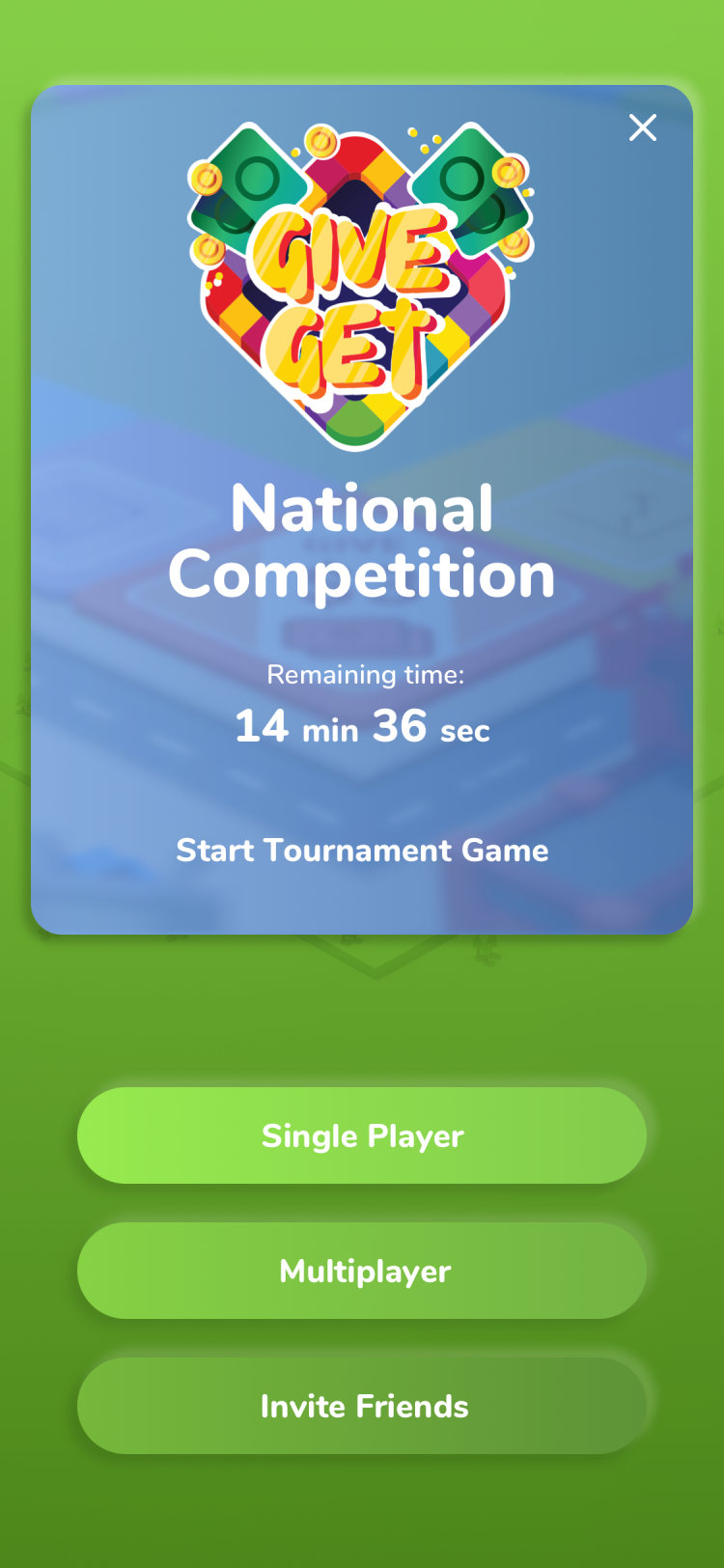
National competition
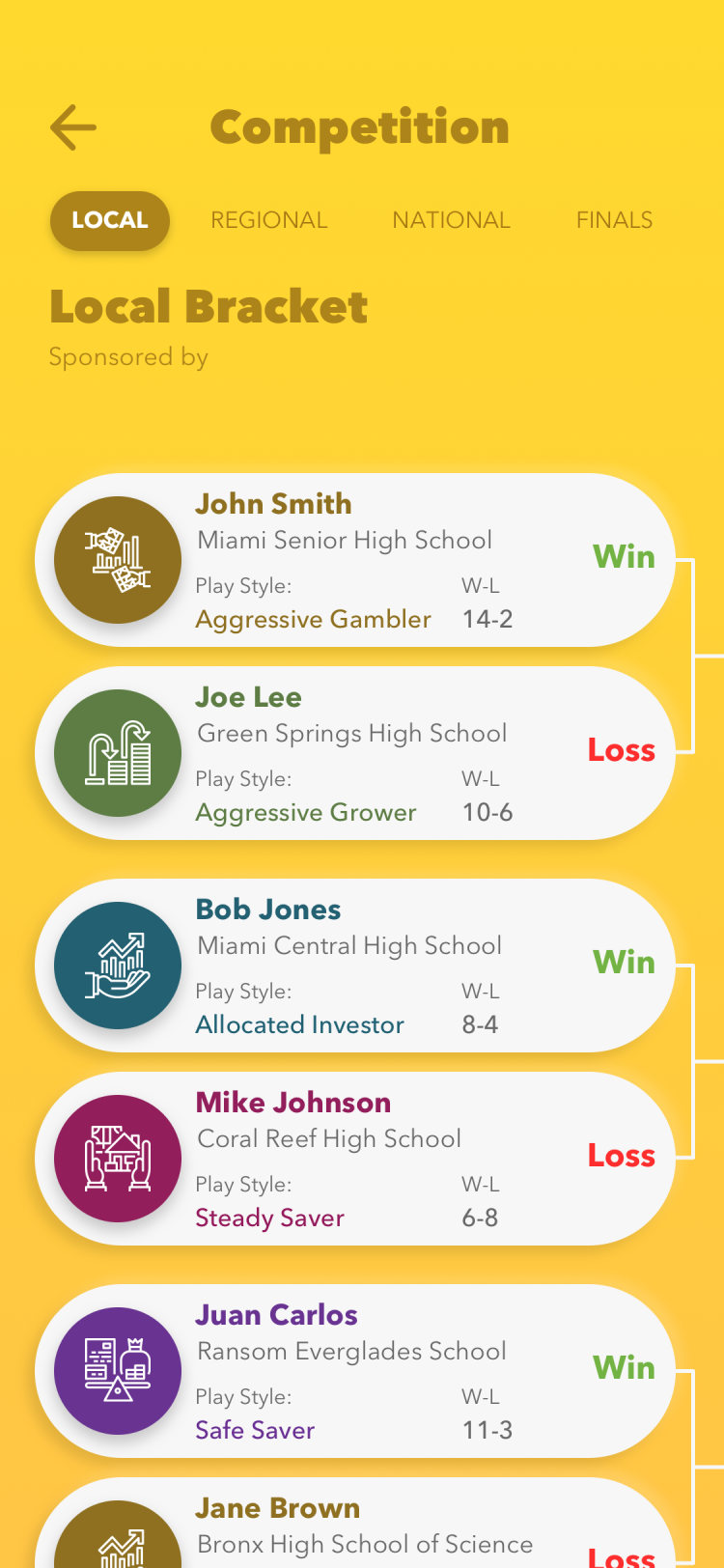
Local bracket
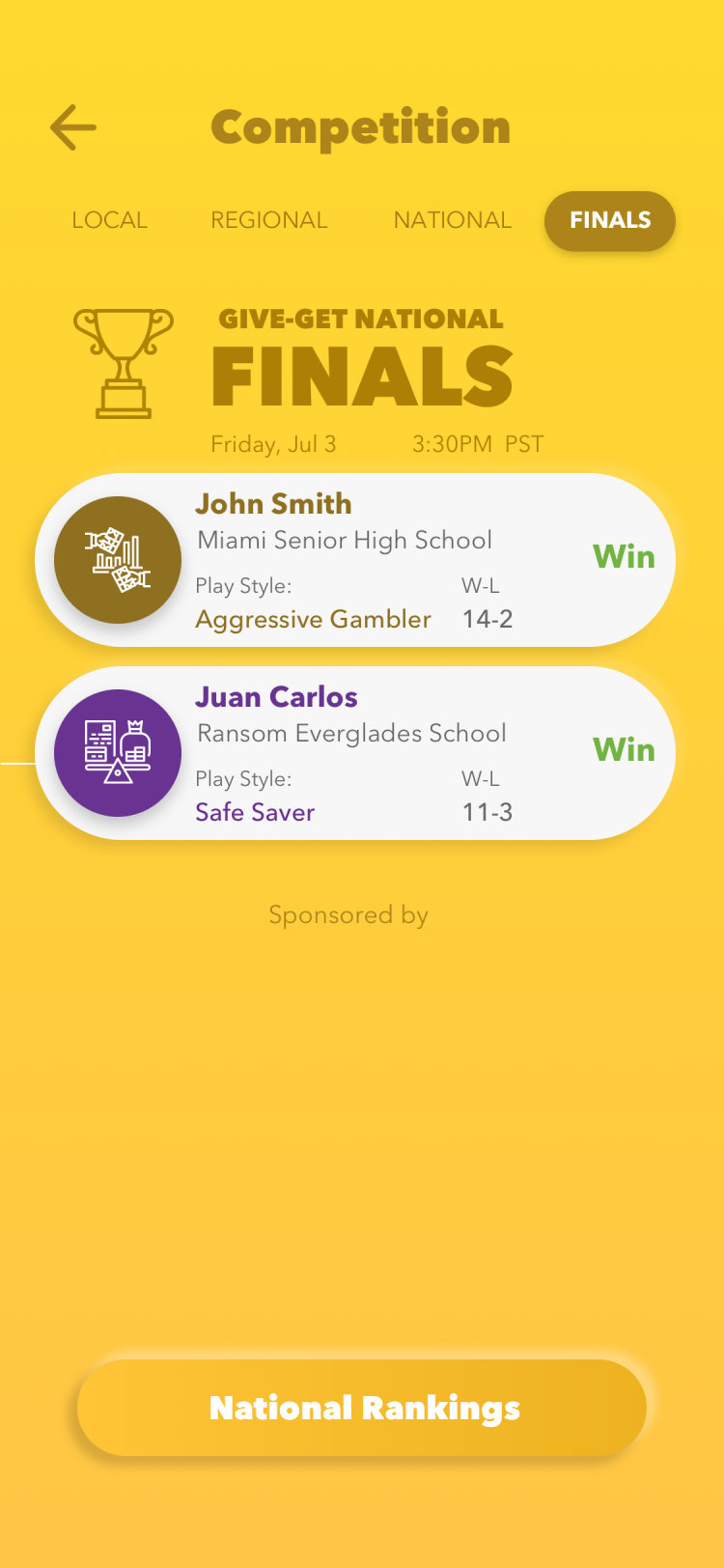
Finals
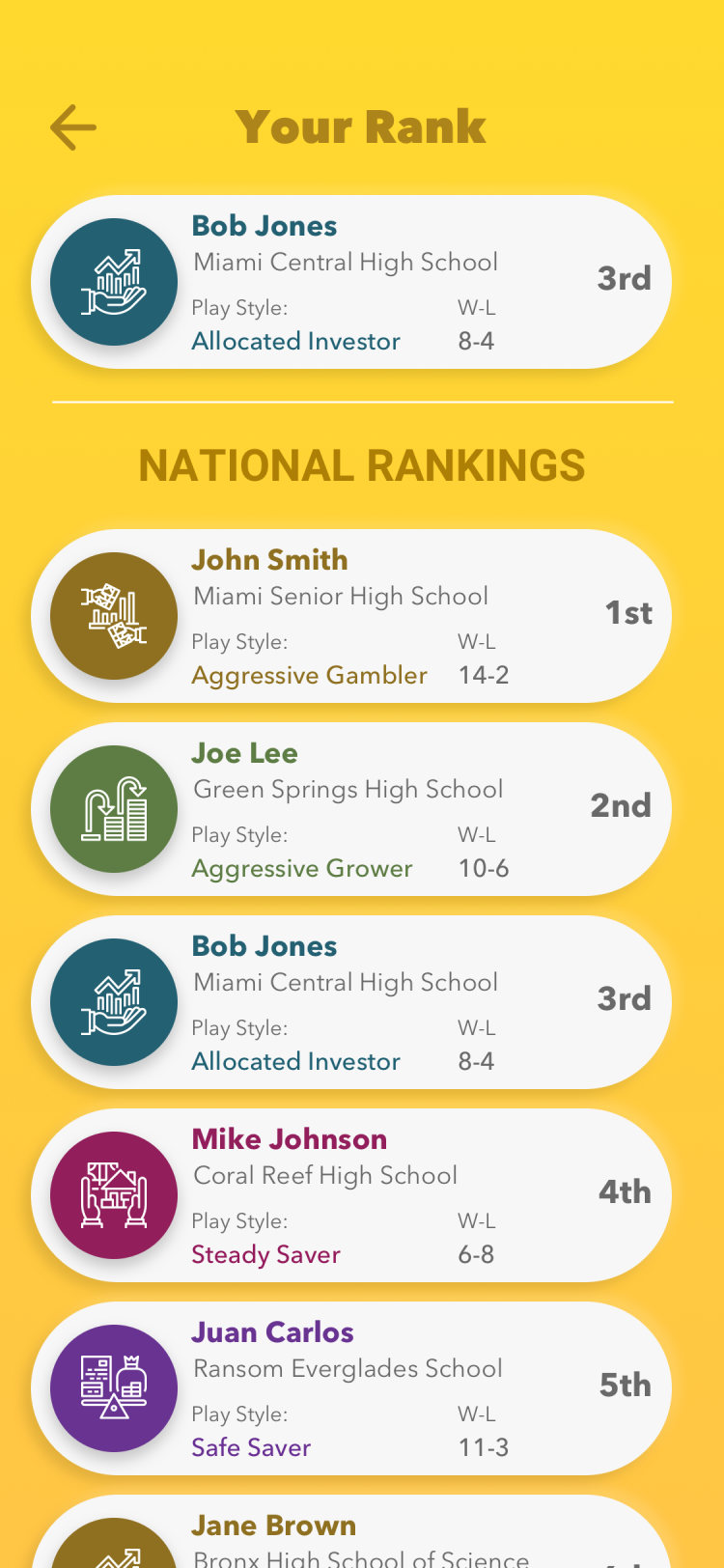
National rankings
In the stores
App Store and Google Play
The store screenshots tell the program in four lines: a financial literacy program, learn how money works, practice by playing with friends, compete for scholarship prizes.
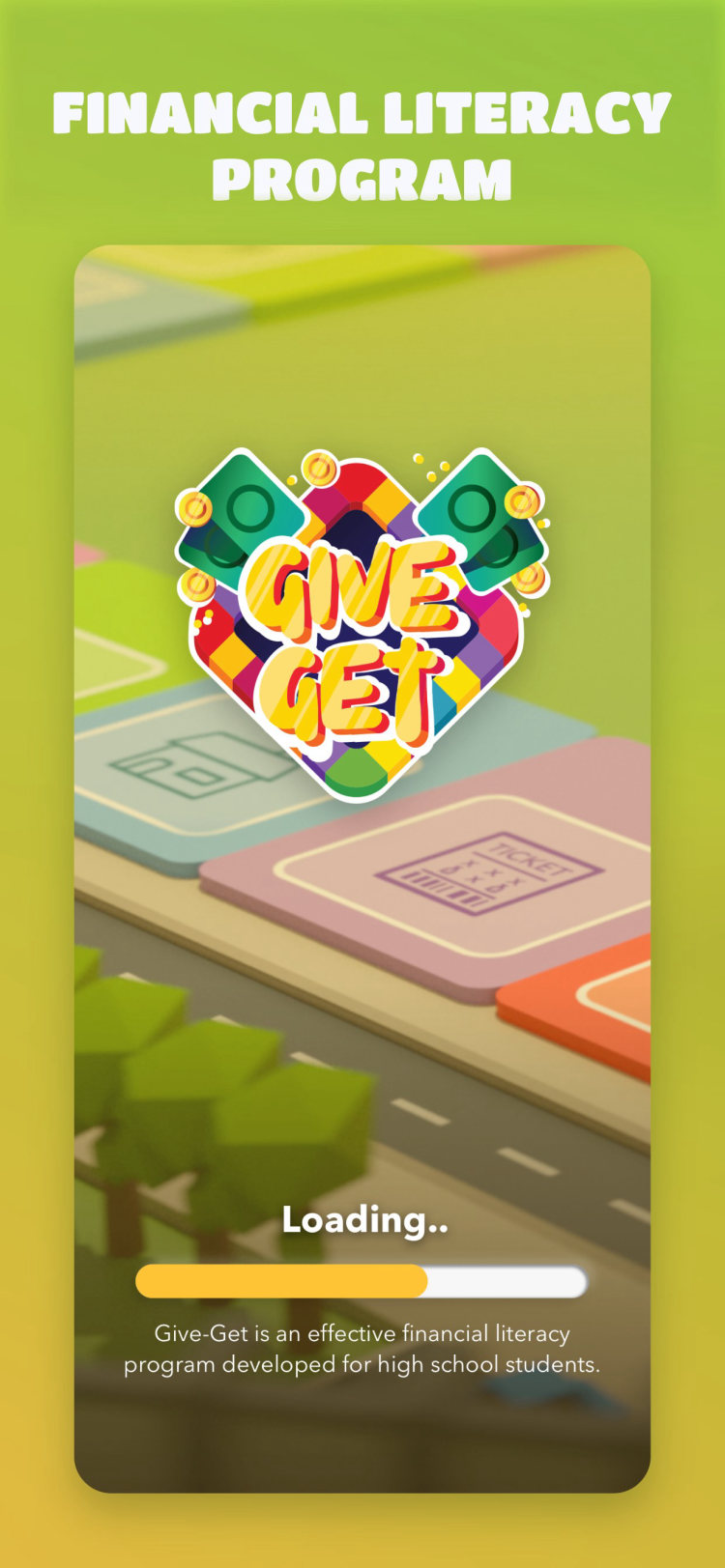
Financial literacy program
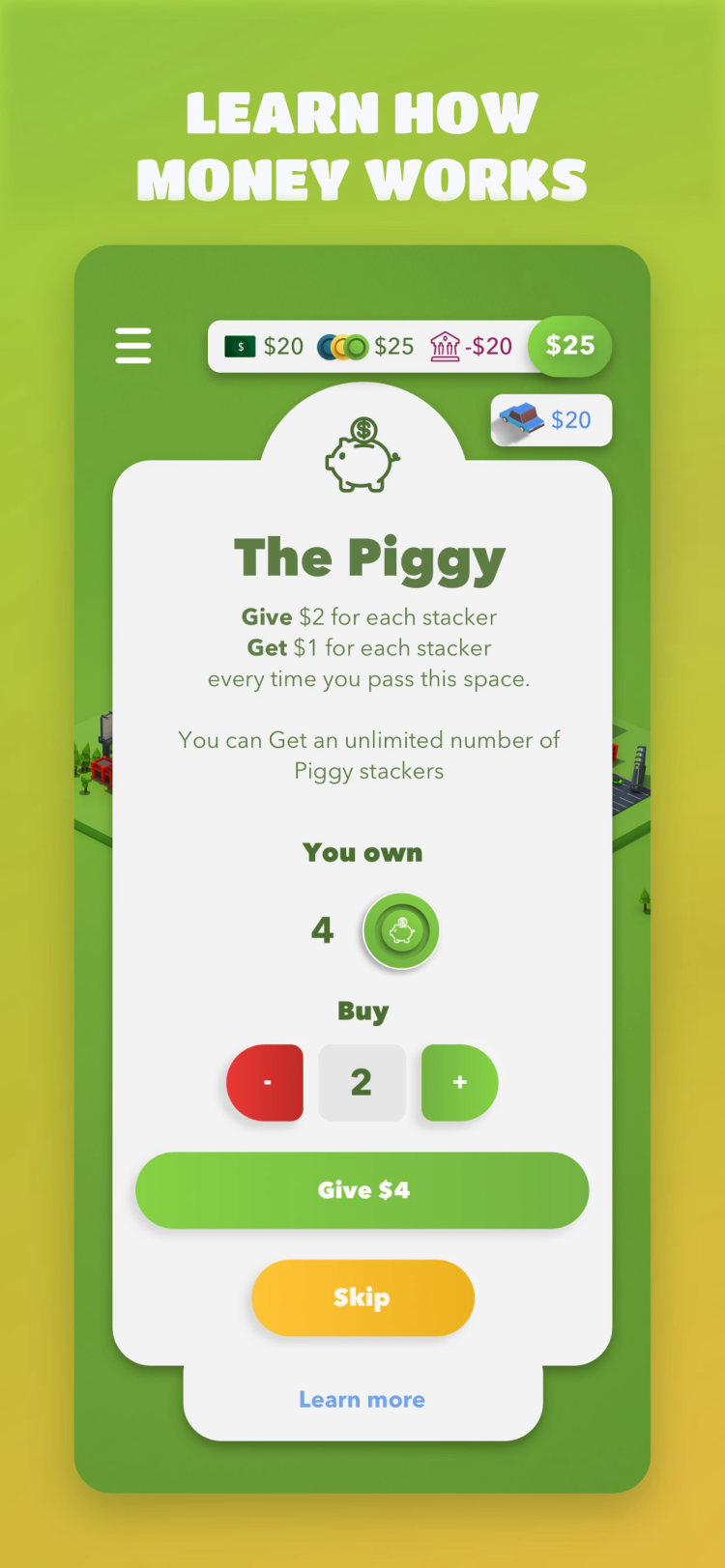
Learn how money works
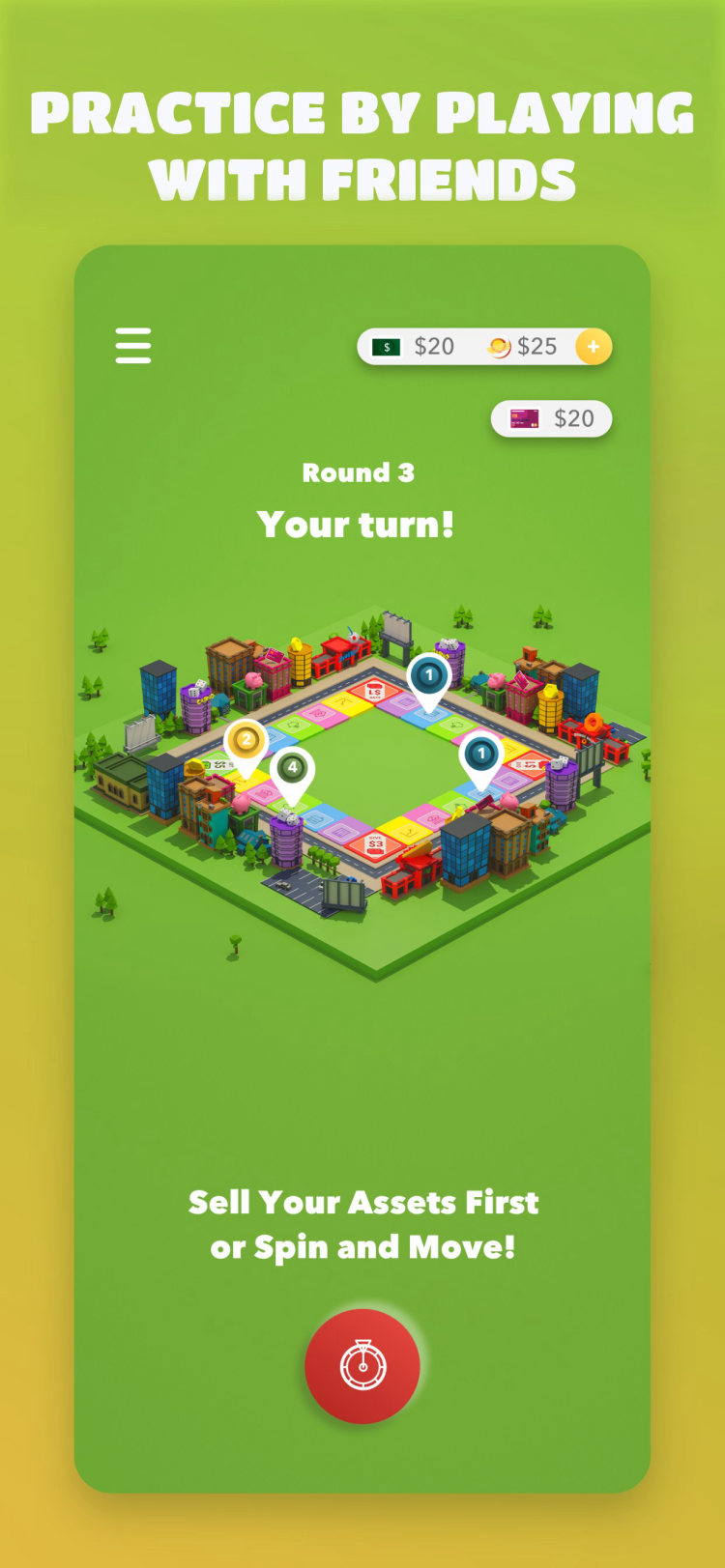
Practice with friends
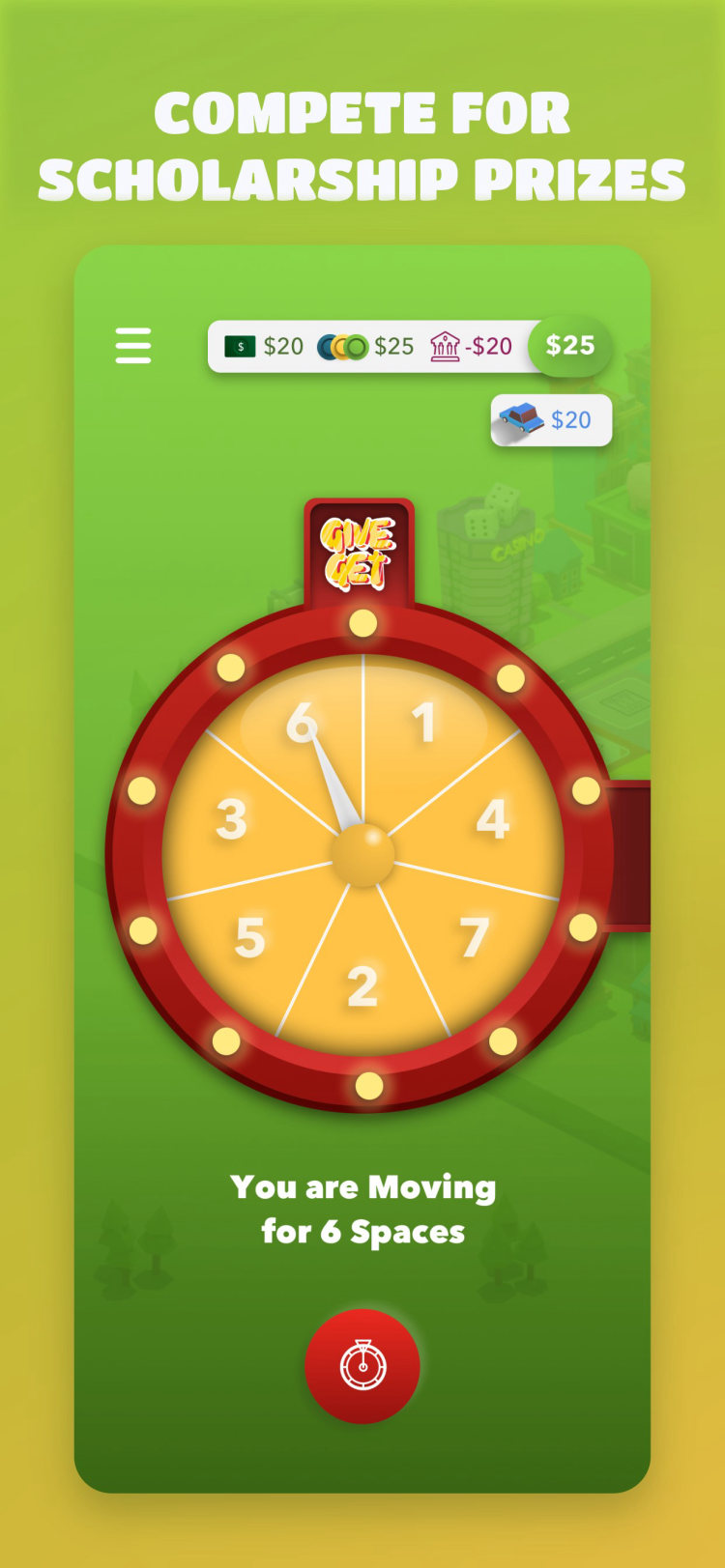
Compete for prizes
Website
Landing page
The landing page went live with the app and sold the game to students and parents in one scroll: learn how money works, practice with friends, compete for scholarships, then download. It is built from the same board renders, phones and colors as the app, with each section on its own tilted color band.

Landing page, desktop

Landing page, phone
The program deck
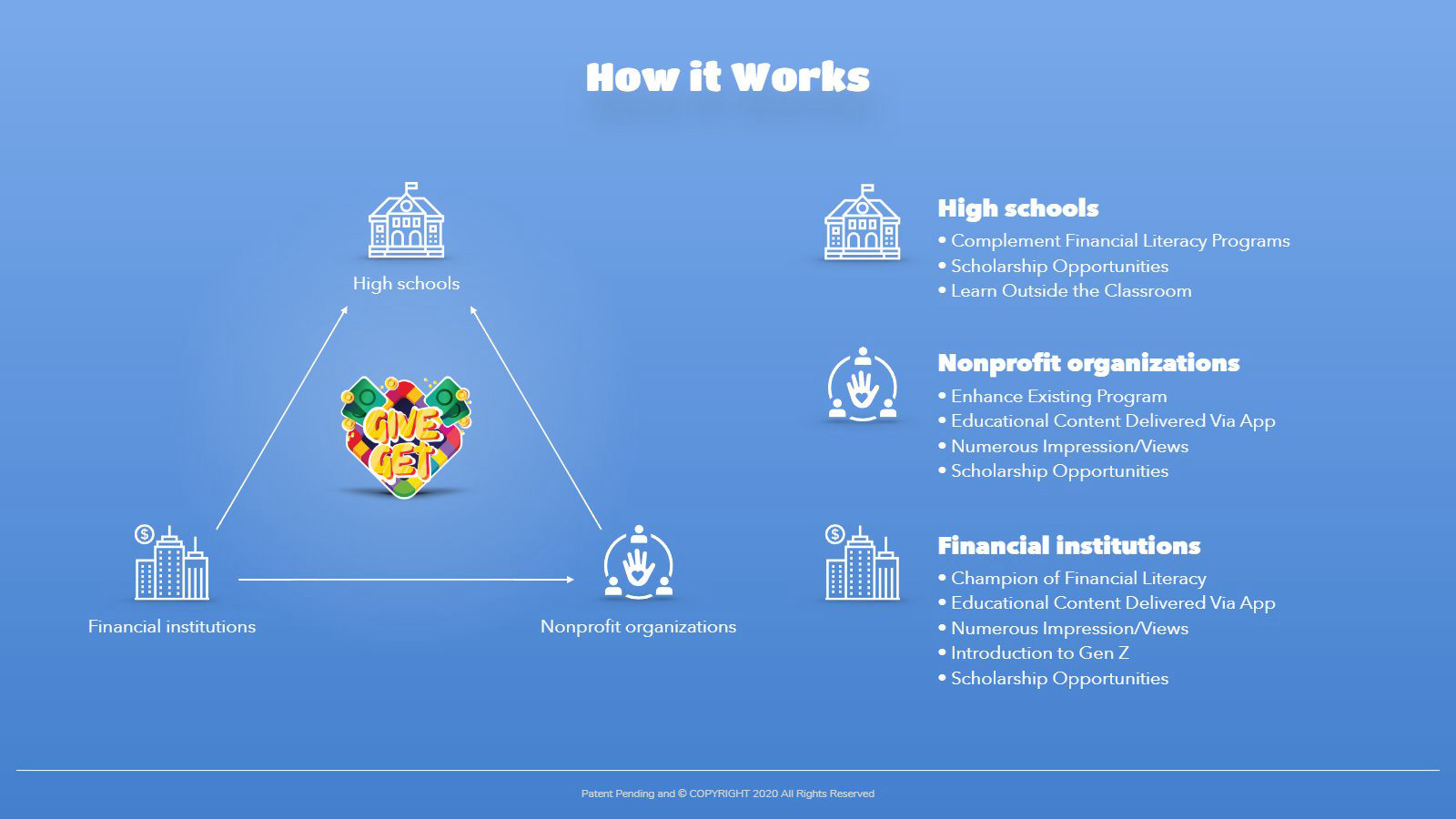
Sold to schools and sponsors
The game is sold as a program to schools, nonprofits and financial firms, so it needed a deck as clear as the game: what the program is, how the game plays, what students learn and how the competition runs.
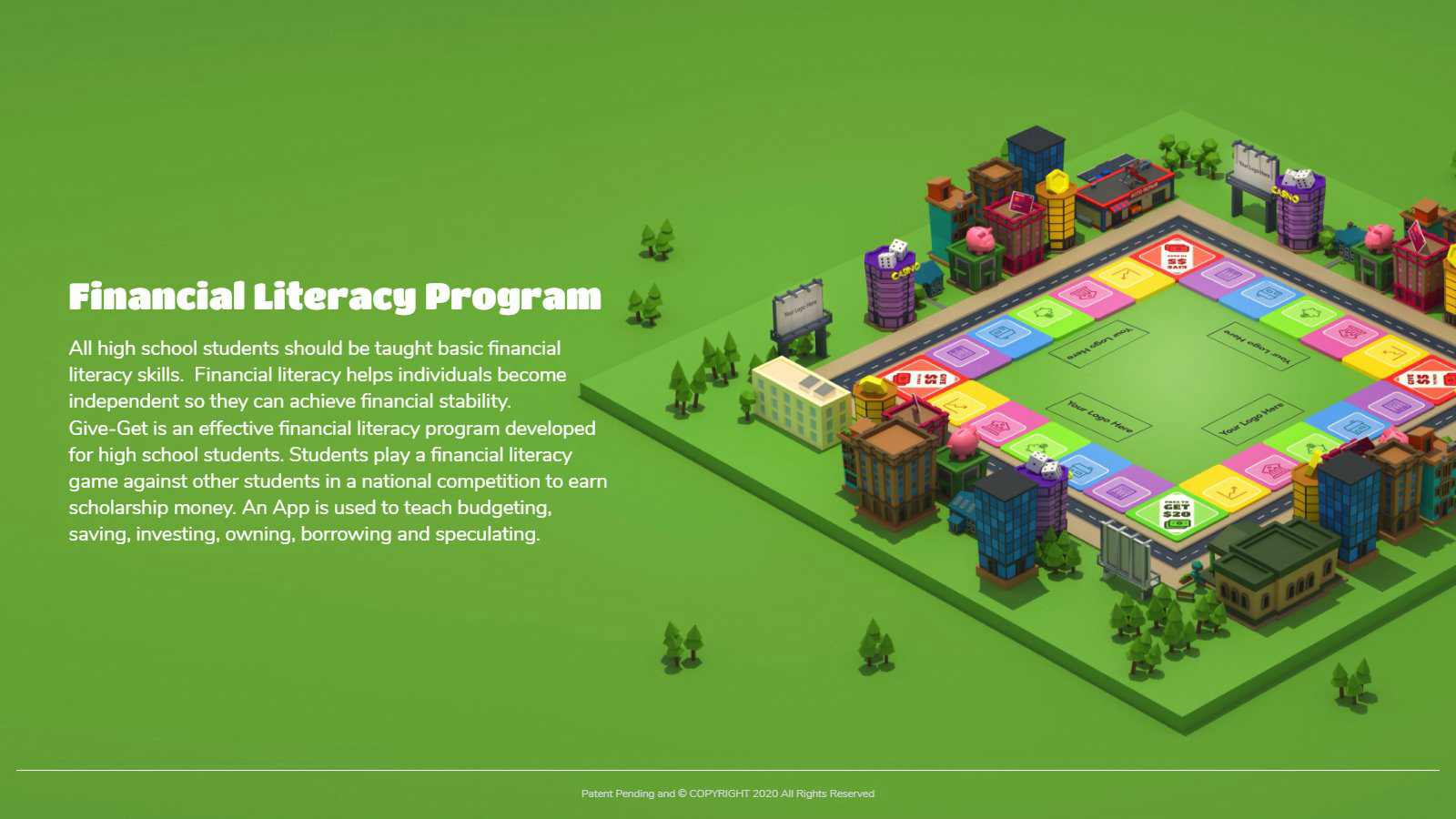
Financial literacy program
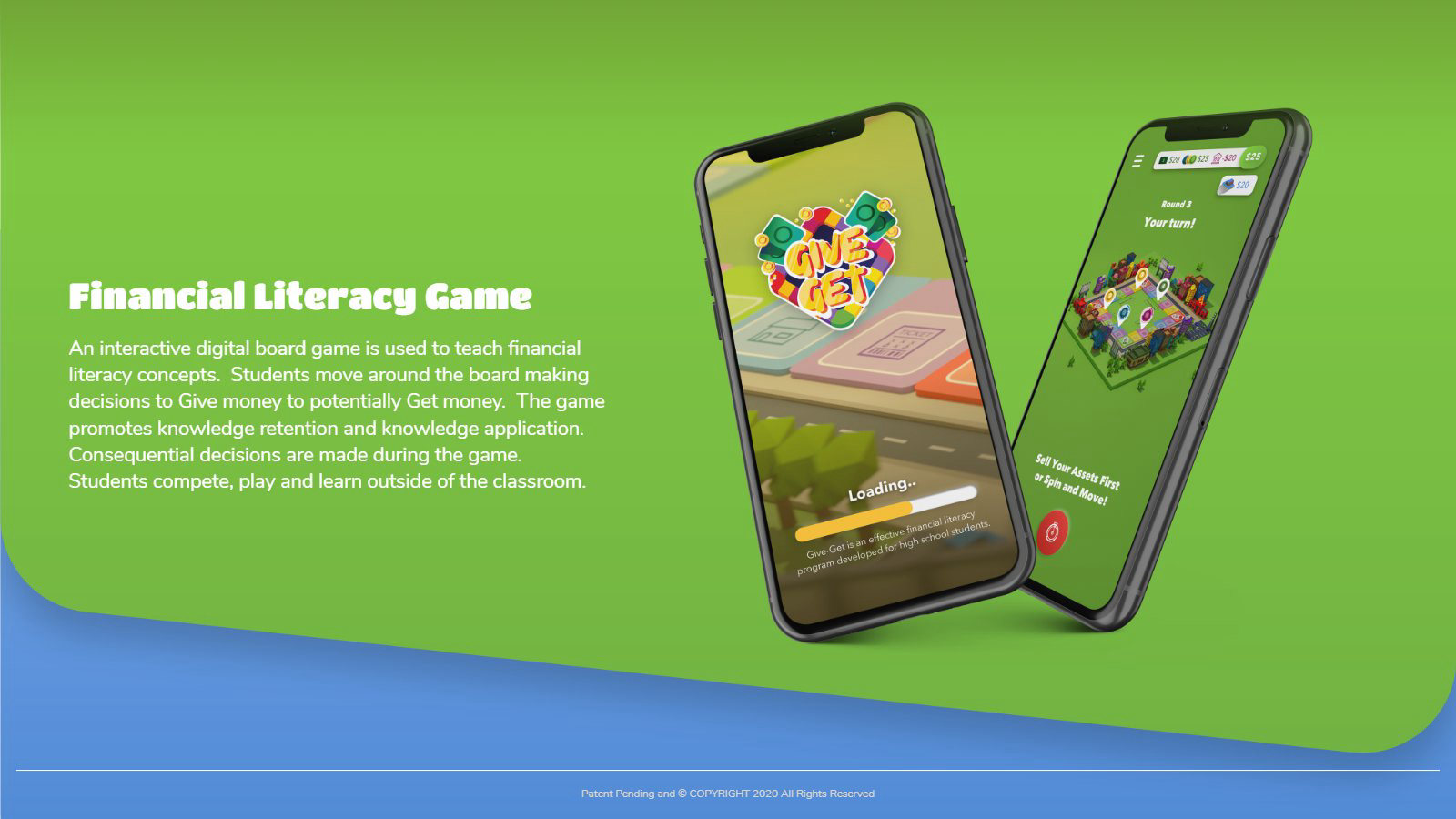
Financial literacy game
Content platform
National competition
Control your assets
Move and invest
Learn
How it works
Designed at Coreware Labs, Belgrade
Finance411
Thank you!